Automated Axis Locks
Power on to unlock. Power off or sleep to lock. The arms also fold flatter for transport.
Alternatives and More Options
Alternatives and More Options
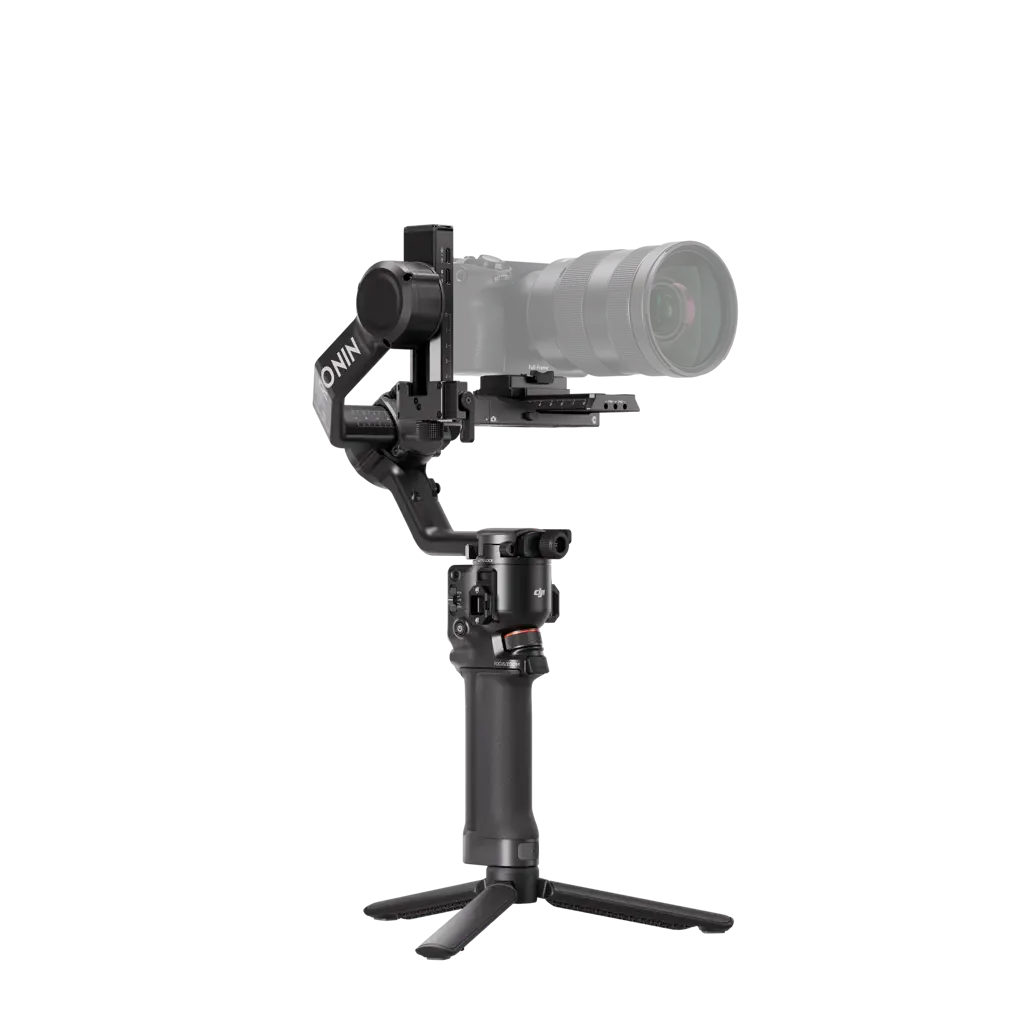
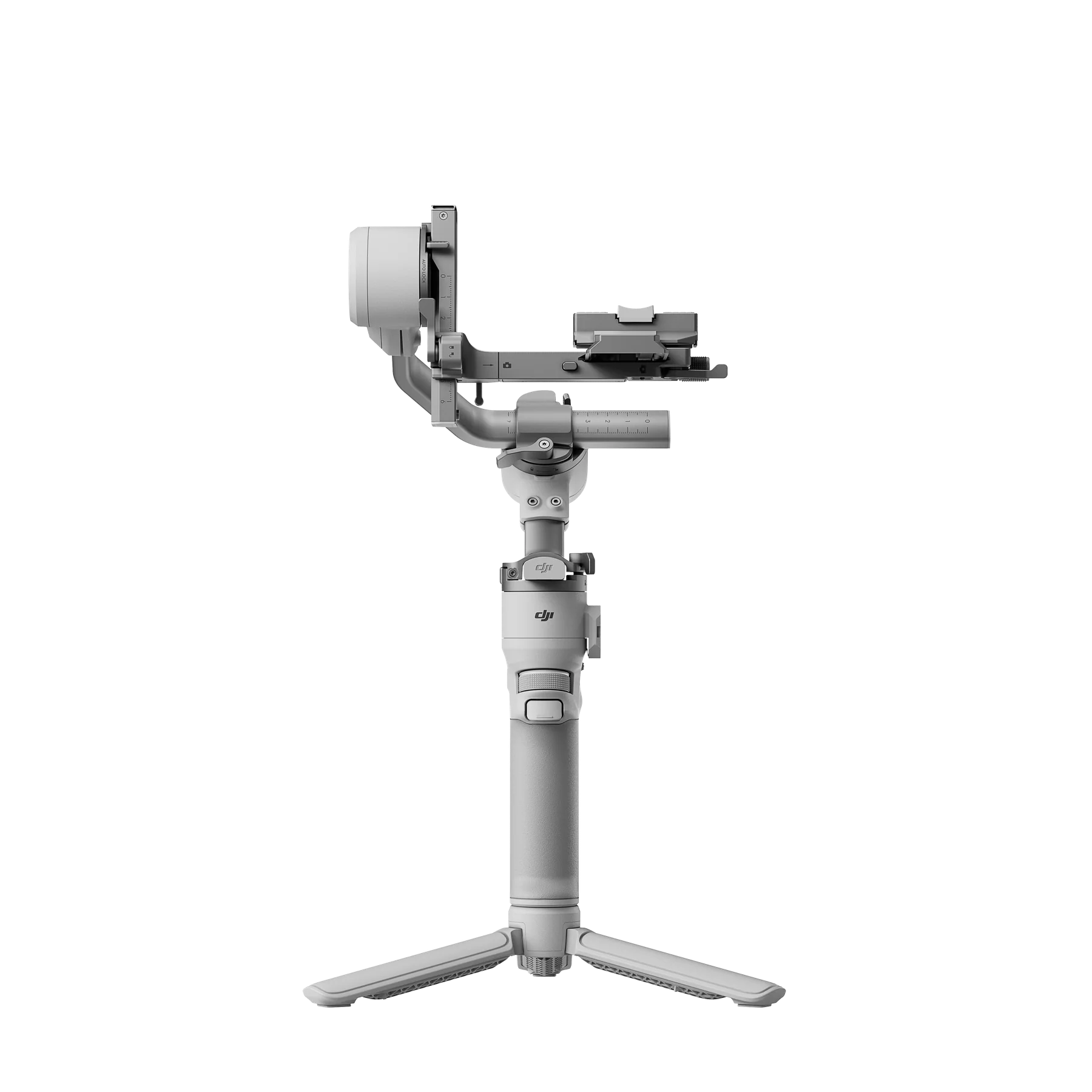
DJI RS 4 Mini weighs about 890 g, balances tested payloads up to 2 kg, and brings automated axis locks, fast native vertical shooting, and optional person tracking into a compact one-hand rig.
It suits mirrorless cameras, vlog cameras, and phones when the complete setup balances cleanly. The best package depends on whether you operate the camera, film yourself, or need low-angle movement.
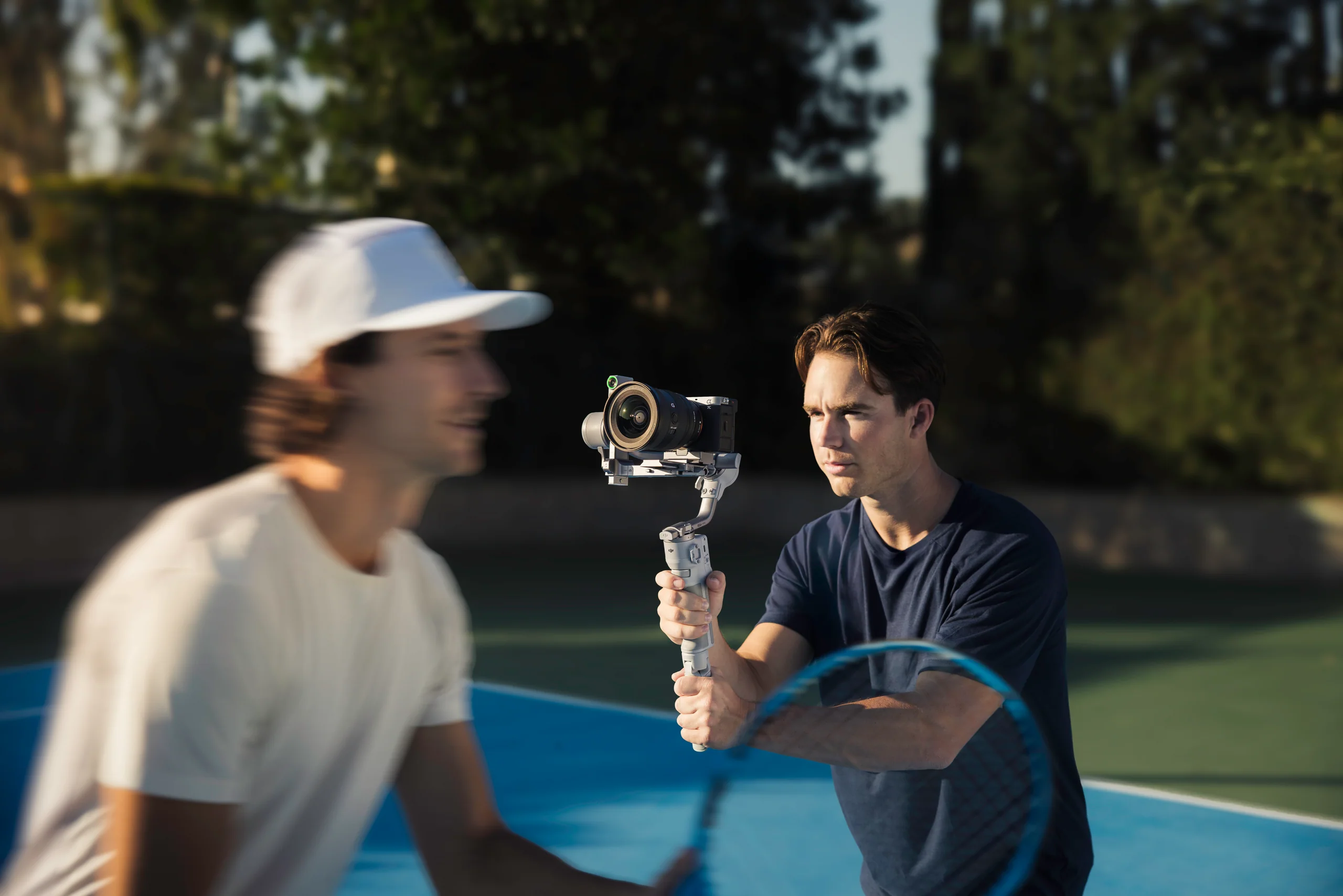
A rig can weigh less than 2 kg and still fail to balance because the lens is too long, a cage blocks plate travel, or a microphone hits the roll arm. Check the complete build before ordering.
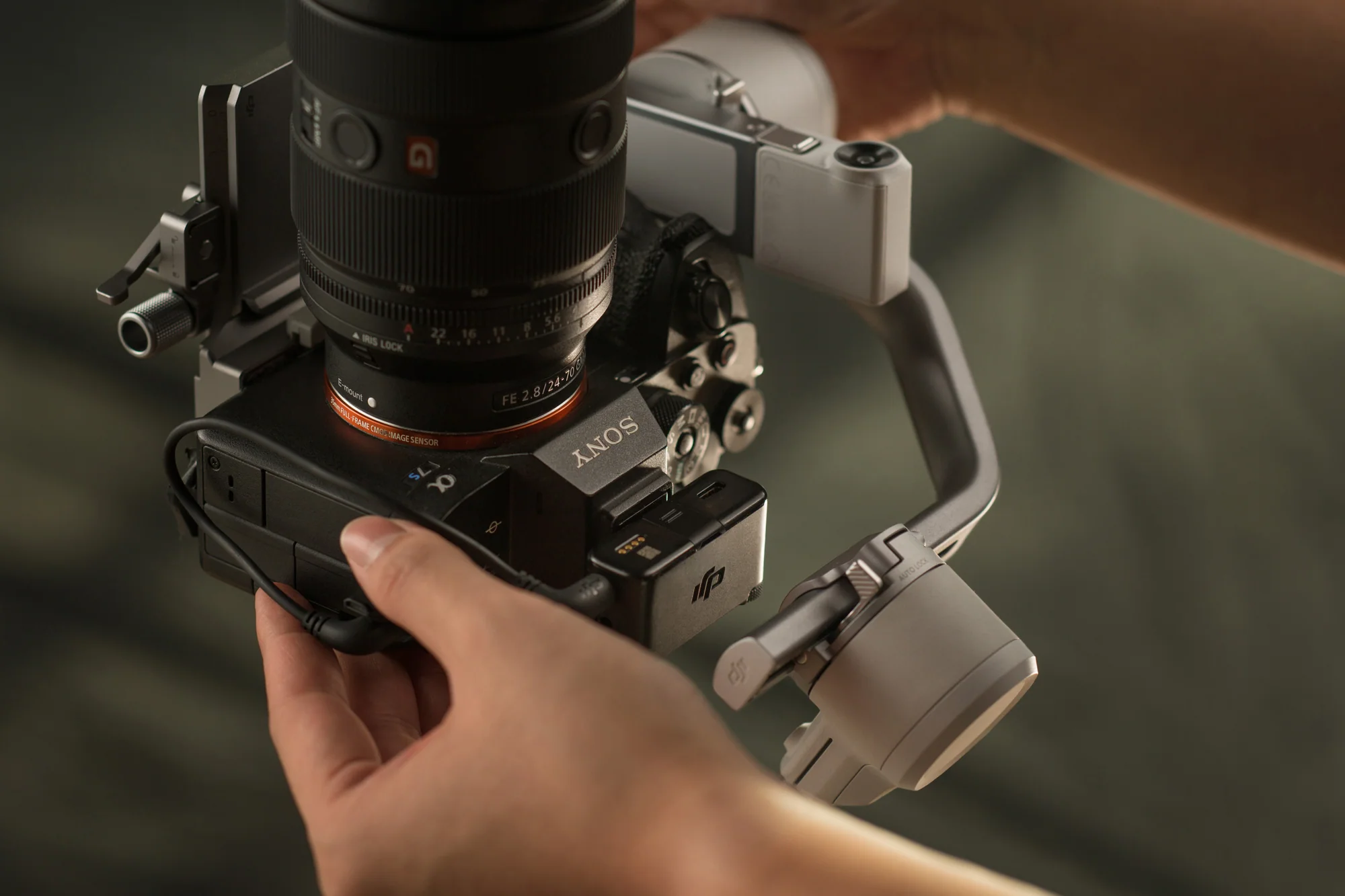
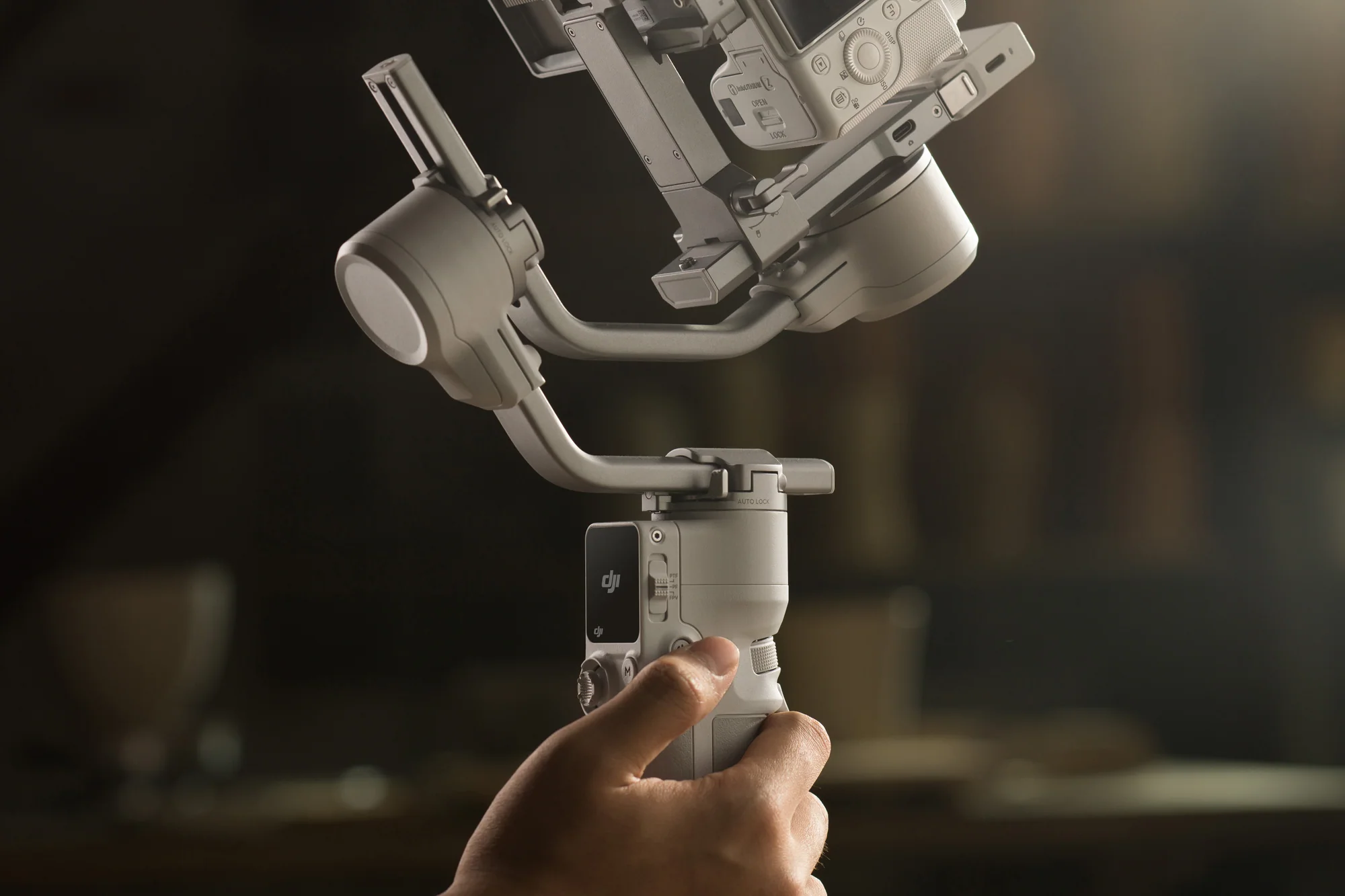
Automated locks handle the axes, Teflon surfaces reduce drag while balancing, and the vertical plate switch avoids rebuilding the camera mount.
Power on to unlock. Power off or sleep to lock. The arms also fold flatter for transport.
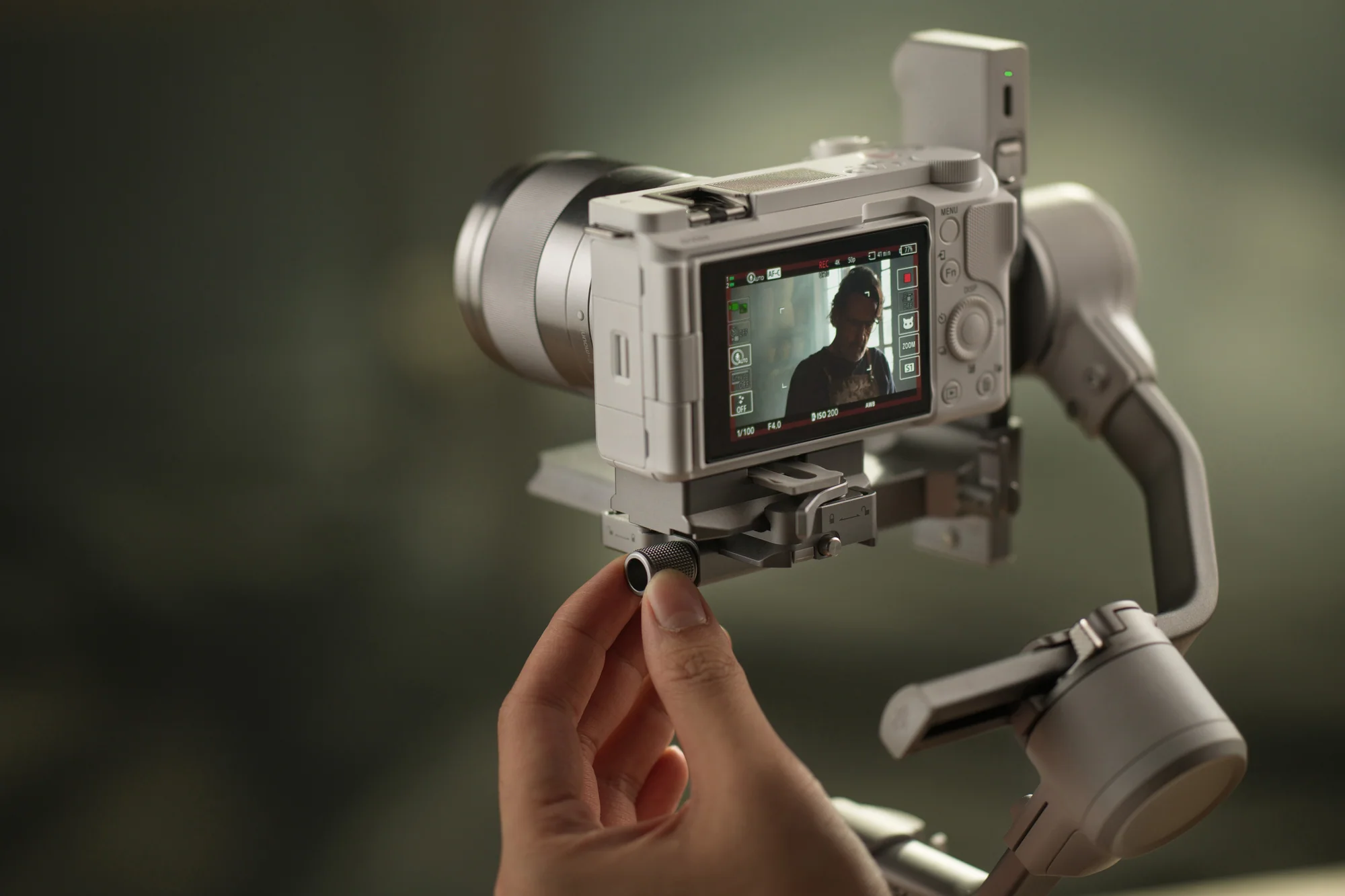
Teflon interlayers, a fine-tuning knob, and three plate positions help return the camera to known marks.
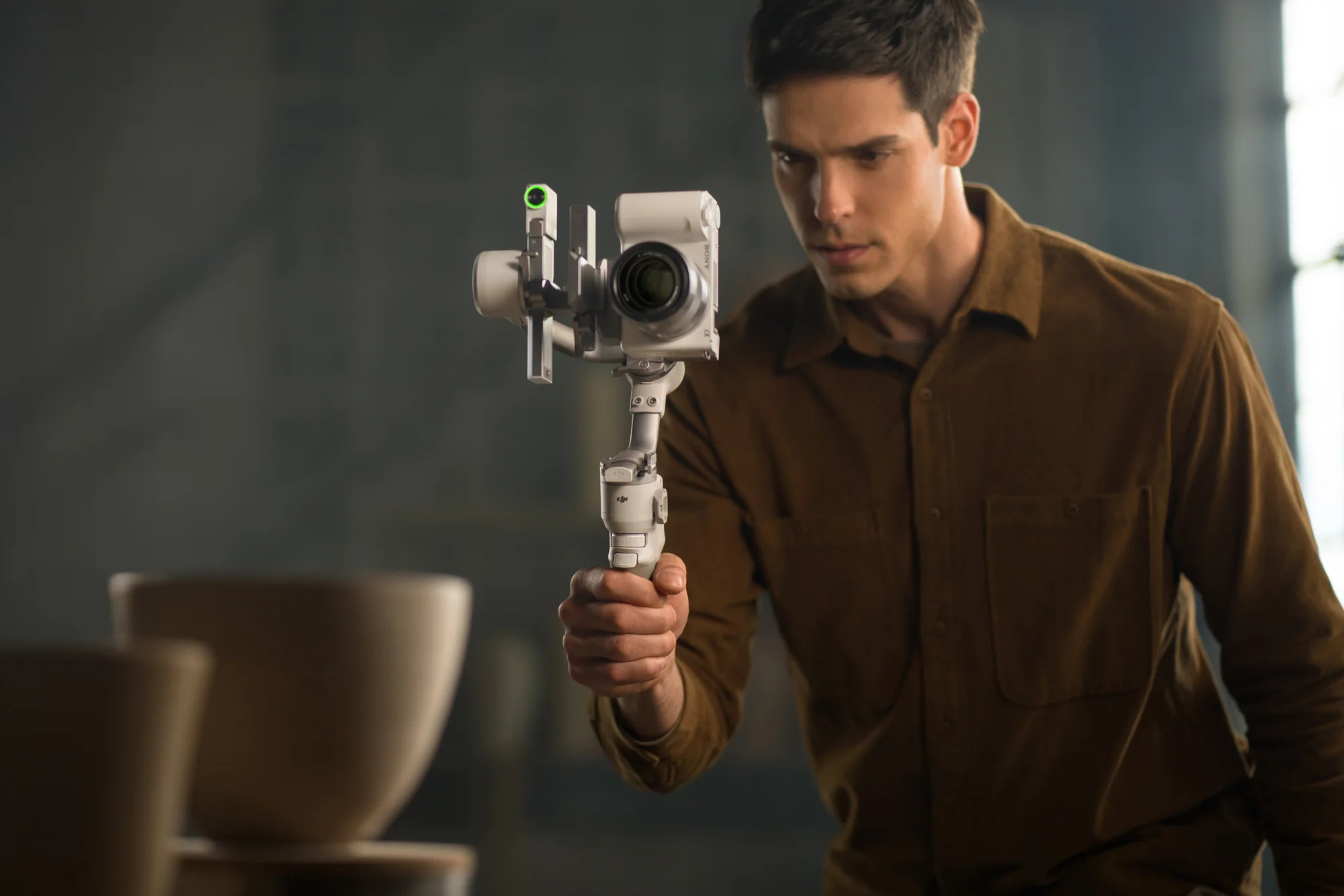
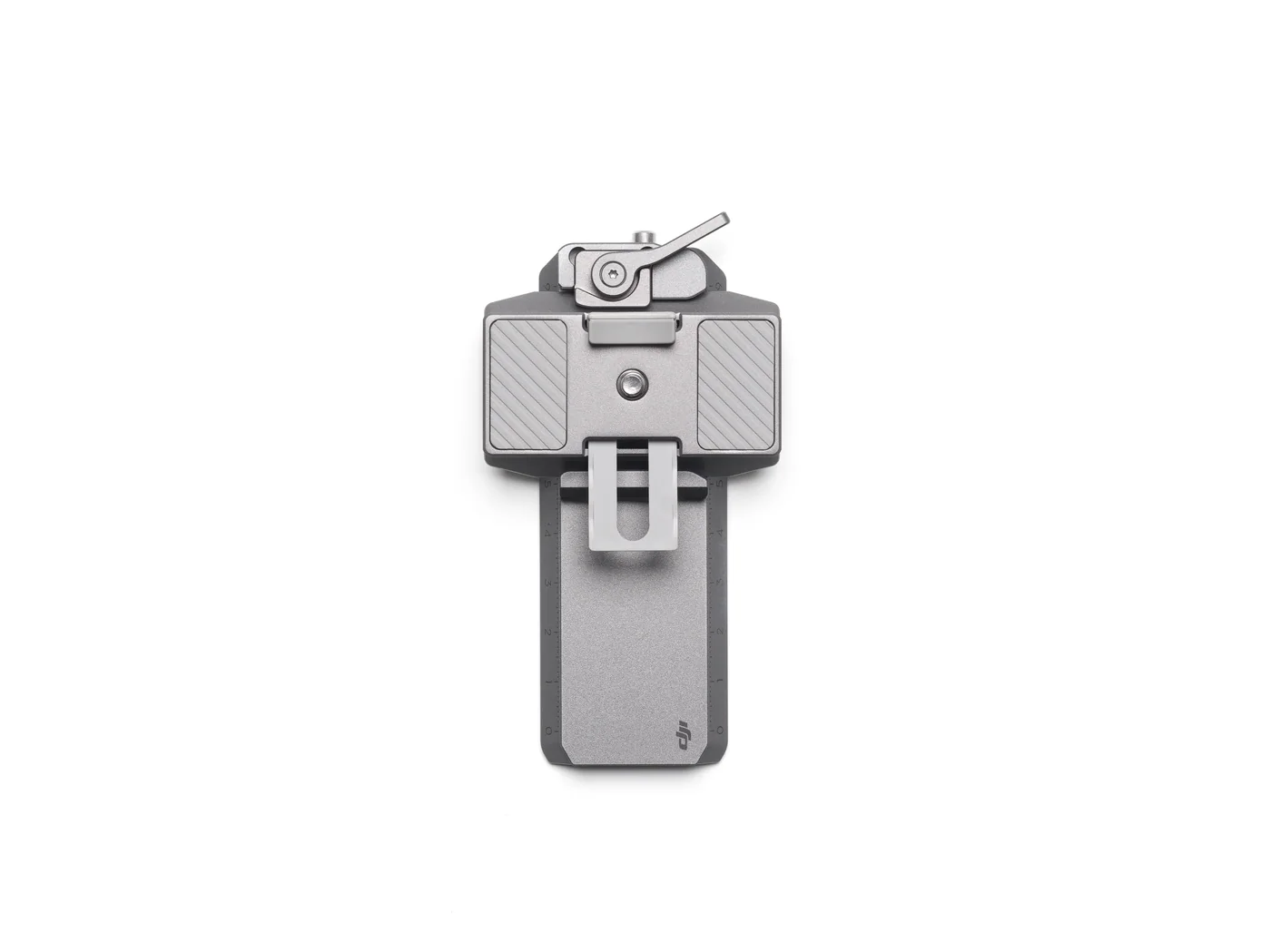
Rotate the plate to record vertical video without a separate vertical camera mount.

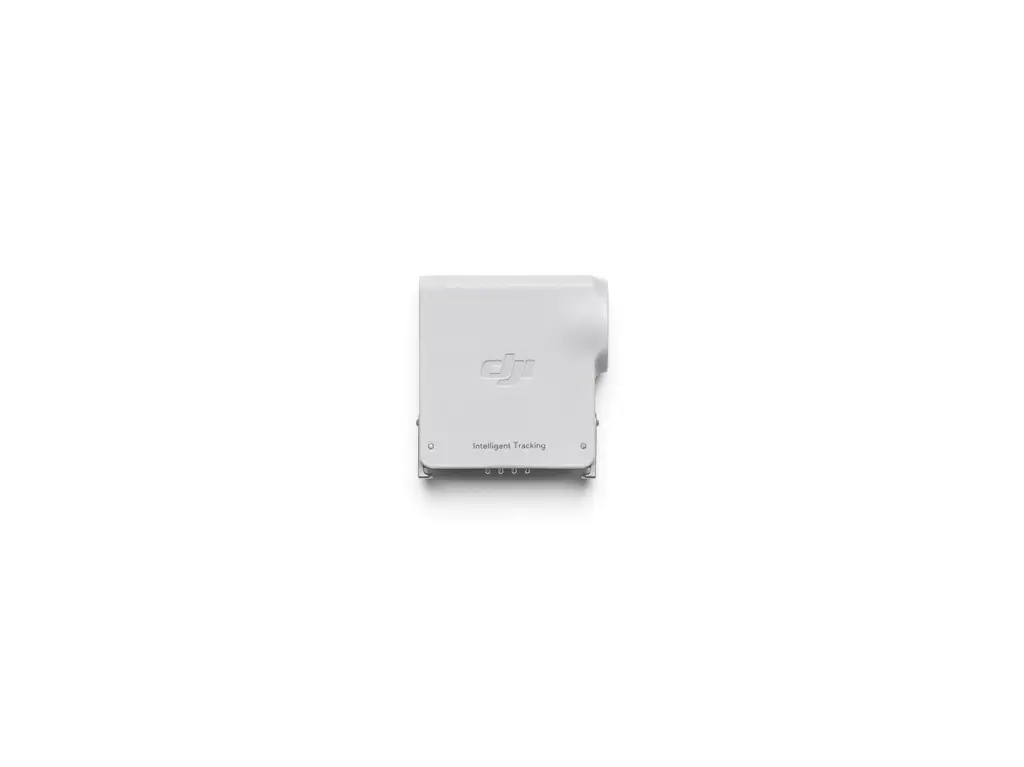
The magnetic RS Intelligent Tracking Module follows a human subject from 0.5 to 10 m in suitable light. Press the gimbal trigger or show an open palm to start or stop tracking; use a V gesture to start or stop recording.
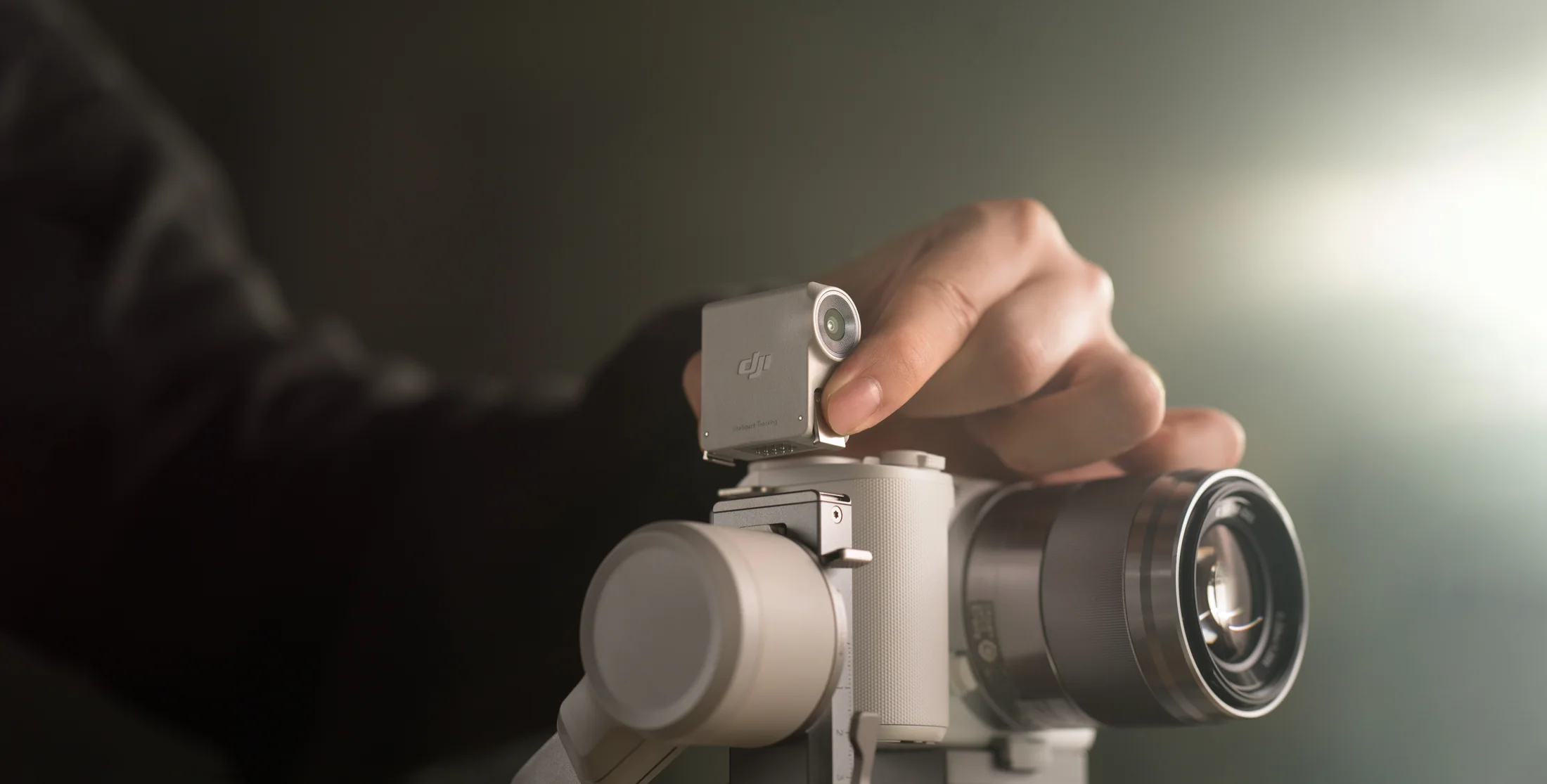
Responsive mode reacts quickly for fast orbit shots. Smooth mode softens starts and stops for regular follow work. PF, PTF, FPV, 3D Roll 360, and Custom modes cover the rest.
Responsive mode keeps pace when circling a person, product, or performance.
Smooth mode works for walking, profiles, and controlled lateral movement.
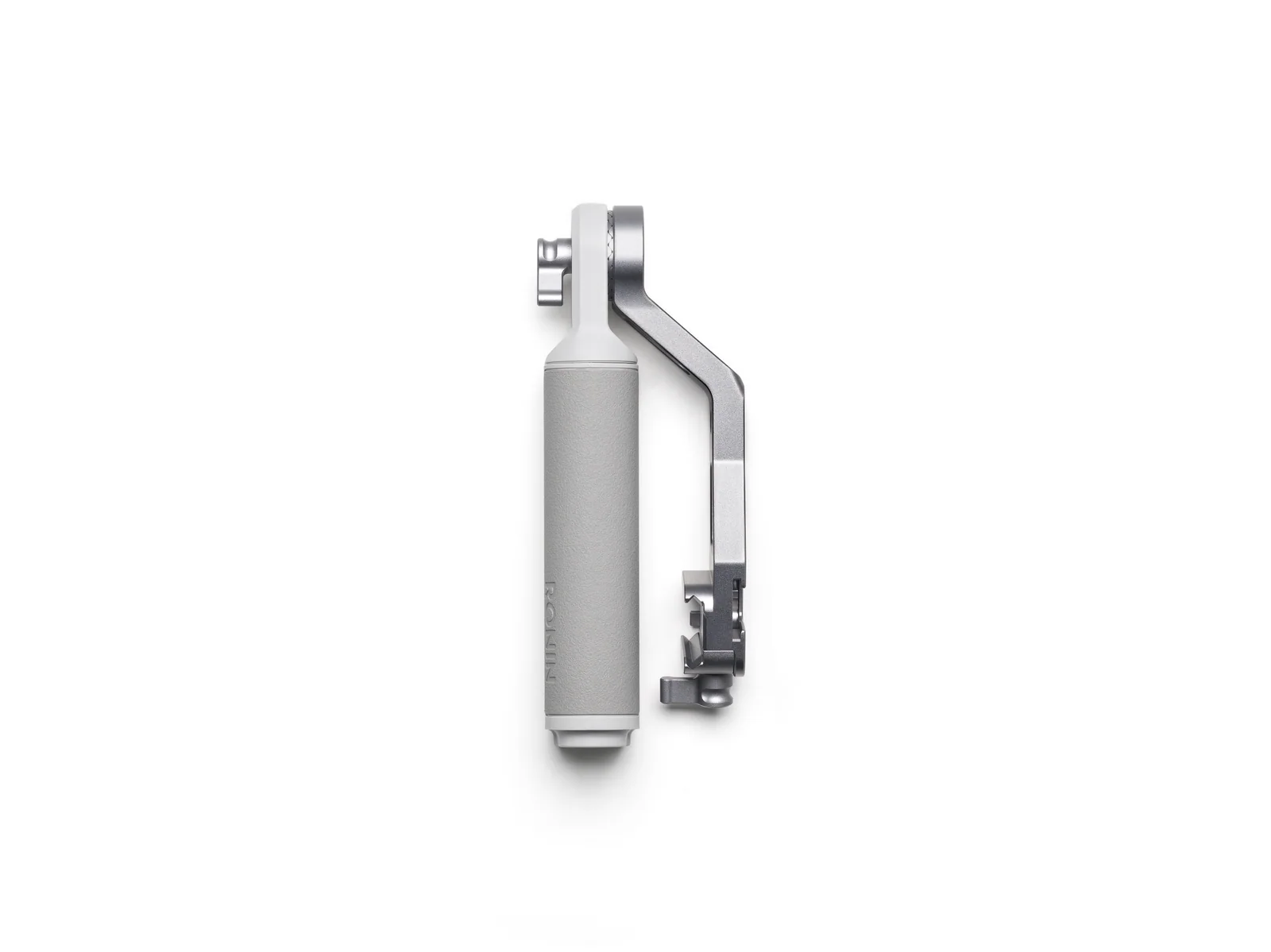
The Combo handle changes grip position for floor-level passes and movement near a table.
Pan Follow supports doorways, foreground wipes, and subject introductions.
Use the native plate position for reels, interviews, fashion, and social product work.
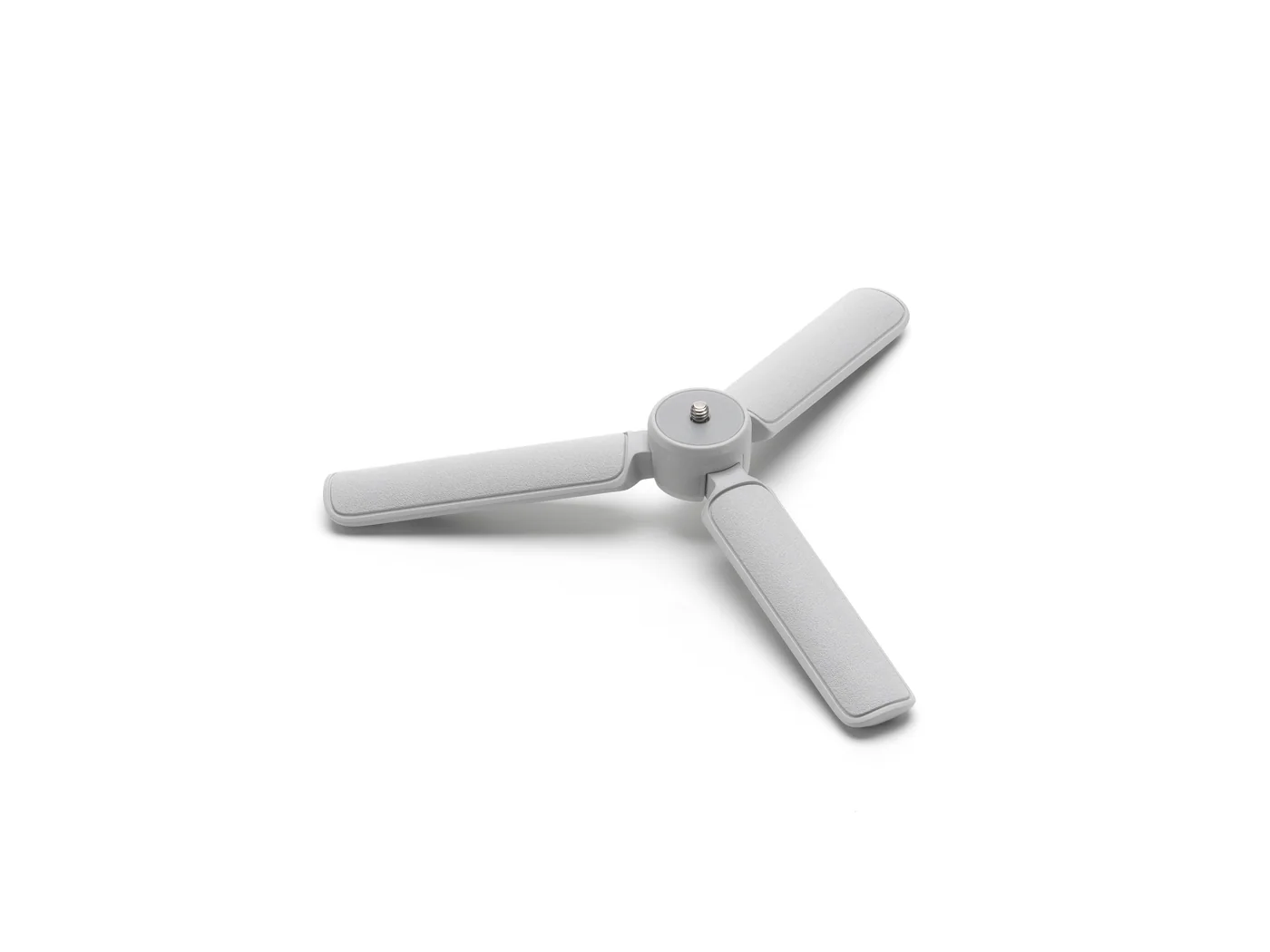
Place the gimbal on its tripod and let the module follow one presenter in a clear set.

Pair a compatible camera once, then use the record button for start and stop. The joystick can control supported power zoom or Sony Clear Image Zoom. A front dial can handle focus, camera settings, or a gimbal axis.
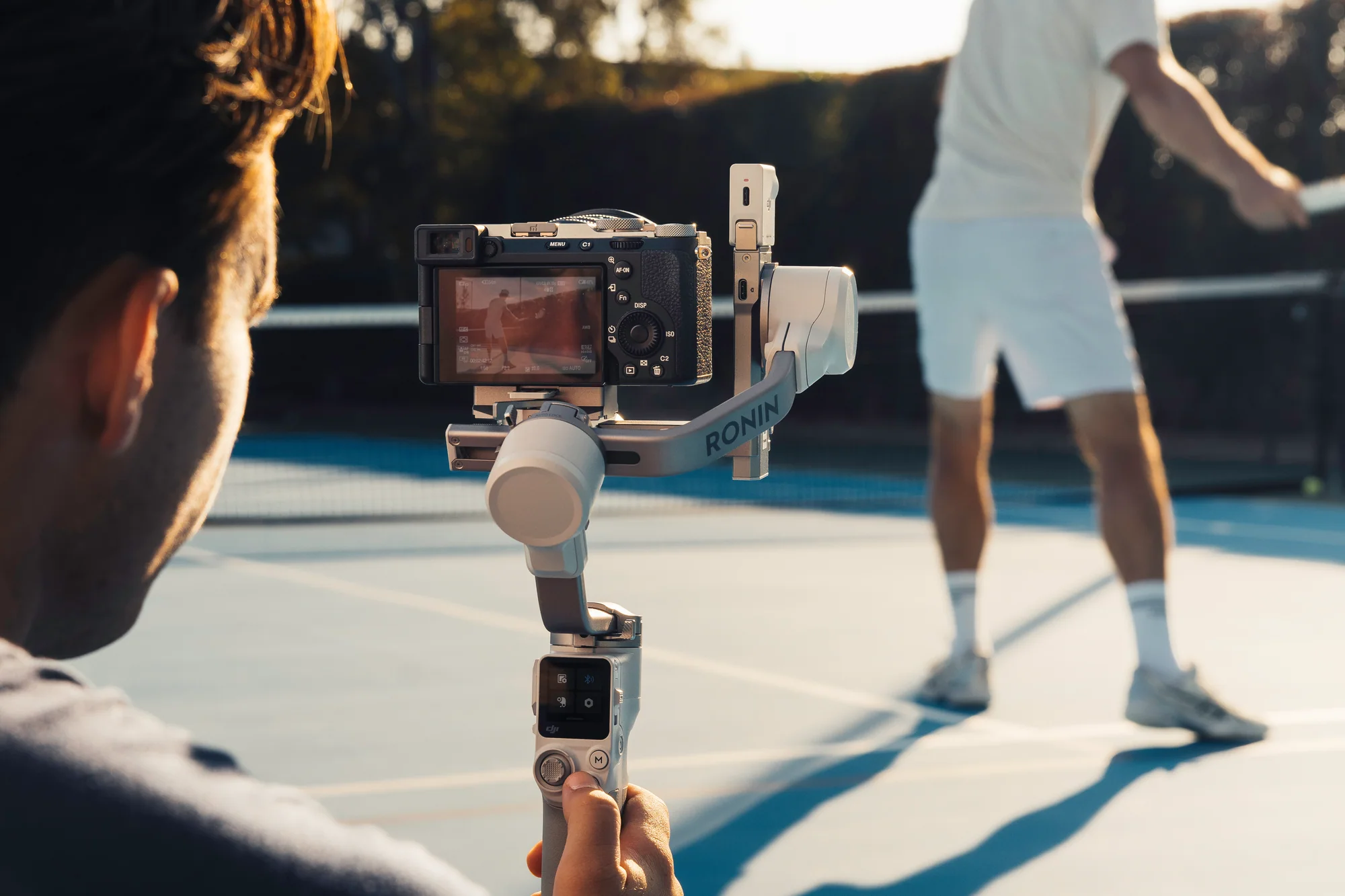
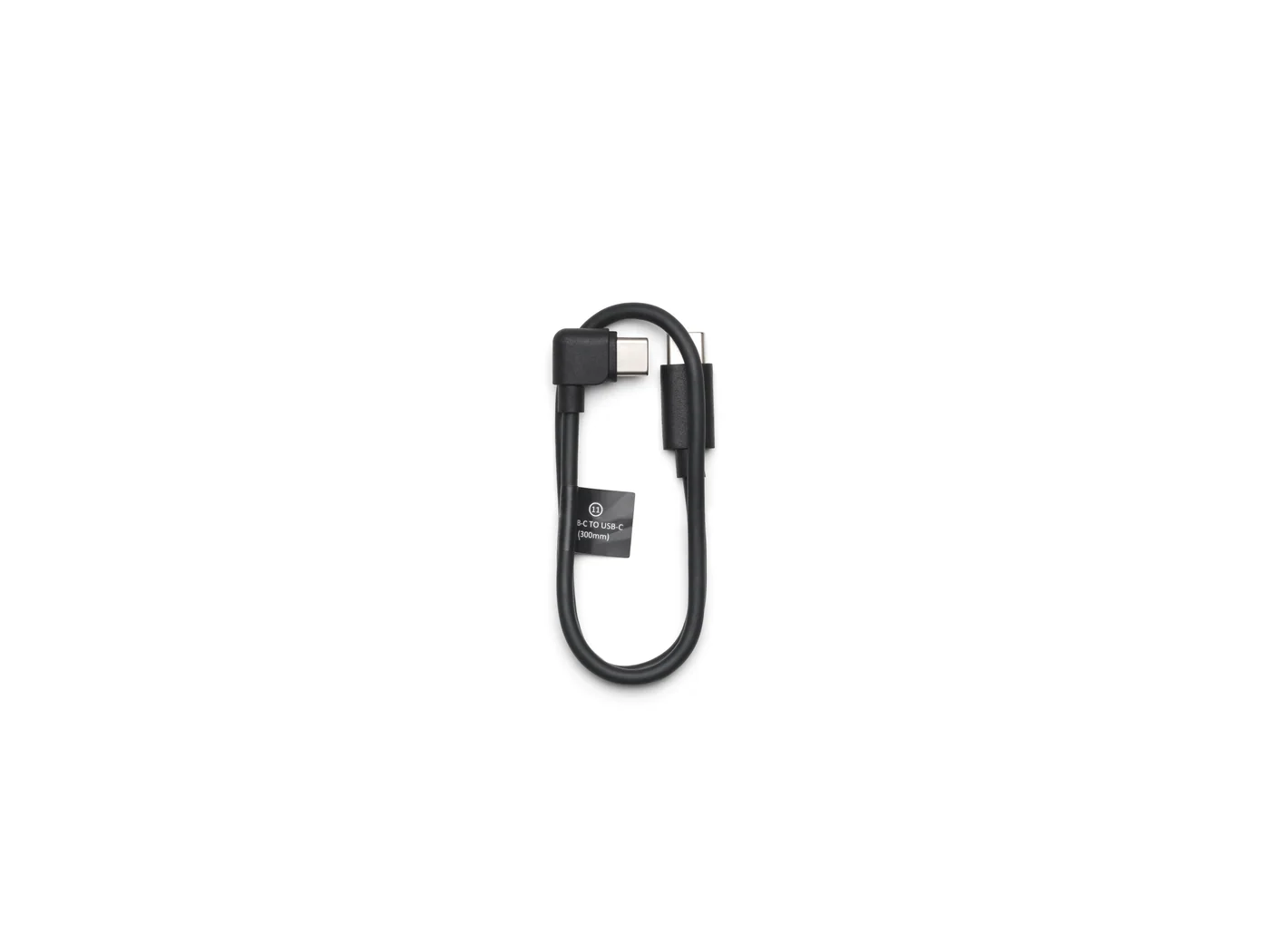
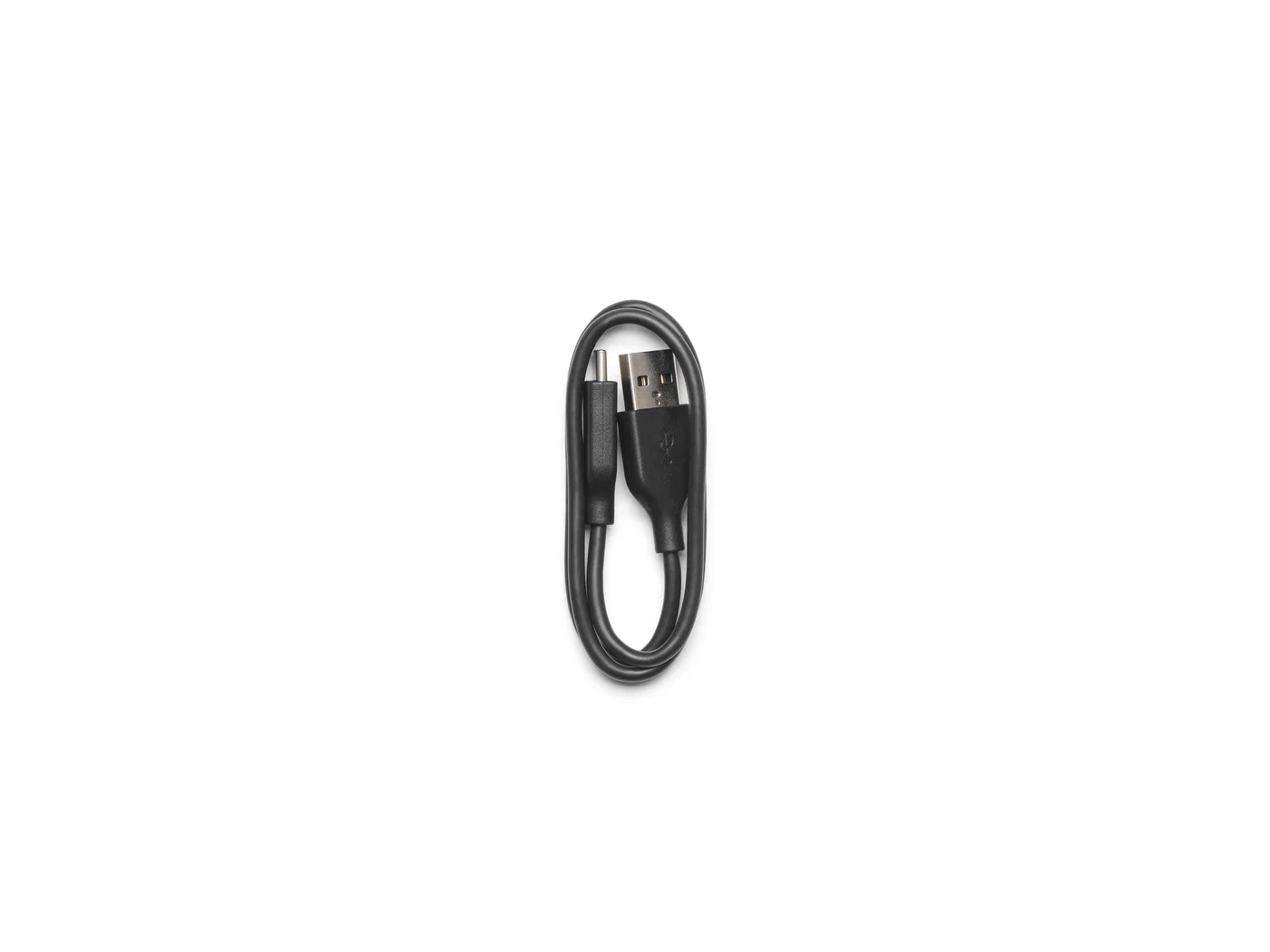
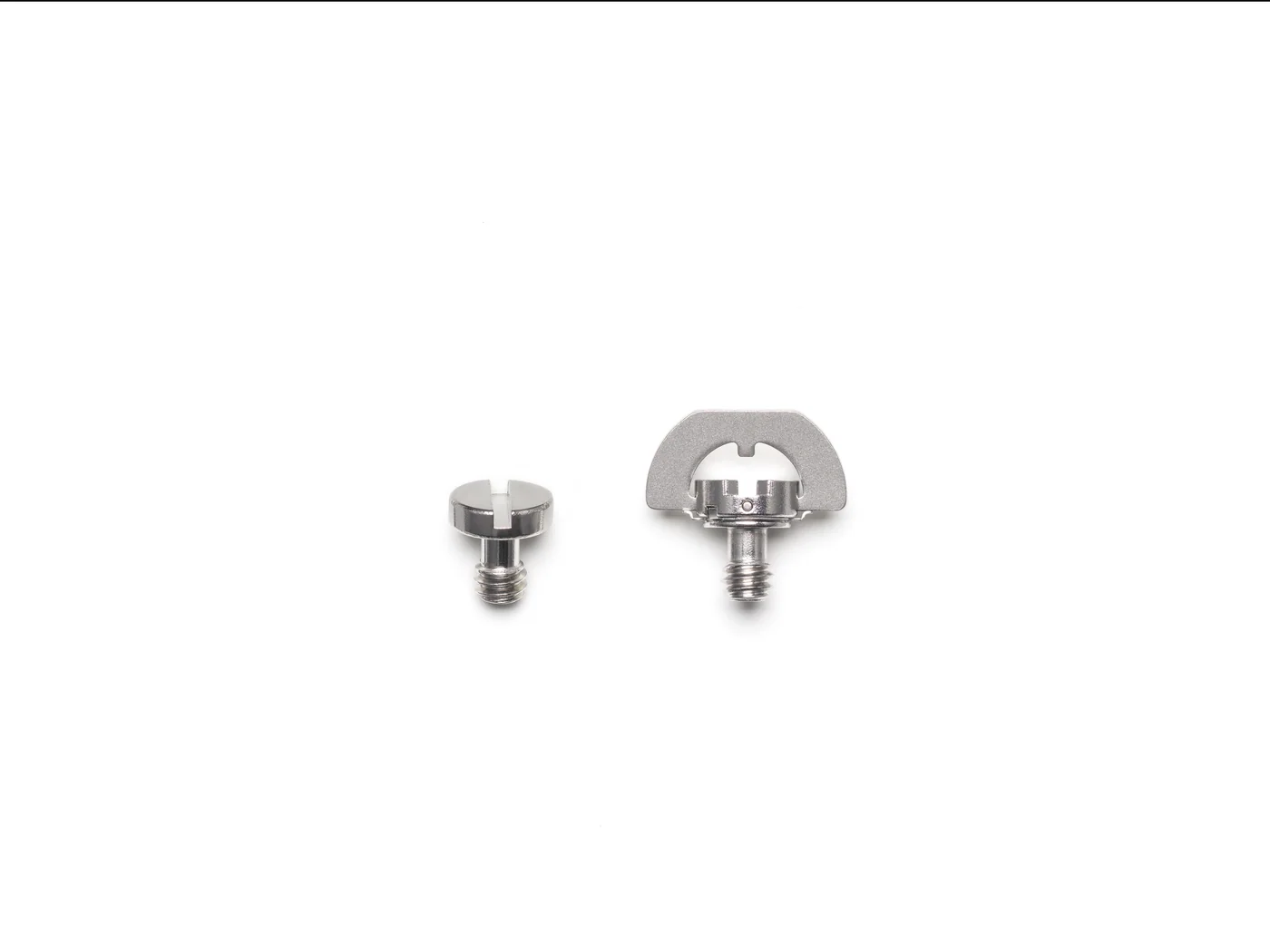
Both packages use the same gimbal, plate, tripod, camera-control cable, charging cable, and screw kit. Combo adds person tracking and the low-angle handle.
| Package | Price | Availability | Included | Best For |
|---|---|---|---|---|
| DJI RS 4 Mini | $369 | In stock | Gimbal, plate, tripod, control cable, charging cable, and screw kit | Operators who frame the shot and do not need automatic subject tracking |
| DJI RS 4 Mini Combo | $429 | In stock | Standard kit plus RS Intelligent Tracking Module and Mini Briefcase Handle | Solo filming, fixed-position tracking, orbit moves, and low-angle work |
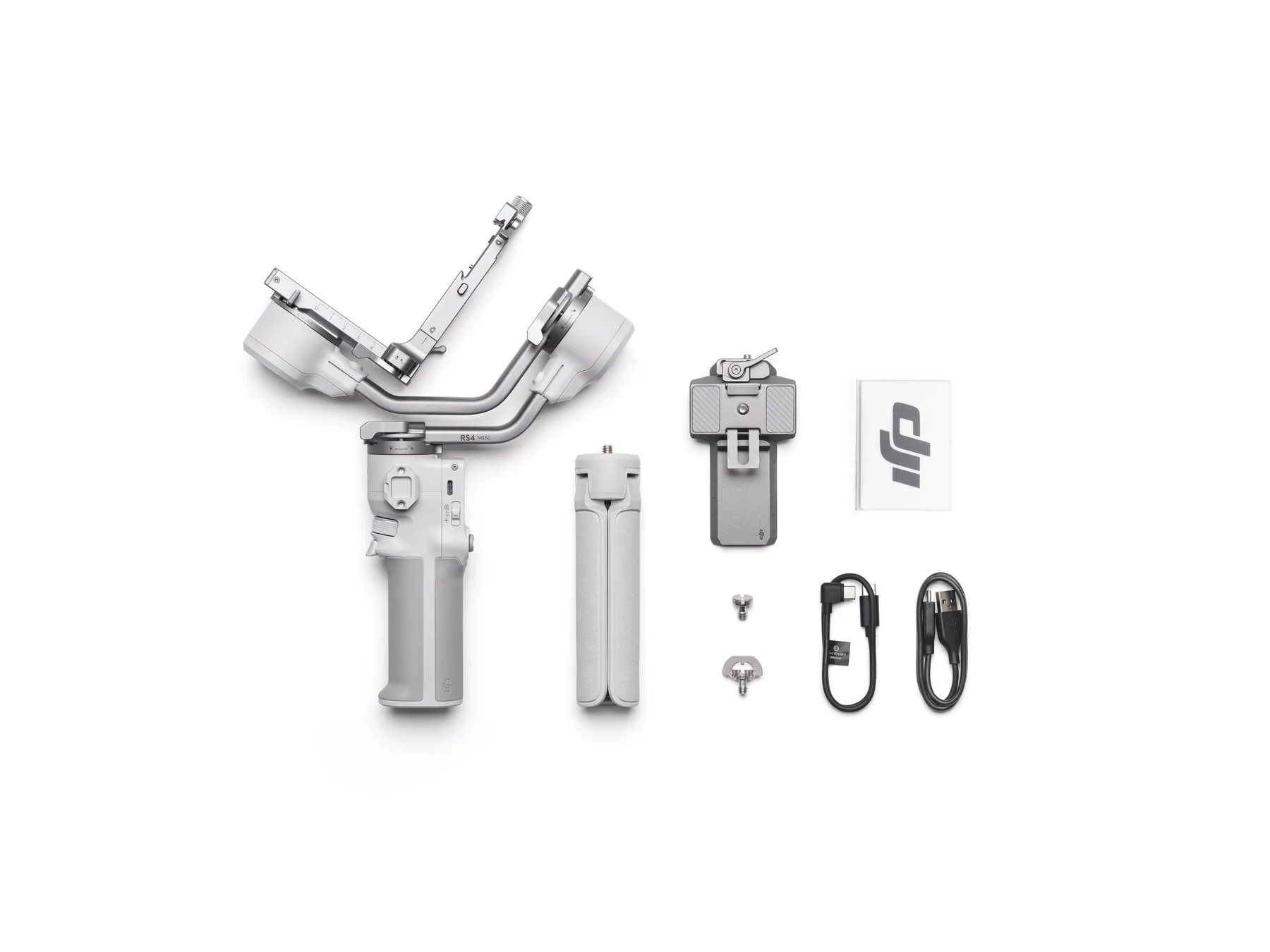
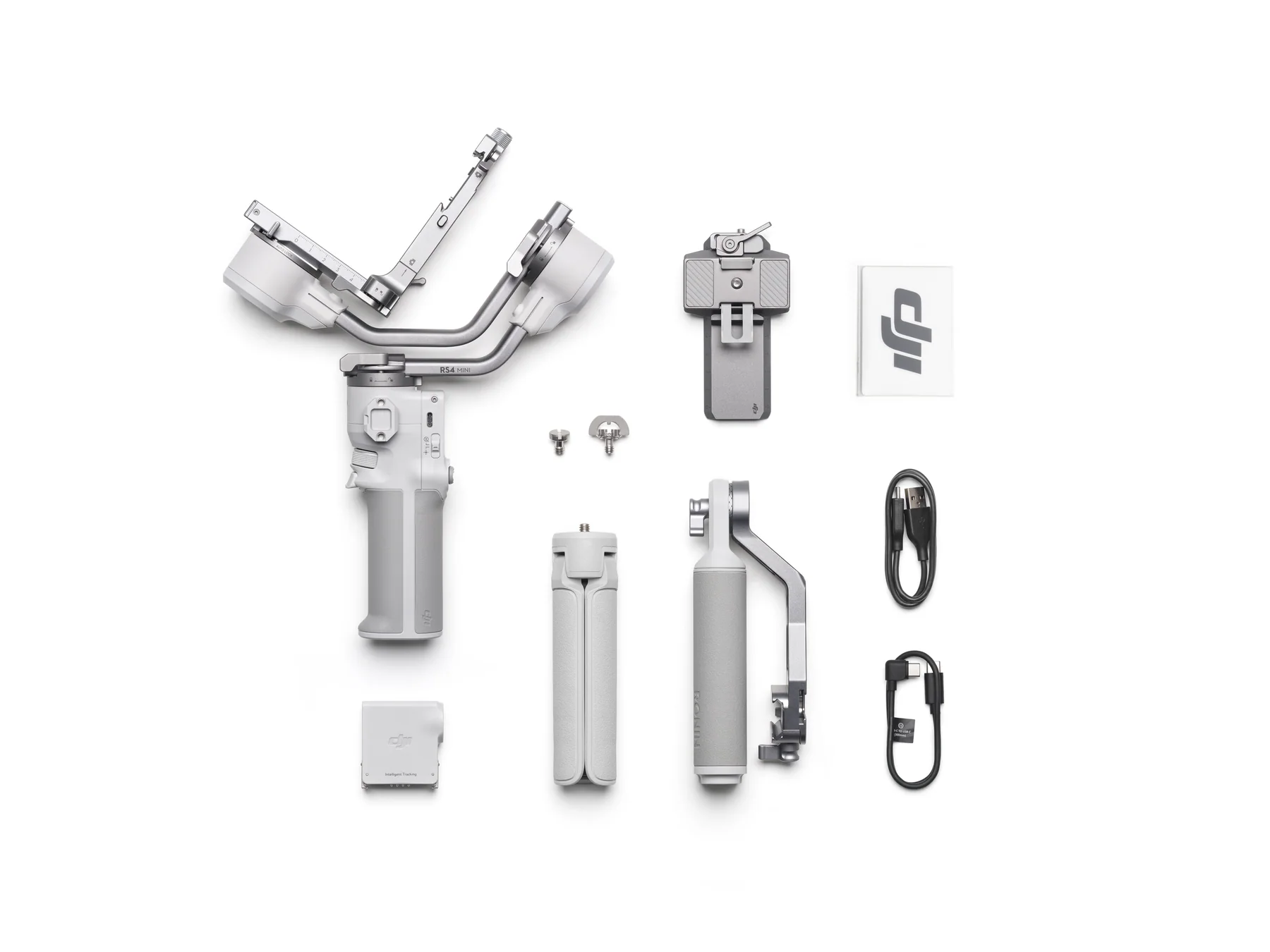
Five common productions and five less obvious uses that take advantage of compact carry, native vertical capture, low-angle grip, and fixed person tracking.
Walk entrances, aisle moves, portraits, and reception details with a compact full-frame or APS-C camera.
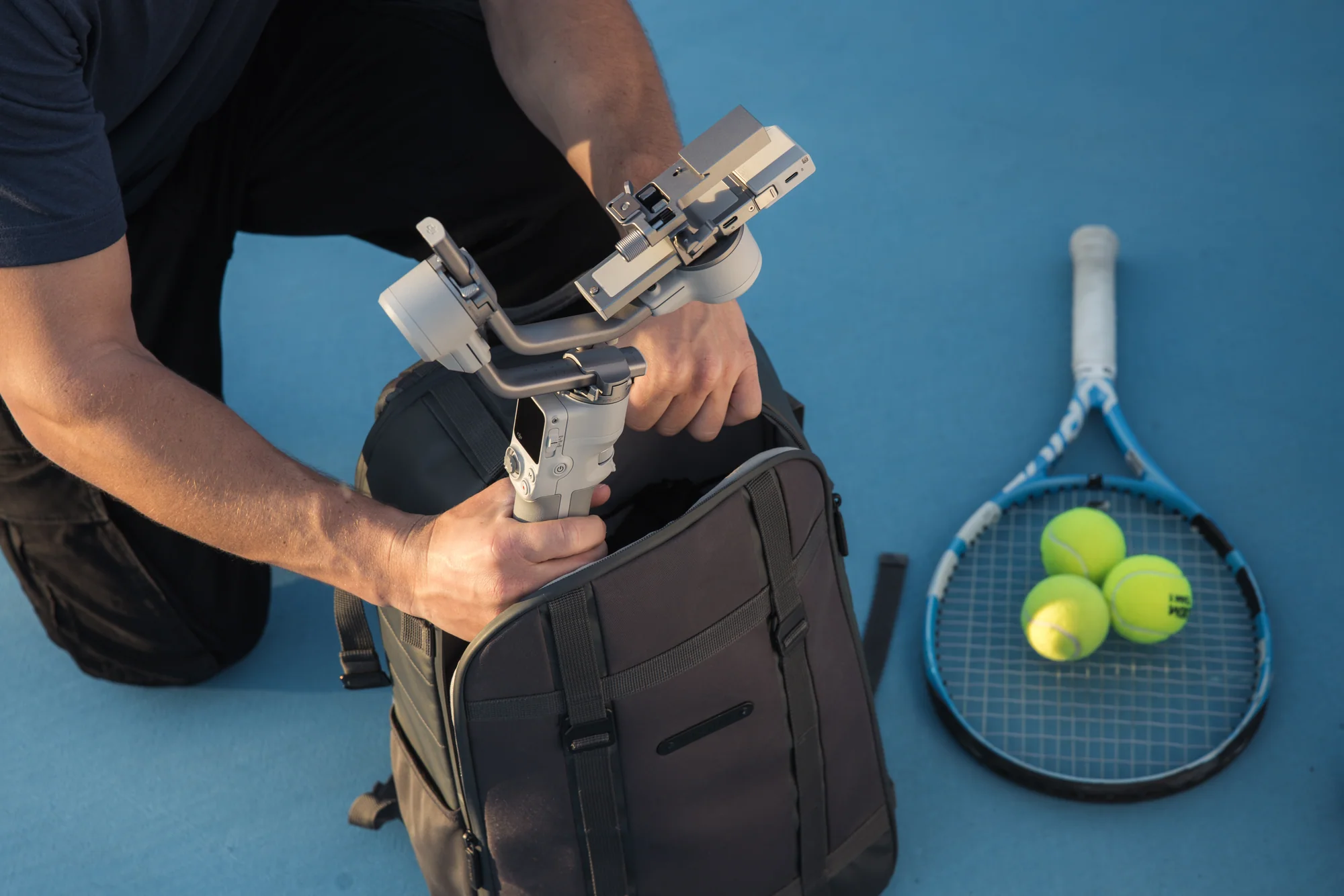
Carry the folded gimbal in a small camera bag, then use follow, reveal, and orbit shots without building a large rig.
Switch the camera plate to vertical in about 10 seconds and record natively for 9:16 delivery.
Use slow push-ins, parallel moves, and controlled reframing around a seated or working subject.
Move through crowded production spaces with a lighter rig and change follow response from the touchscreen.
Lock the gimbal on its tripod, attach the tracking module, and stay framed while demonstrating a process with both hands.
Track a single athlete through repeatable footwork, swing, skating, or movement drills from a safe fixed position.
Build a repeatable sequence of doorway reveals, room entries, low passes, and vertical social cut-downs.
Use the briefcase handle for table-height movement, then switch to fixed tracking when the presenter steps through the set.
Record stable reference passes of a venue, set, aisle, or stage so the production team can compare access and camera paths later.
Buying guidance plus all 37 answers from the product FAQ: setup, controls, camera connections, accessories, and intelligent tracking.
The complete balanced payload must stay between 0.4 and 2 kg, but weight alone is not enough. Camera width, lens length, zoom extension, cage shape, microphone position, plate clearance, and cable routing all affect balance. Send us the exact body, lens, cage, filter, microphone, and plate for a compatibility check.
Choose Standard when you operate the camera and mainly need stabilization. Choose Combo when you film yourself, need a fixed camera that follows one person, or want the compact briefcase handle for low-angle work.
No. The Combo includes the RS Intelligent Tracking Module and RS 4 Mini Briefcase Handle. The RS 4 Mini Phone Holder is a separate accessory.
No. The RS Intelligent Tracking Module supplied with the Combo is designed to follow one person. It does not track animals, vehicles, or objects.
Yes. Rotate and reinstall the standard quick-release plate for native vertical capture. A separate vertical camera mount is not required.
Compatible cameras can start and stop recording through Bluetooth or a supported camera-control cable. Available functions depend on the exact camera and firmware.
Check Ronin camera compatibilityThe built-in battery is rated for up to 13 hours while the gimbal is balanced, level, and stationary. A 30-minute fast charge provides up to five hours of rated use. Real moving runtime varies with the rig, movement, accessories, and temperature.
Power on DJI RS 4 Mini and select a language. Enable Bluetooth on your phone, open the DJI Ronin app, then register or sign in to your DJI account.
Tap Connect, select DJI RS 4 Mini, and enter the default password 12345678. Follow the on-screen steps to activate it. After activation, press the power button once to wake the gimbal from sleep mode.
Your phone must be online during activation. The gimbal can be used five times before activation becomes mandatory.
Power on the gimbal, open the DJI Ronin app, tap Connect to Gimbal, and select DJI RS 4 Mini. When new firmware is available, tap Update Now and keep the gimbal powered on with the app open until the update finishes.
If the update fails, restart the gimbal and try again.
Watch the DJI RS 4 Mini tutorialNo. Keep the gimbal away from water and dust to avoid damage.
DJI RS 4 Mini is primarily made from aluminum alloy and plastic.
No. The touchscreen brightness is not adjustable.
Power button — hold to power on or off; press once or twice to sleep or wake; press once while powered off to check battery level.
Trigger — hold for Lock or FPV mode; press twice to recenter; press three times for Selfie mode.
Camera control button — half-press for autofocus; press once to start or stop recording; hold to take a photo on compatible cameras.
Joystick — move up or down for supported Sony PZ or Clear Image Zoom, or to control tilt; move left or right to control pan.
M button — press once for a customizable photo or C1/Fn1 command; hold for Sport mode; hold M and press the trigger twice to stay in Sport mode; hold M and the trigger to start auto tune.
Front dial — electronic focus by default, with other functions available from the touchscreen.
Press the power button once to display the current battery level.
PF follows grip movement on the pan axis and suits orbit, side-to-side, and reveal shots.
PTF follows on the pan and tilt axes for rising, descending, and diagonal movement.
FPV follows on all three axes for more immersive rotational movement. 3D Roll 360 turns the tilt axis 90 degrees so the joystick can rotate the pan axis through a full roll. Custom mode lets you choose which axes follow.
No. DJI RS 4 Mini is not compatible with the DJI expansion base kit and should not be used for vehicle-mounted shooting.
Yes. Attach the standard quick-release plate to the vertical arm. No separate vertical camera mount is required, and you can switch between horizontal and vertical capture for different delivery formats.
Watch the vertical setup tutorialMove the quick-release plate to the vertical arm, unlock the axes, and balance the mounted camera before running auto tune.
Watch the DJI balancing tutorialSwipe down from the touchscreen home page, open Settings, scroll down, and select Restore Parameters. This area also lets you change the Bluetooth password. Restored parameters include motor stiffness, follow, and joystick settings.
Yes. Use the included USB-C cable with a 30 W or higher PD charger for fast charging.
Yes. The gimbal can operate while connected to power.
The side NATO port accepts accessories such as the RS 4 Mini Briefcase Handle, a fill light, or a microphone. The bottom 1/4-inch thread connects to tripods and other compatible support hardware.
The front dial can control focus, compatible camera settings such as ISO, aperture, and shutter, or movement on the gimbal's roll, pan, or tilt axis. Camera controls require a supported Bluetooth connection or camera-control cable.
Check Ronin camera compatibilityFor Bluetooth control, enable Bluetooth and remote control on the camera. Swipe down on the gimbal touchscreen, tap the Bluetooth icon, and choose the camera. Enter the camera's linking password if requested. The icon turns blue after connection.
The gimbal connects to one camera at a time and disconnects the previous camera when a new one is paired.
For wired control, connect the correct camera-control cable between the camera shutter-control port and the gimbal camera-control port. Some camera-specific cables are sold separately.
Check camera functions and setupBluetooth functions vary by camera model and firmware.
Check the Ronin compatibility listAvoid using a cage unless its dimensions and mounting points have been confirmed. Point the curved placement guide toward the lens and press it firmly against the camera body before tightening the D-ring screw.
If the screw does not align with the camera mounting hole, rotate the plate 180 degrees so the guide faces the camera screen, flip the screen out of the way, and tighten the screw.
Accessory compatibility varies across the RS line.
Open DJI's RS universal accessories listNo. DJI RS 4 Mini does not support Ronin series focus motors.
No. The LiDAR Range Finder is not supported.
No. The Ronin Image Transmitter is not supported.
No. The DJI RS 3D Focus System is not supported.
No. The supplied RS 4 Mini quick-release plate is not designed for use on other gimbals.
Install the DJI RS Intelligent Tracking Module and keep the person within its detection range. Press the trigger once or show an open palm to start or stop tracking. The module is included with the Combo and sold separately for the Standard package.
Watch the tracking tutorialThe USB-C port on the RS Intelligent Tracking Module is used only for firmware updates.
Lock the gimbal axes first. Press the module's latches and attach its magnetic mount to the RS 4 Mini tilt axis.
Download the tracking-module firmware package from the DJI RS 4 Mini download page. Connect the module to a computer by USB-C and copy the .bin file to the root of the module drive.
Eject the drive before disconnecting on macOS. Reconnect the module to the computer to start the update. The status light alternates red and green during the update and turns solid red when complete.
Open DJI RS 4 Mini downloadsIntelligent tracking works in PF and PTF modes. It is not supported in FPV mode.
The RS Intelligent Tracking Module detects people only. It does not track animals, vehicles, or other subjects.
The module tracks one person at a time.
Center Subject moves the tracked person to the middle of the frame when tracking begins. Keep Current Framing preserves the composition that was set when tracking started.
Show an open palm with either hand to start or stop tracking. Show a V sign with either hand to start or stop recording. Gesture control can be disabled from the gimbal screen.
Camera, lens, and shooting-distance differences can prevent perfect centring. Use the joystick to correct the composition when needed.
In flashlight mode or during low-angle tracking, keep the battery grip or briefcase handle pointing in the same direction as the lens. Reversing the grip direction can cause uncontrolled sway.
Avoid strong backlight, which can make the module lose the subject. For more reliable recognition, use tracking in scenes with three people or fewer.
Creator Armoury covers consumer imaging gear. SkyFlow's specialist stores handle larger aircraft, commercial payloads, and field deployments.
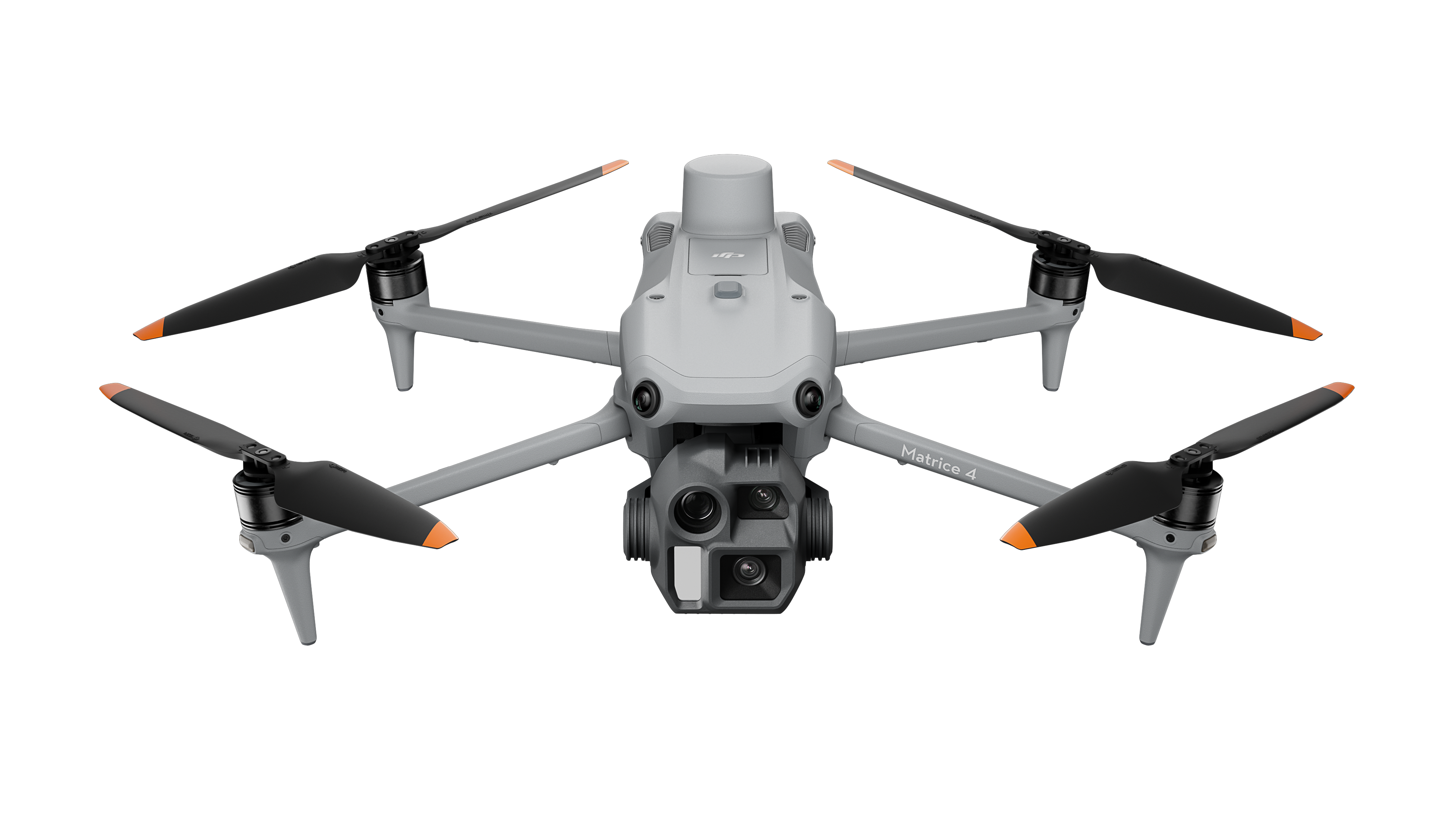
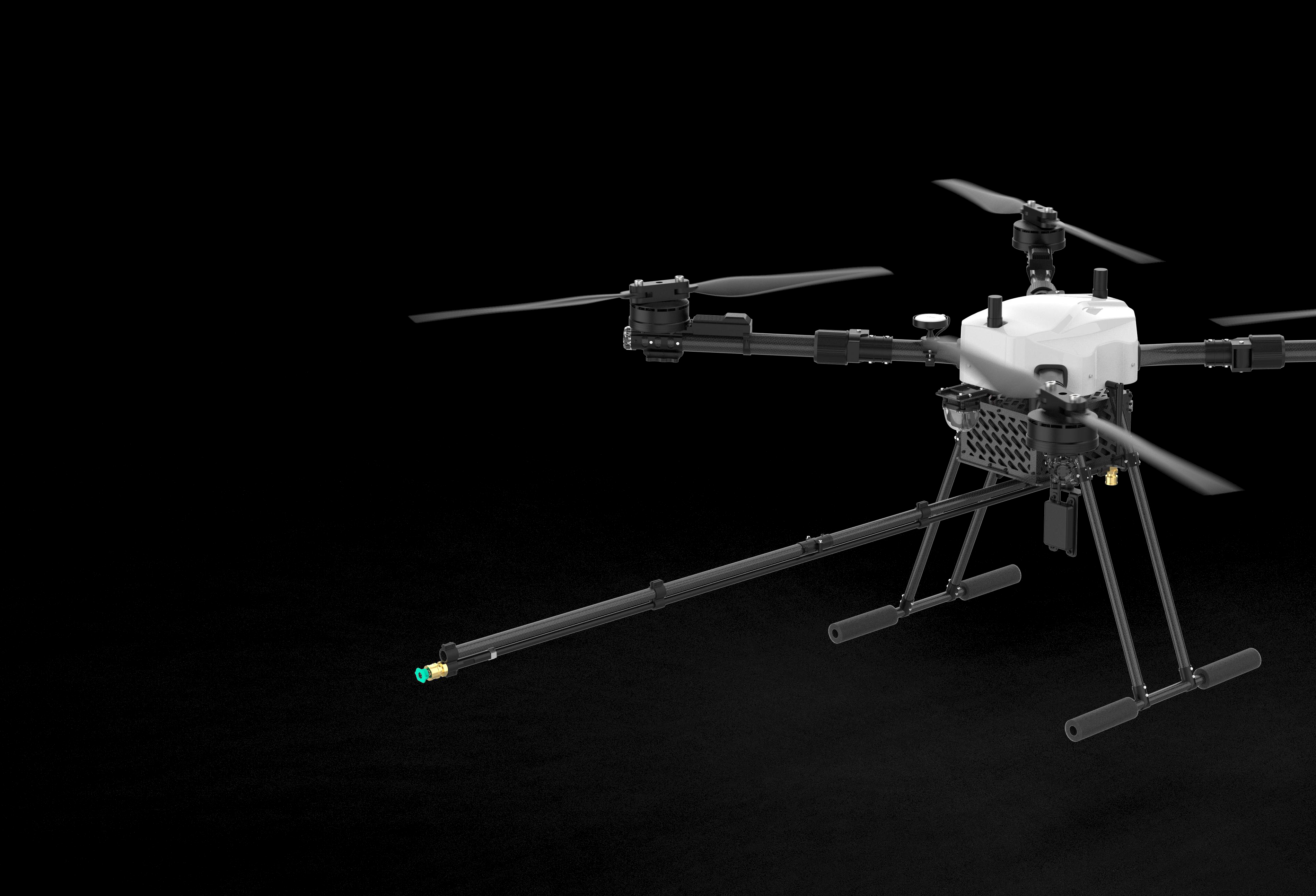
Matrice platforms, facade-washing drones, professional survey systems, payloads, training, and deployment support.
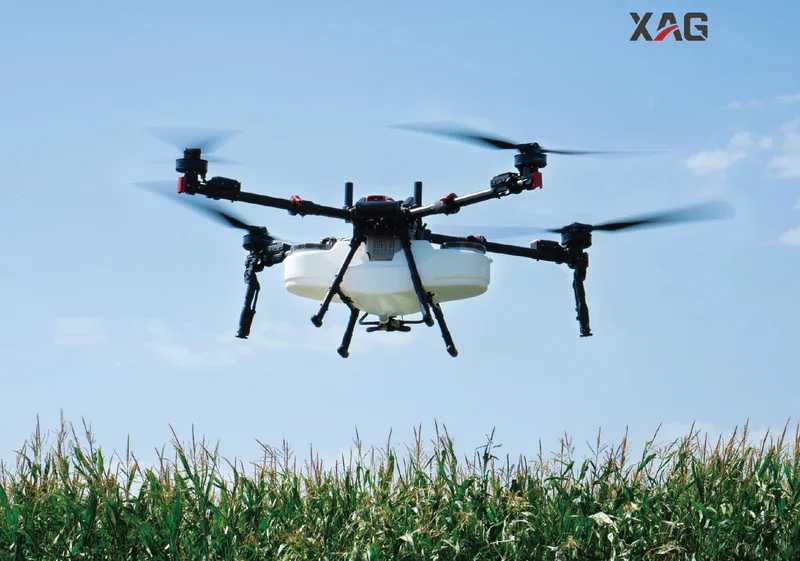
Visit the enterprise shopXAG aerial and ground platforms, Canadian parts, training, repairs, and seasonal support.
Visit the agriculture store