151 g bare · approx. 160 g configured4K/60 · 4K/100Palm · RC · goggles49 GB · up to 19 min
The shot starts in your hand.
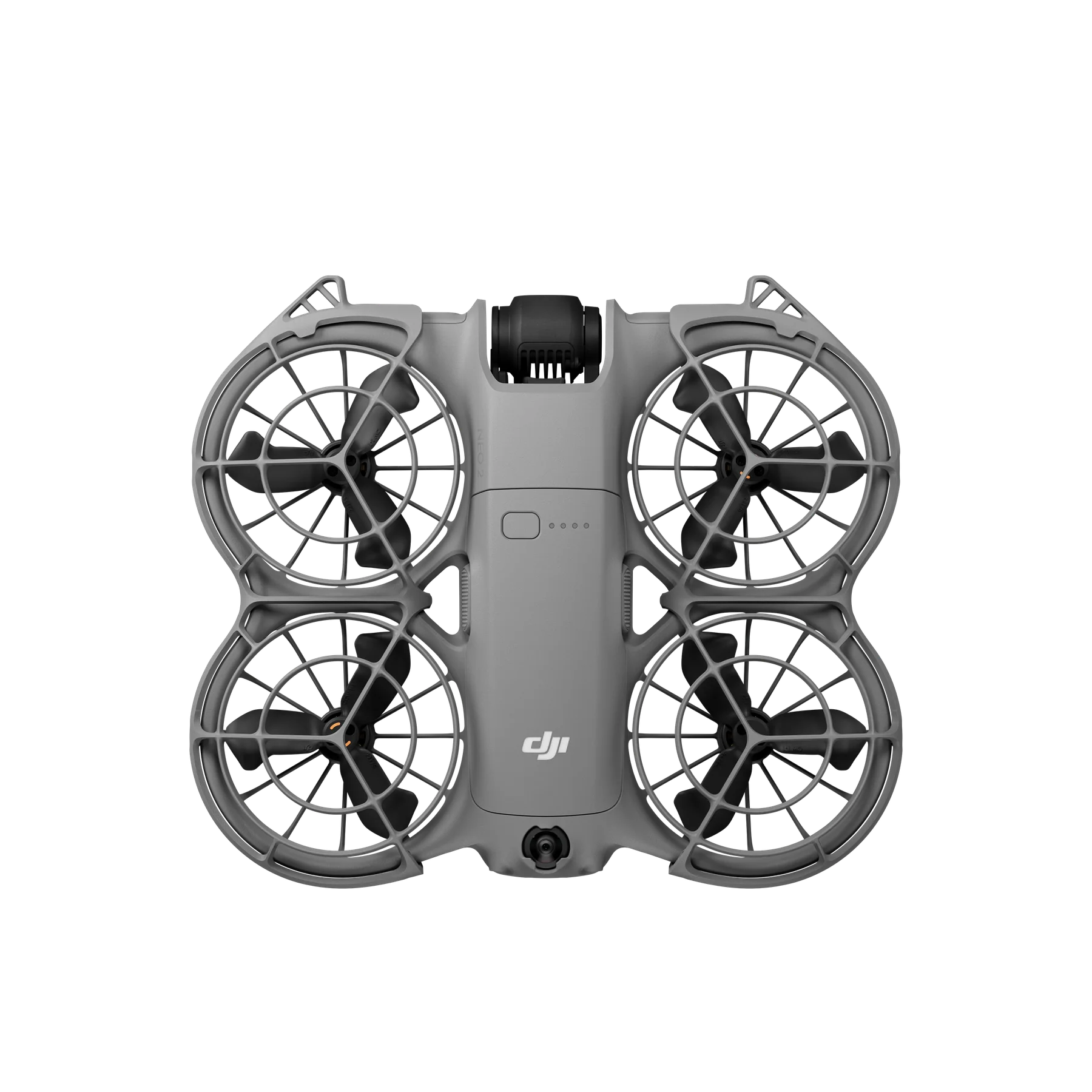
DJI Neo 2 starts at 151 g without the Digital Transceiver, with palm takeoff, gesture control, 4K video, a two-axis gimbal, and obstacle sensing around the aircraft.
Use it without a controller for quick clips, add RC-N3 or RC 2 for familiar twin sticks, or pair compatible goggles with RC Motion 3. The same aircraft moves from a family camera to an O4 camera drone or an entry point into immersive flight.
Start with the lightest workflow, then add only the controller hardware your shots require.
Palm and gestures
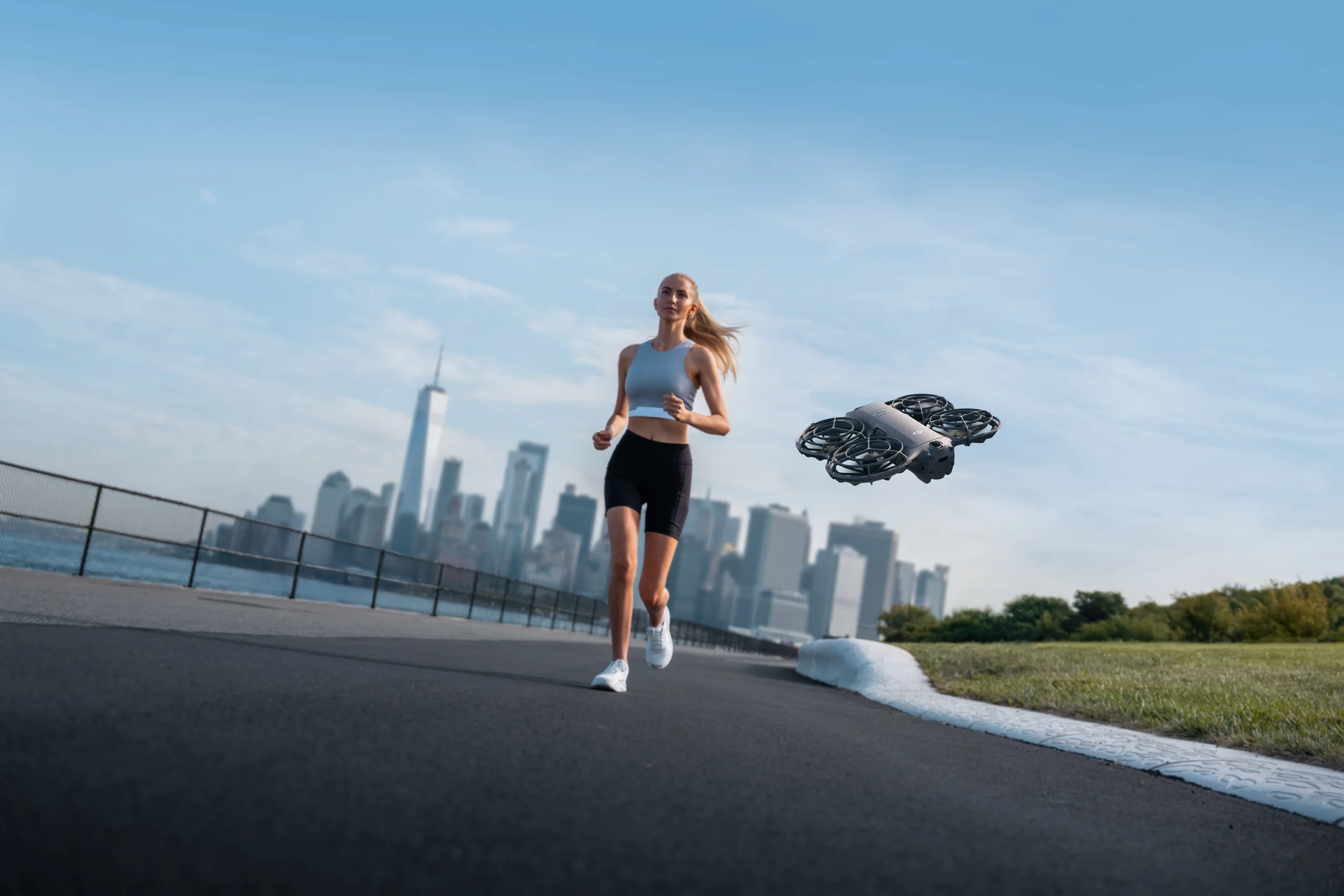
Take off from your palm, select a mode on the aircraft, change distance or direction with hand movements, and use Return-to-Palm to finish.
No phone or controller in your hands
Best for quick follow and selfie shots
Keep the complete route clear
Phone and voice
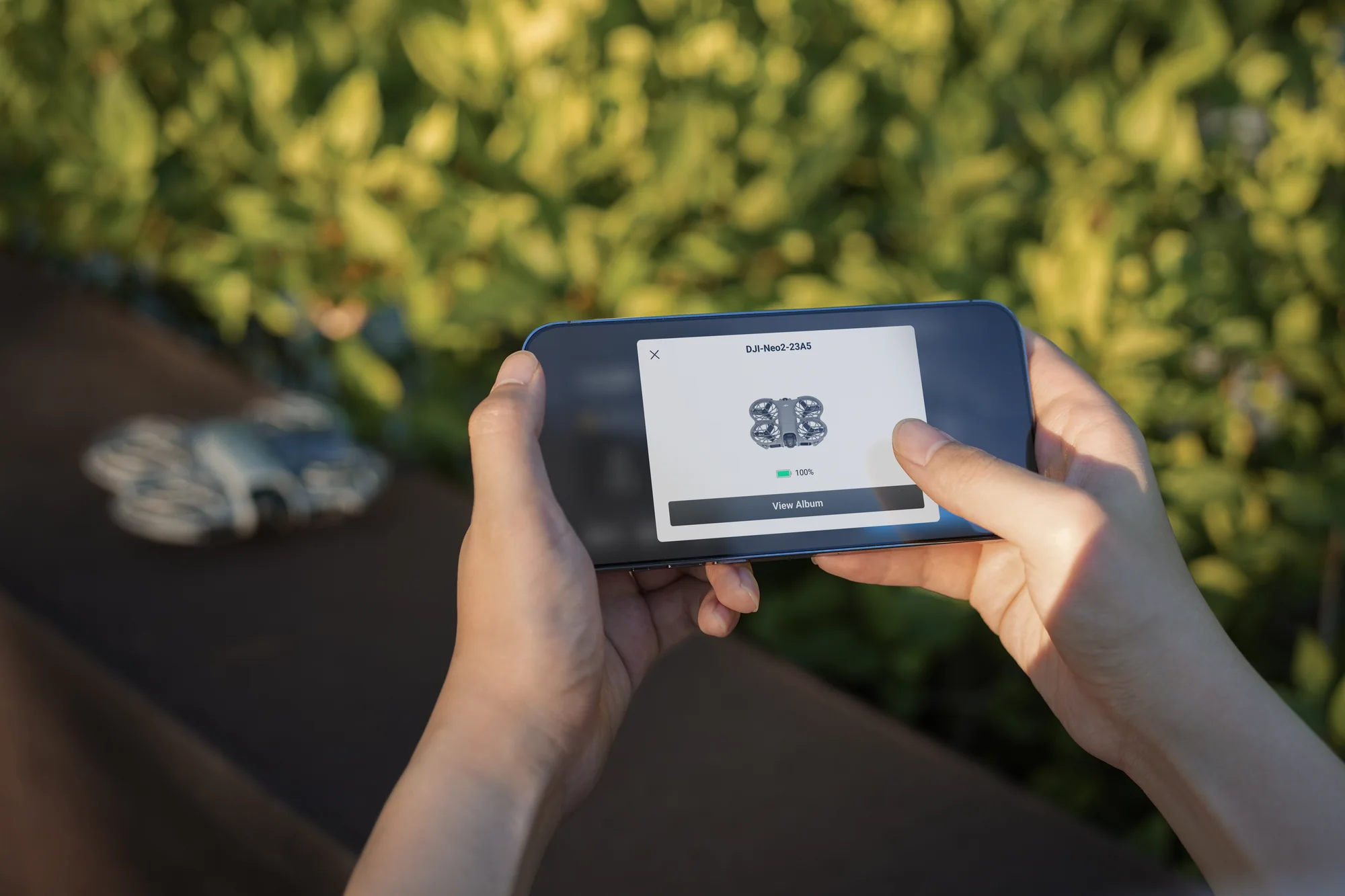
Use DJI Fly for live view, virtual sticks, settings, transfer, and editing. Voice control is available through a connected English- or Mandarin-language phone.
Wi-Fi control up to 500 m in DJI tests
QuickTransfer up to 80 MB/s
Phone remains part of the flight system
RC-N3 or RC 2
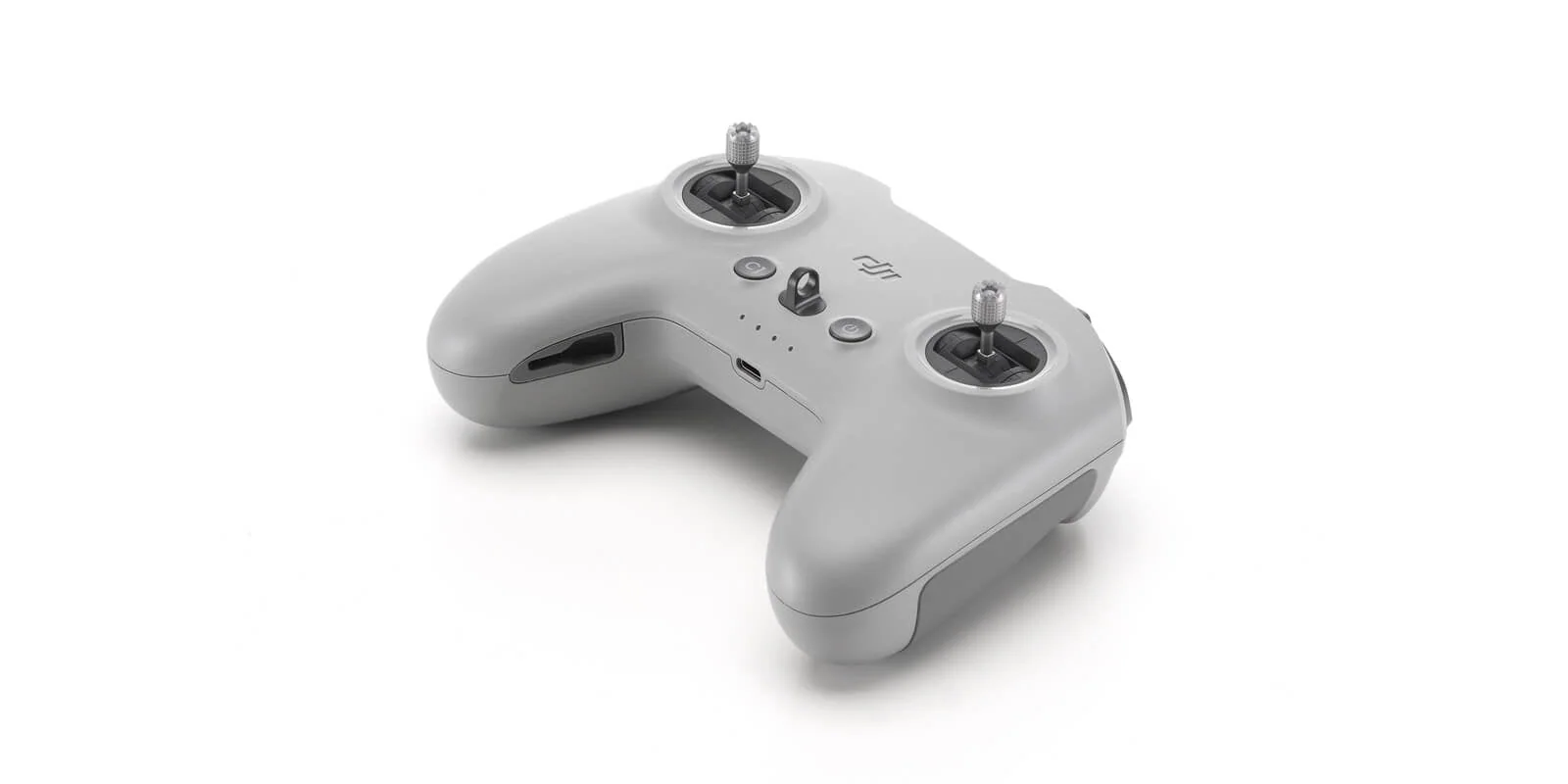
Add twin-stick control, O4 transmission, 1080p/60 live view, and more deliberate flight paths. RC-N3 uses a phone; RC 2 has its own screen.
Digital Transceiver required
4K/100 recording available
Best path for precise framing
Goggles and motion
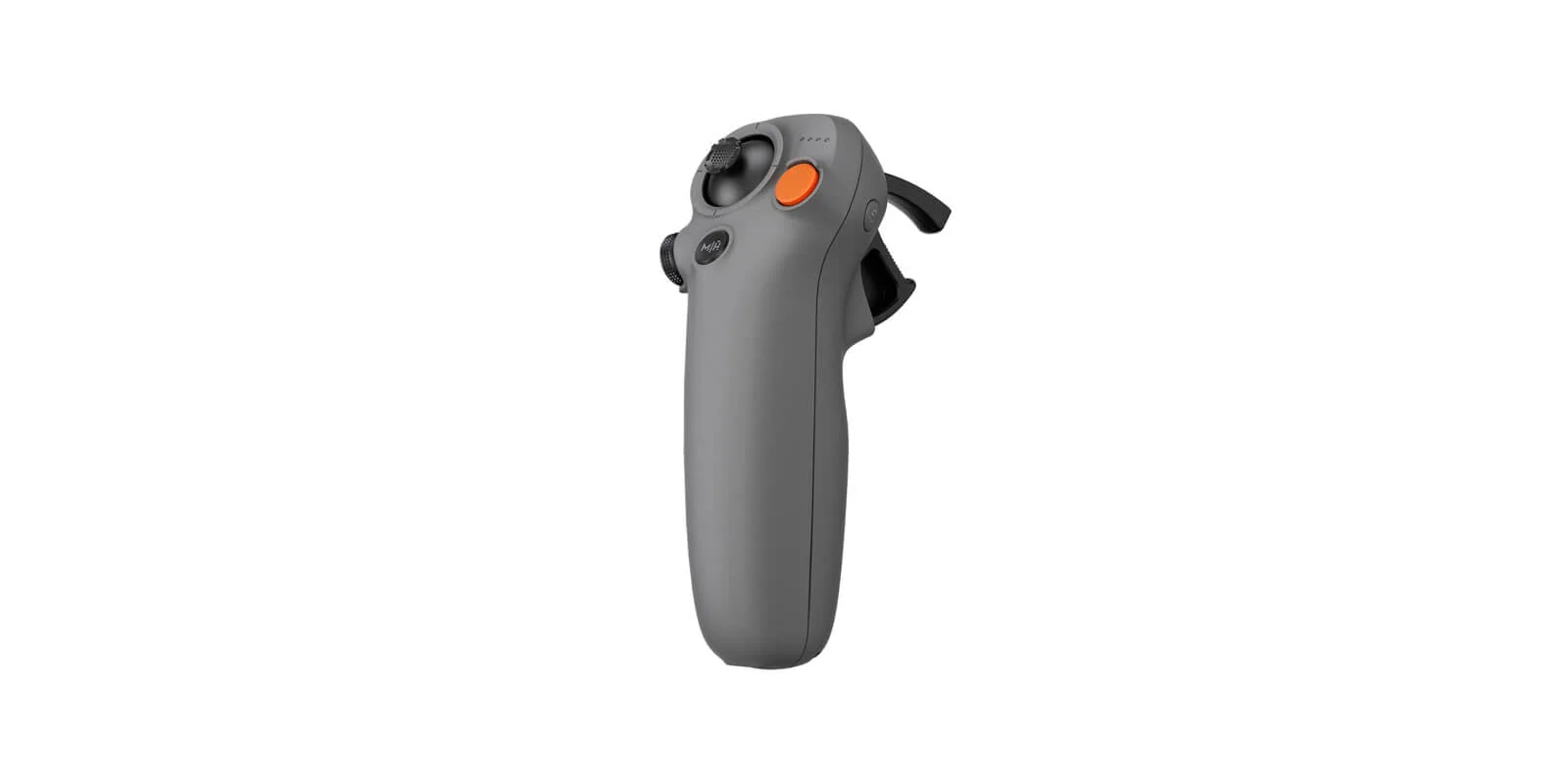
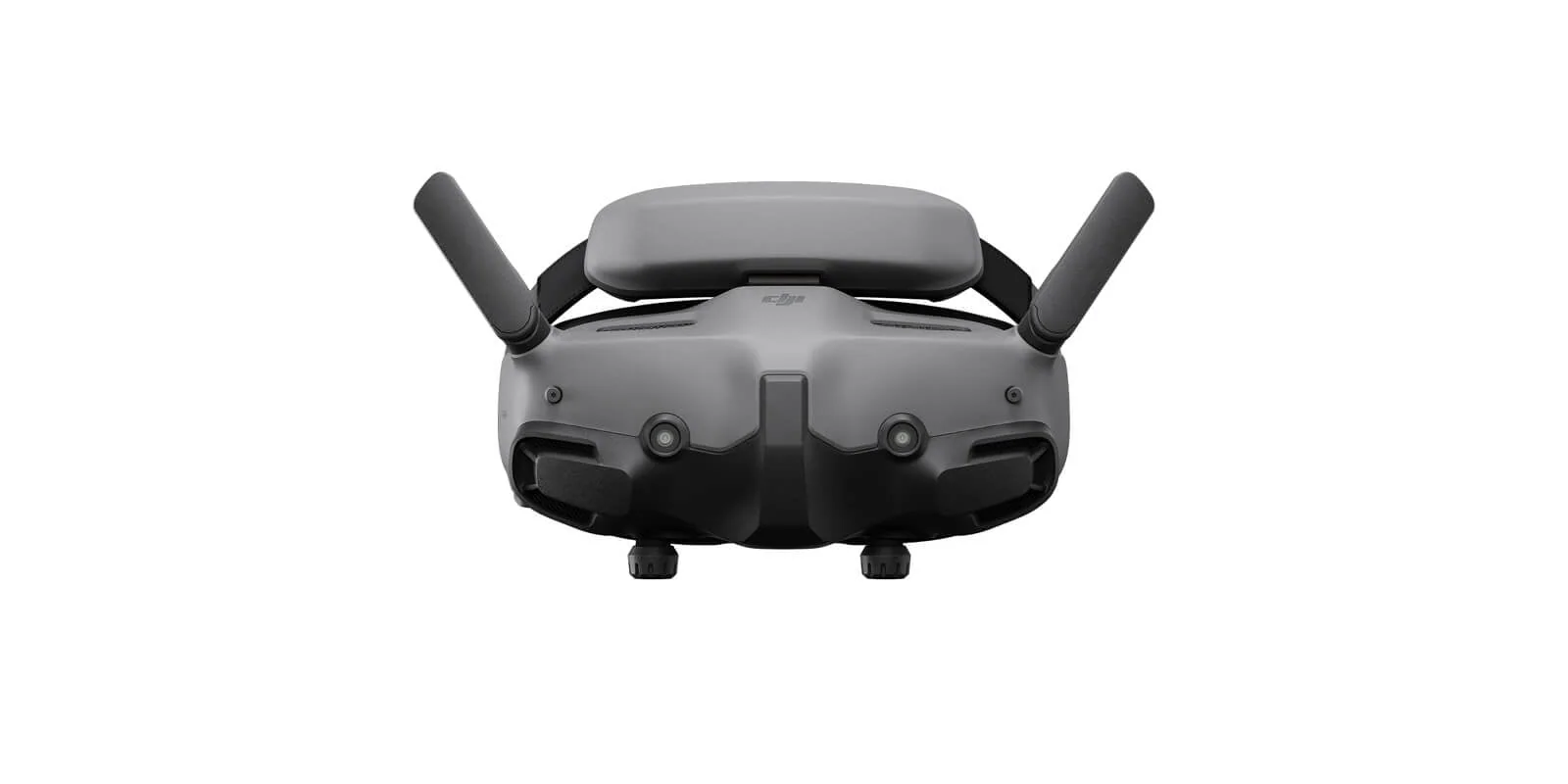
Pair Goggles N3 or Goggles 3 with RC Motion 3 for an immersive view and one-handed steering. FPV Remote Controller 3 is the compatible twin-stick alternative.
Digital Transceiver required
Up to 1080p/100 live view with Goggles 3
Plan Canadian visual-line-of-sight support
The controllers and goggles, priced individually.
Every control component is a separate product with its own Canadian price and stock, so you can start with one package and add the rest later instead of buying a second aircraft.
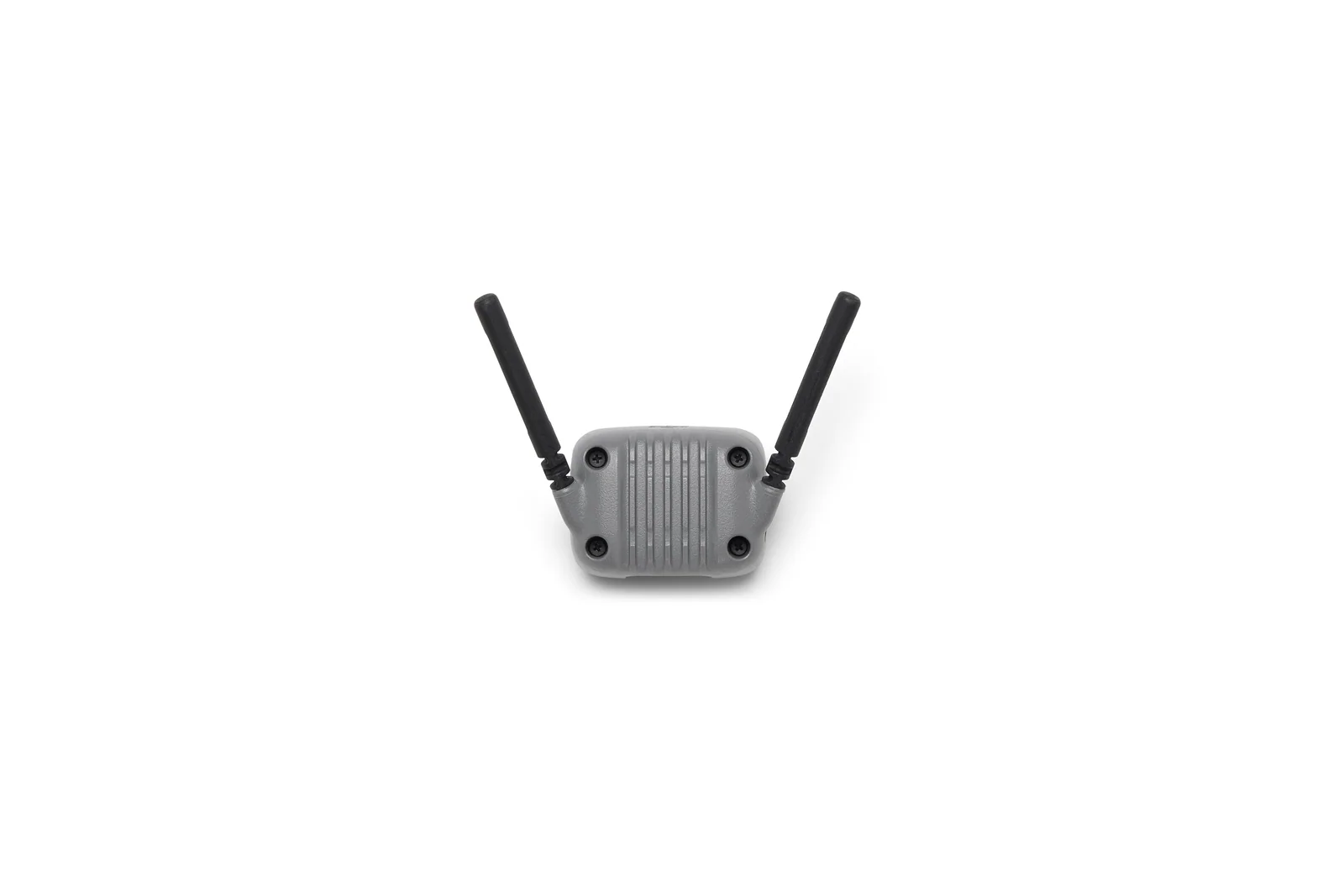
DJI Neo 2 needs the Digital Transceiver installed for any remote-controller or goggles flight. RC Motion 3 and FPV Remote Controller 3 cannot fly the aircraft without goggles paired.
Built for clips that move.
The 16.5 mm equivalent lens is very wide, the two-axis gimbal controls tilt and roll, and RockSteady handles the remaining movement. Use 4K/60 for normal delivery, 4K/100 for slow motion, and 2.7K vertical for a phone-first edit.
4K/60
The everyday setting for movement, travel, people, and quick turnaround.
4K/100
Slow down running, cycling, water, dance, and fast camera passes.
2.7K vertical
Record a native 9:16 file up to 60 fps for reels and stories.
Two-axis gimbal
Mechanical tilt and roll stabilization is a clear step up from the original Neo.
12 MP JPEG
Good for ready-to-share stills; choose a larger camera drone when raw capture is required.
49 GB internal
No memory-card step. Transfer and clear the aircraft as part of every shoot.
Better awareness makes automated shots more useful.
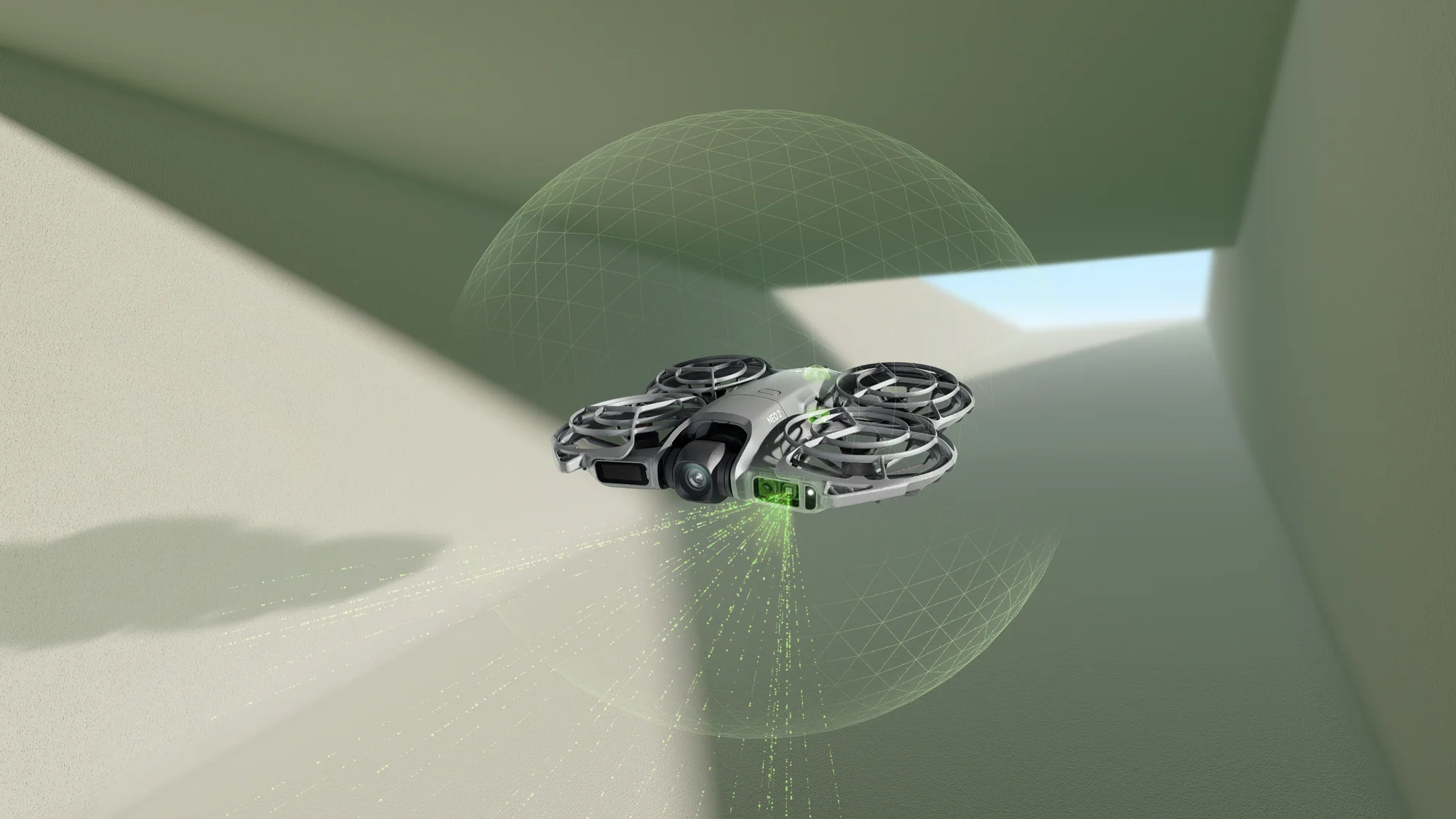
Neo 2 combines an omnidirectional monocular vision system with forward-facing LiDAR and a downward infrared sensor. It can detect supported obstacles while tracking from the front or side and holds position more reliably near buildings, indoors, and over difficult ground.
Omnidirectional monocular vision around the aircraft
Forward LiDAR measuring from 0.3 to 8 m under supported conditions
ActiveTrack up to 12 m/s with a Cycling Follow option
SelfieShot framing solo subjects and groups of up to 30 people
Scan the route first. Vision systems do not make wires, twigs, glass, water, snow, crowds, traffic, or low light safe.
A simple first-week setup.
Update and activate the aircraft, clear 49 GB of storage, practise palm recovery in an open area, then add one control method at a time. Learn the sound and display warnings before using tracking near any obstacle.
Set upFirmware, DJI Fly, battery charging, storage, camera format, and return behaviour.
Practise by handPalm takeoff, Return-to-Palm, Follow, gesture distance, and a manual landing backup.
Check one routeLight, texture, people, wires, branches, water, traffic, wind, and the return reserve.
Build the file routineTransfer selects, copy originals, clear internal storage, charge, inspect, and pack.
PalmLaunch and return
49 GBInternal recording
80 MB/sRated transfer
Ten ways Neo 2 earns its place in the bag.
Five common uses and five less obvious jobs that fit its small size, protected propellers, tracking, and fast deployment.
Everyday use
Travel and day trips
Start a wide establishing shot from your hand, then pack the aircraft into a jacket pocket or small camera bag.
Running and cycling
Use ActiveTrack and Cycling Follow in an open route while keeping a clear plan for branches, wires, people, traffic, and the return.
Family moments
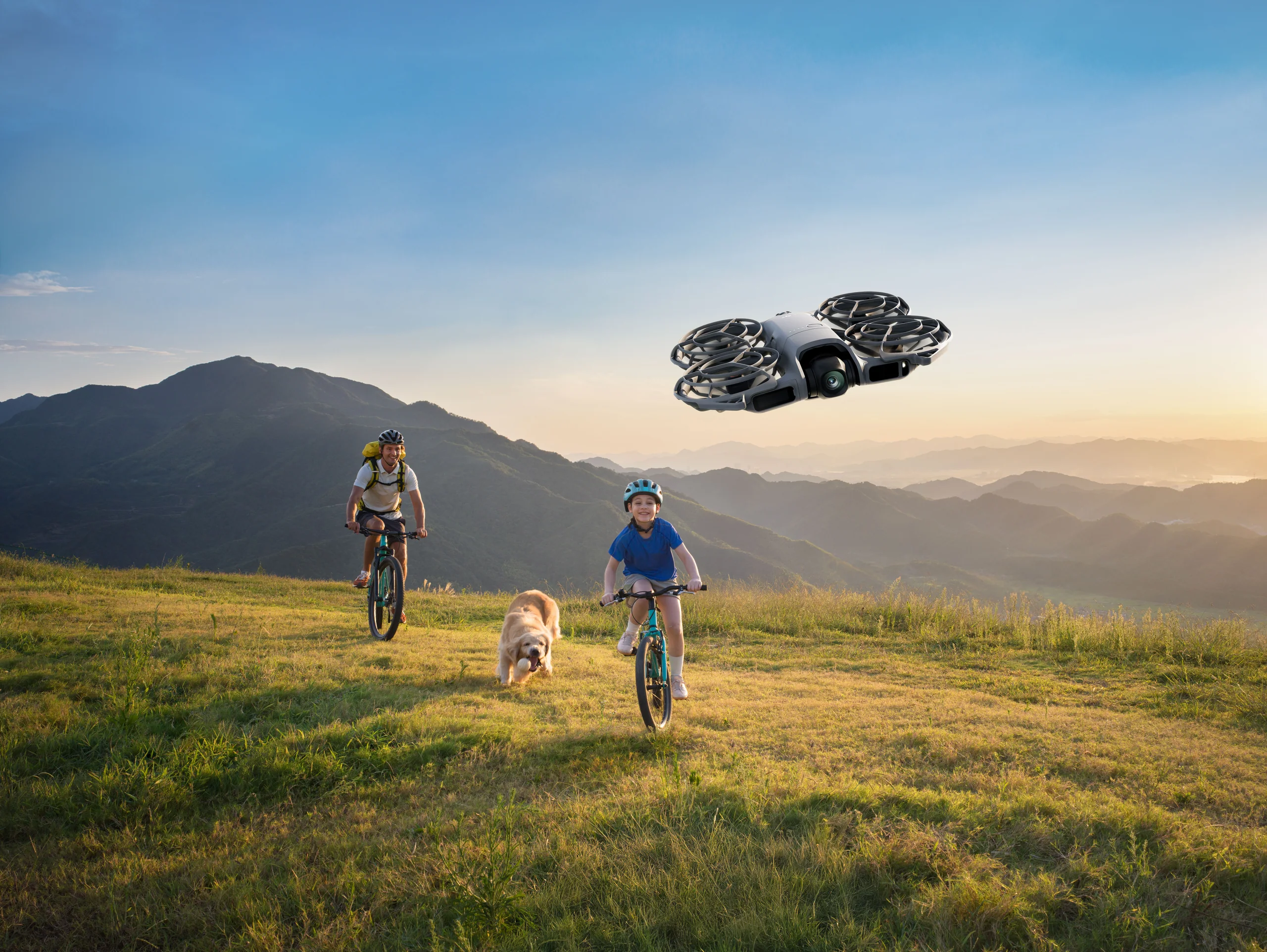
Use SelfieShot to frame one person or a group without stopping the activity to set up a tripod.
Reels and short-form video
Record 2.7K vertical clips or 4K horizontal footage, then move selects to a phone through QuickTransfer.
Indoor practice
Use the protected propeller layout and improved positioning in a large, well-lit, clear room before moving into more complex spaces.
Less obvious use
Hands-free training diary
Record repeatable follow angles for running form, cycling position, skating, dance, or field drills and compare sessions over time.
Behind-the-scenes camera
Add a moving wide angle to a photo shoot, rehearsal, set build, workshop, or outdoor production without assigning another camera operator.
Location scouting notes
Capture a quick overview of a permitted site, then use the footage with maps and ground photos to plan a later production.
Group arrival sequence
Use SelfieShot or a controlled pull-away to open a wedding, reunion, club ride, campsite, or team video with everyone already in the frame.
Immersive route rehearsal
Use Goggles N3 and RC Motion 3 to practise smooth close-range lines in an appropriate clear area before committing a larger FPV aircraft.
Need mapping, thermal, repeatable inspection, or survey data?
Move the job to SkyFlow’s enterprise team for the right aircraft, payload, output, and operating plan.
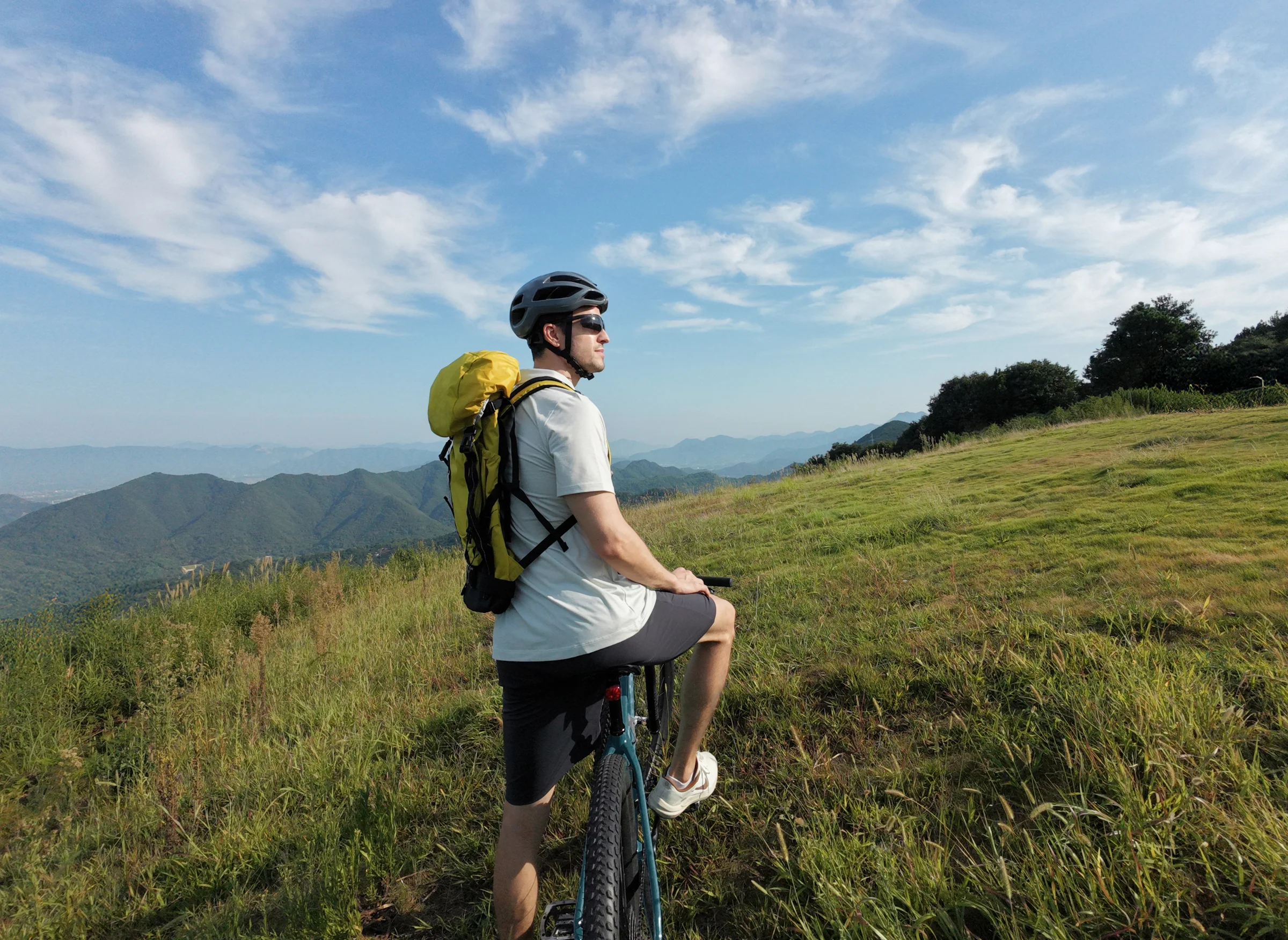
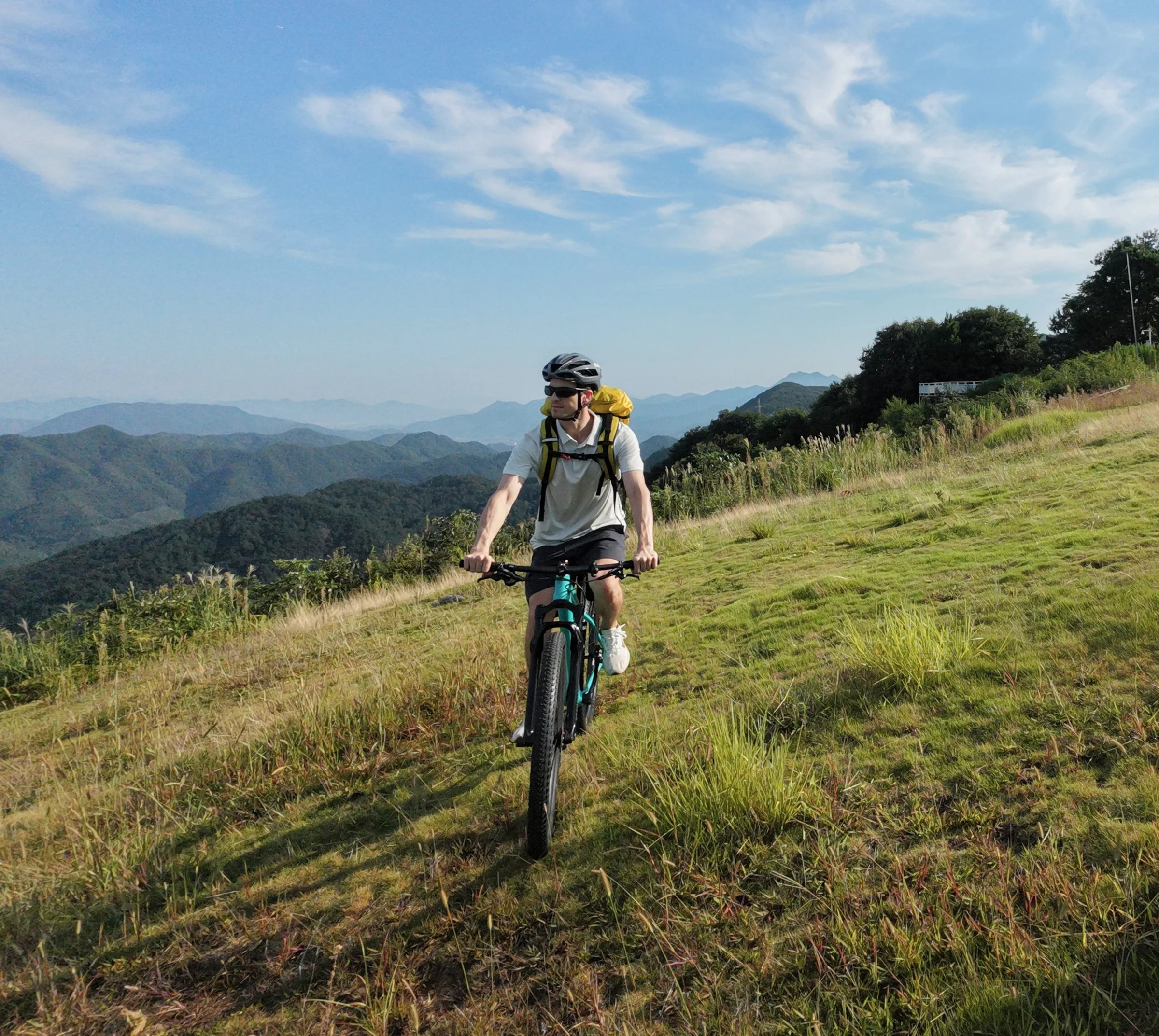
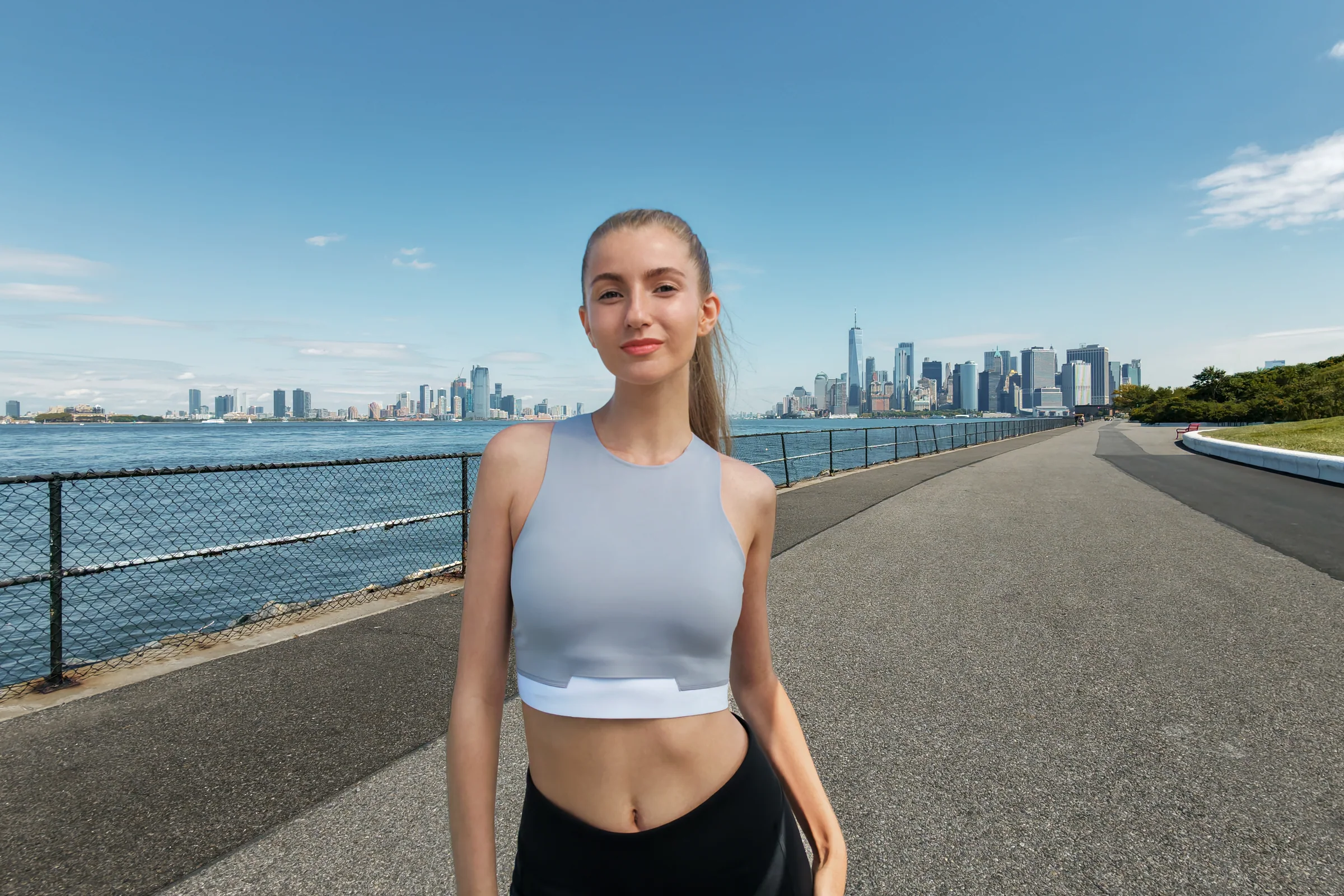
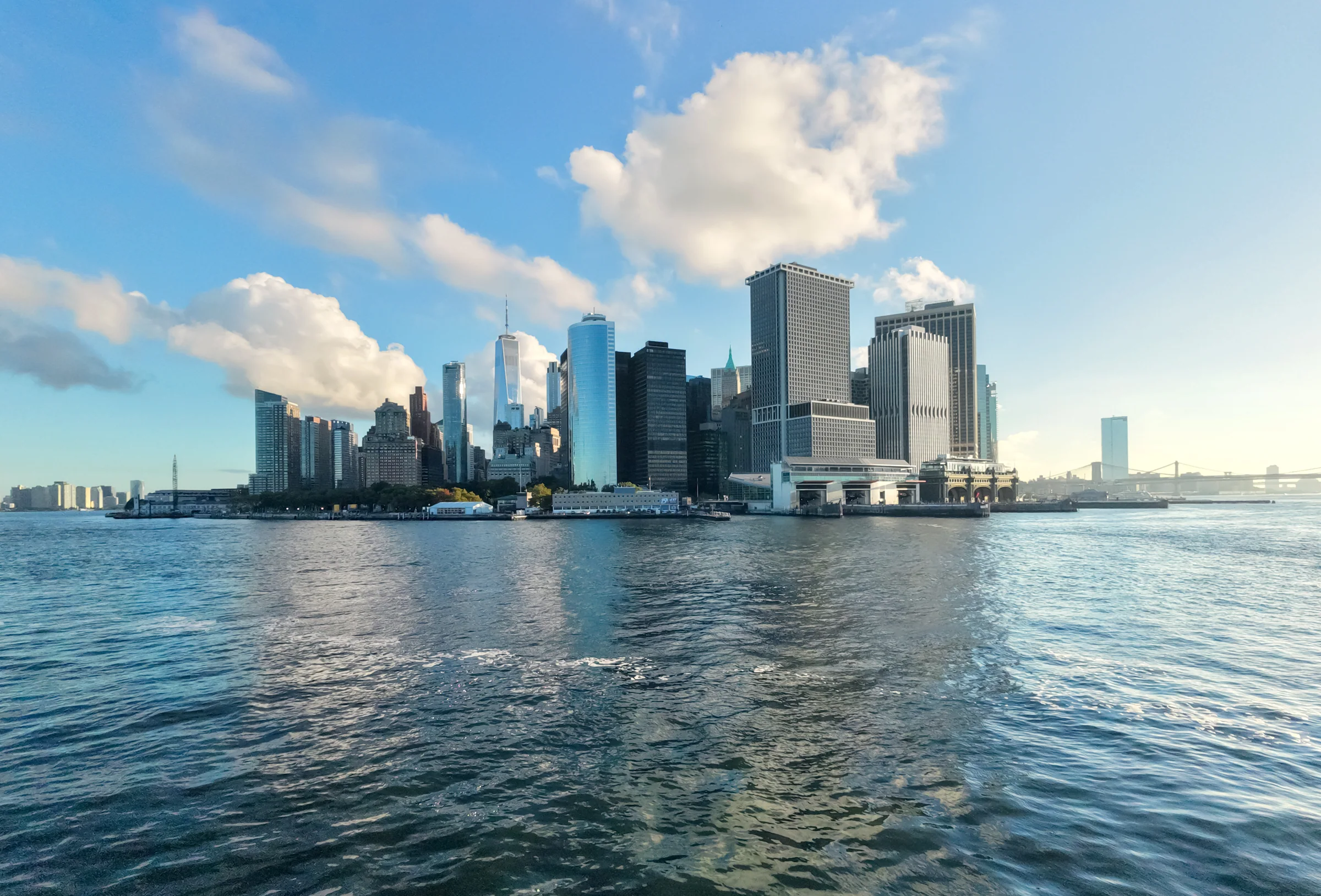
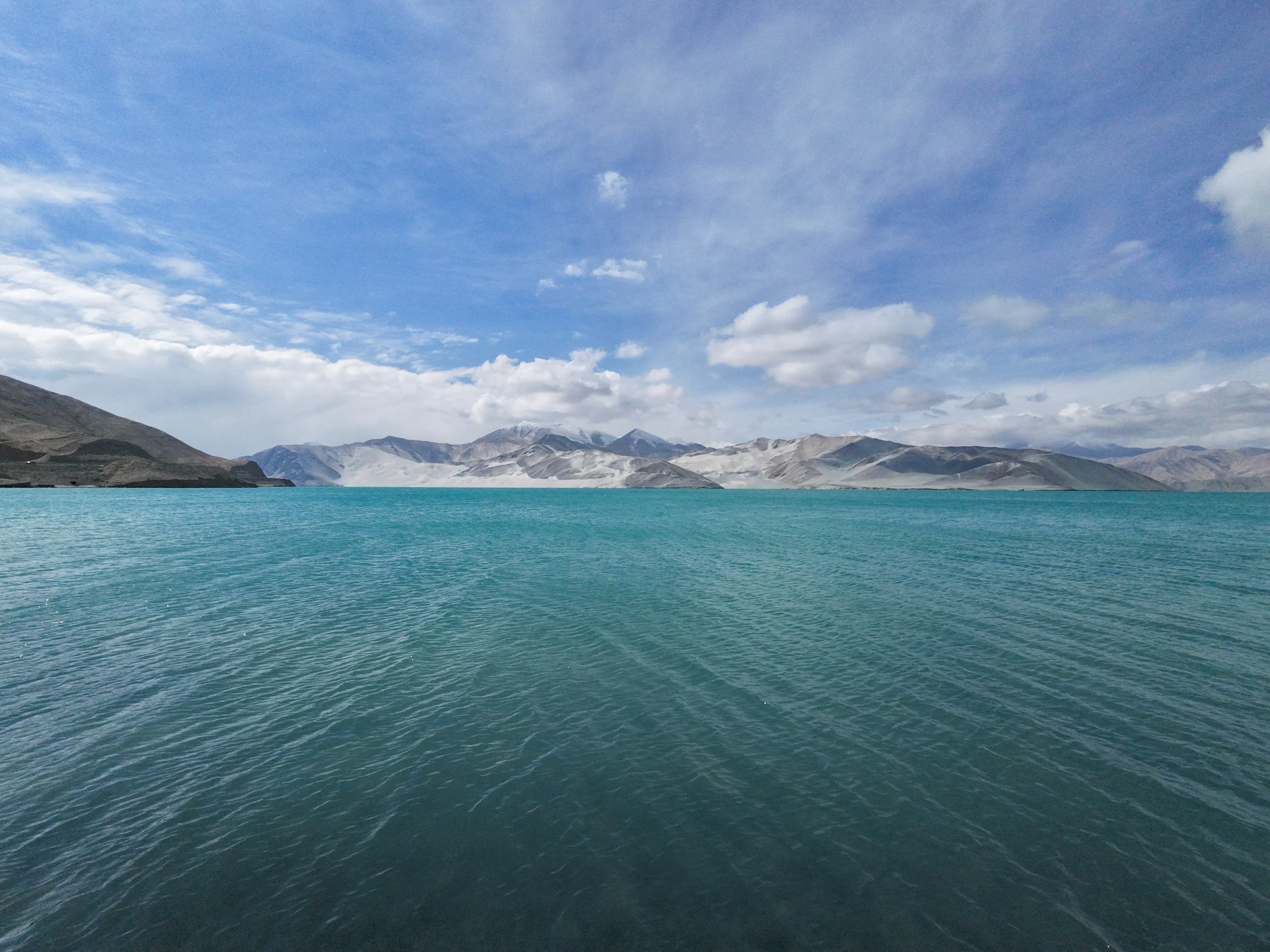
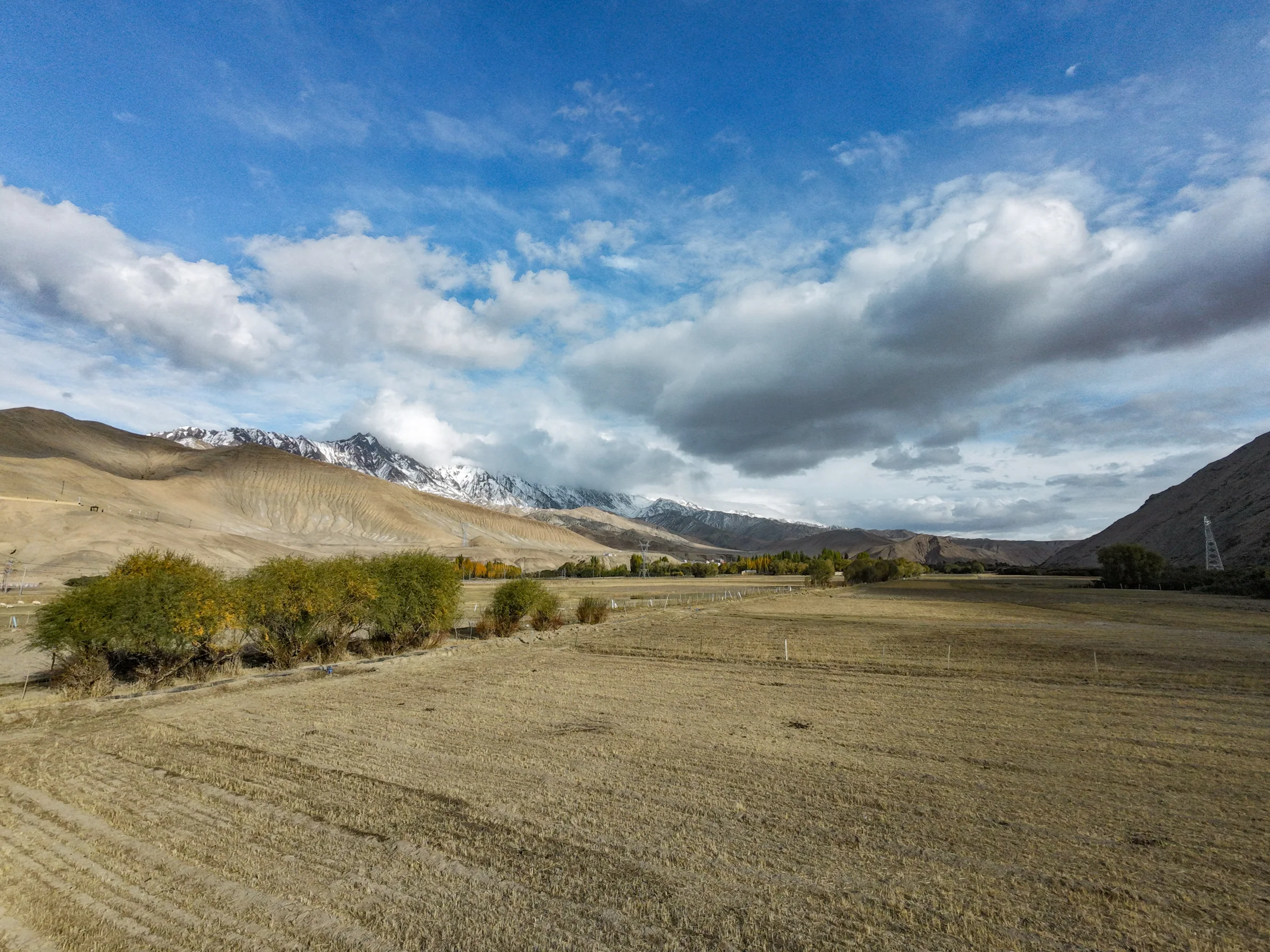
The supplied samples cover cycling, portraits, open landscapes, water, and changing outdoor light at web resolution.
Cycling followAction routeHalf-length portraitOpen landscapeWater and terrainTravel view
Four packages. Three different ways to fly.
Controller-free packages keep the kit simple. RC-N3 adds sticks and O4. Motion Fly More adds goggles and one-handed immersive control.
Package
Price
Availability
Control
Power and extras
Best for
Neo 2 (Drone Only)
$309
In stock
Palm, gesture, phone or voice
1 batteryNo hub or Digital Transceiver
The lowest price and short, controller-free shoots
Fly More Combo (Drone Only)
$419
In stock
Palm, gesture, phone or voice
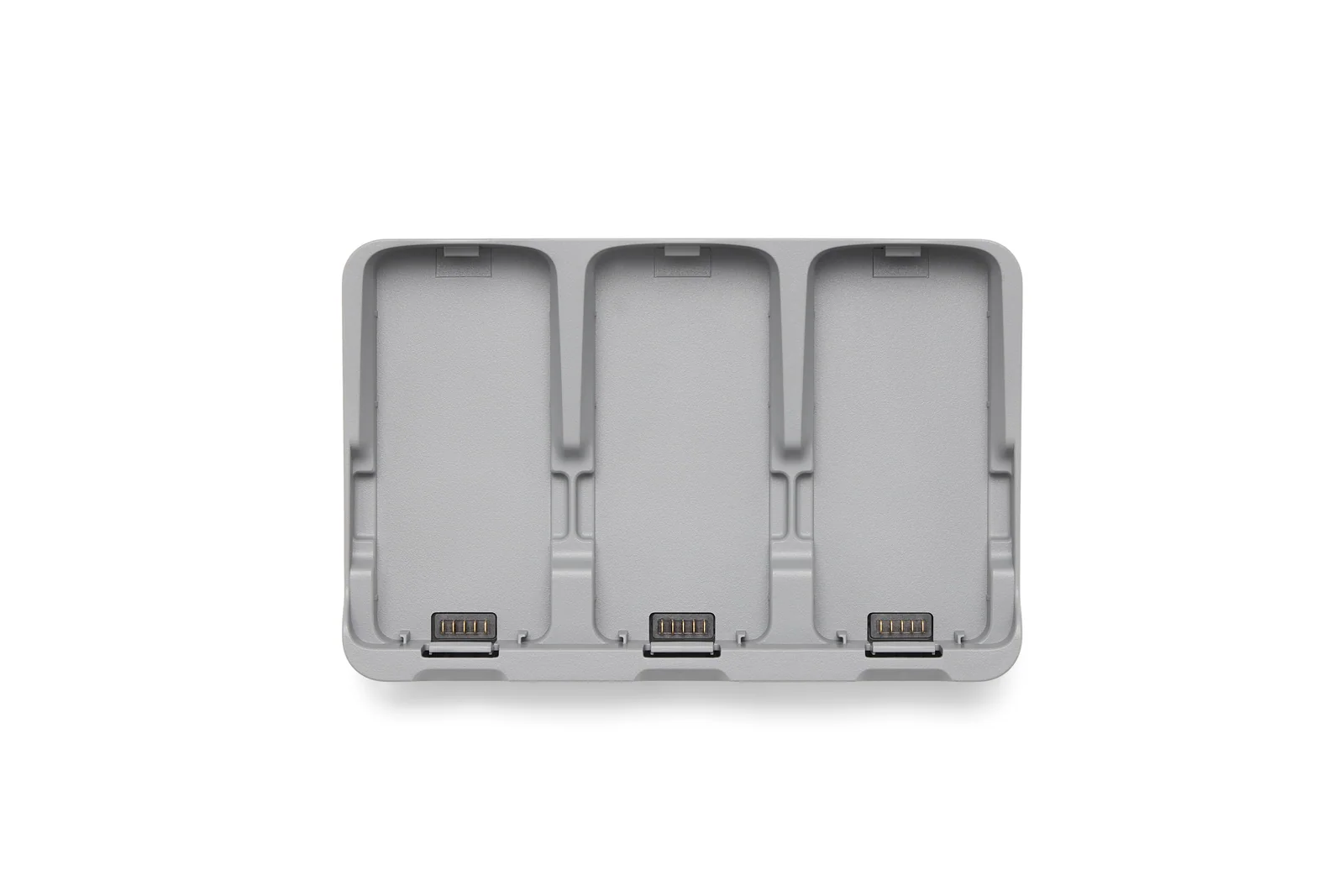
3 batteriesTwo-Way Charging Hub
Longer palm and phone-controlled sessions
Fly More Combo (DJI RC-N3)
$549
In stock
RC-N3 with a compatible phone
3 batteriesHub and Digital Transceiver
Traditional sticks, O4 range, and precise framing
Motion Fly More Combo
$759
In stock
Goggles N3 + RC Motion 3
3 batteriesHub and Digital Transceiver
Immersive flight and one-handed motion control
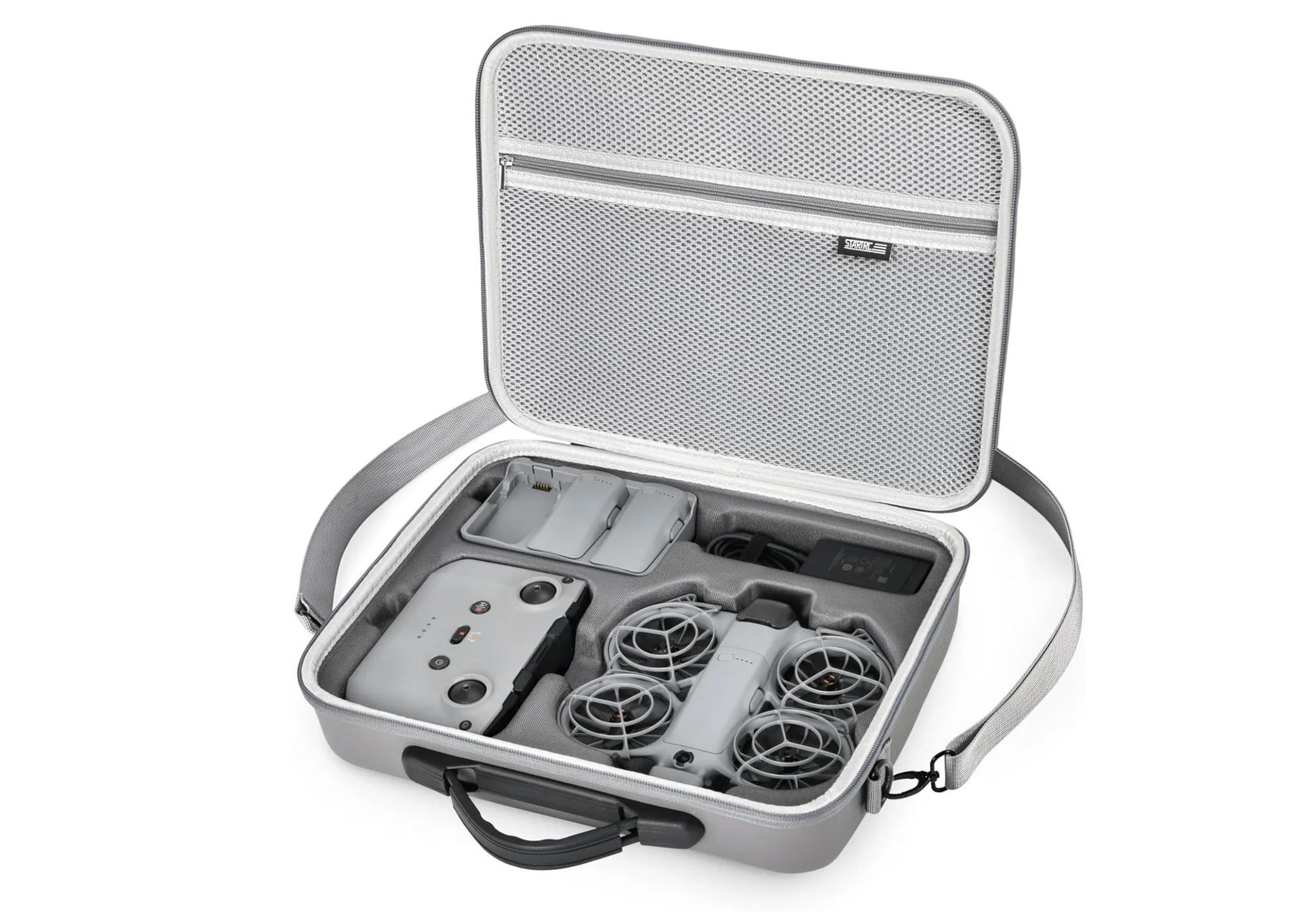
The product page keeps RC-N3, RC 2, Goggles N3, Goggles 3, RC Motion 3, FPV Remote Controller 3, batteries, hub, Digital Transceiver, guards, cables, and tools visible. Their quantities update to zero or the included count when the selected package changes.
Build out the parts that keep it flying.
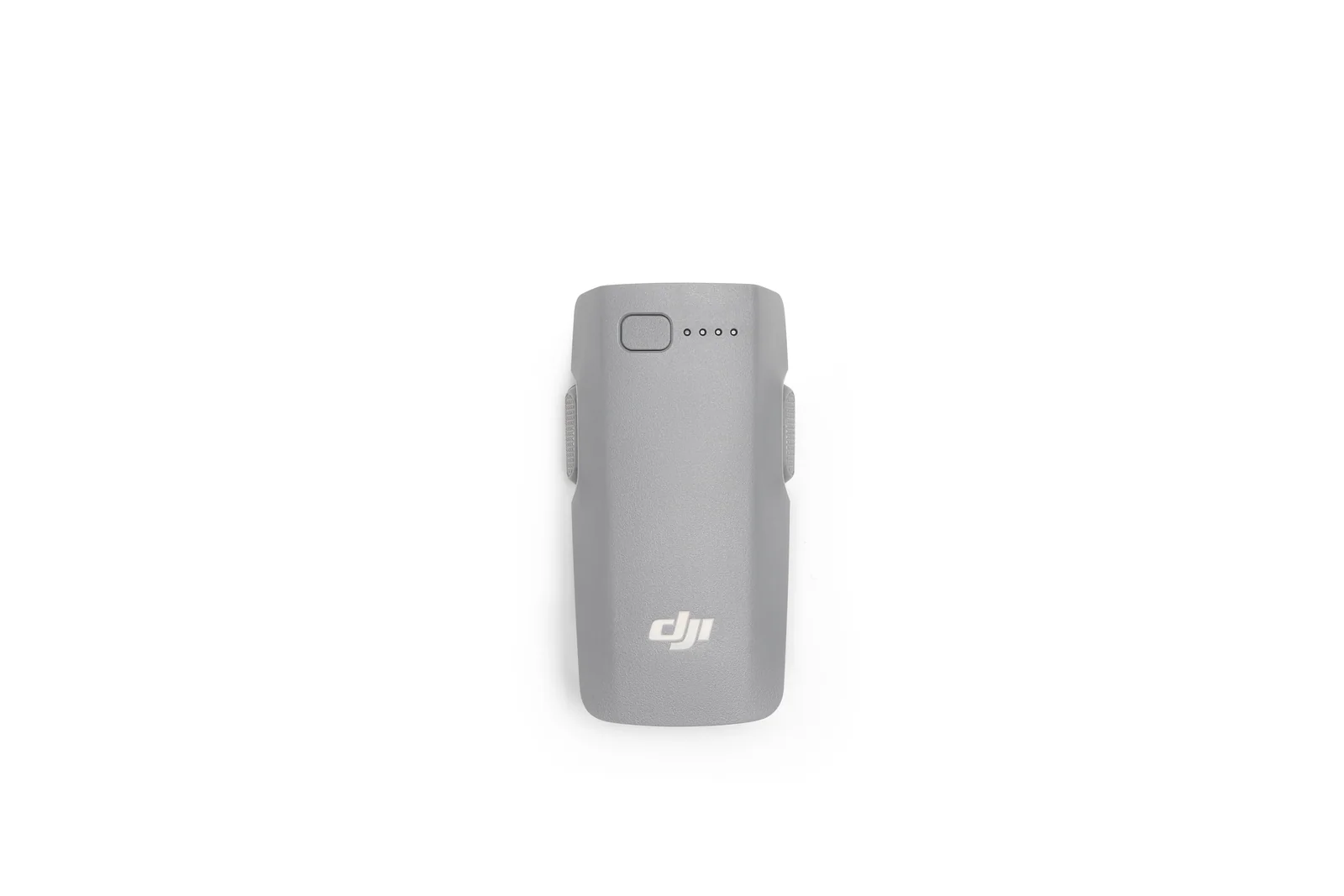
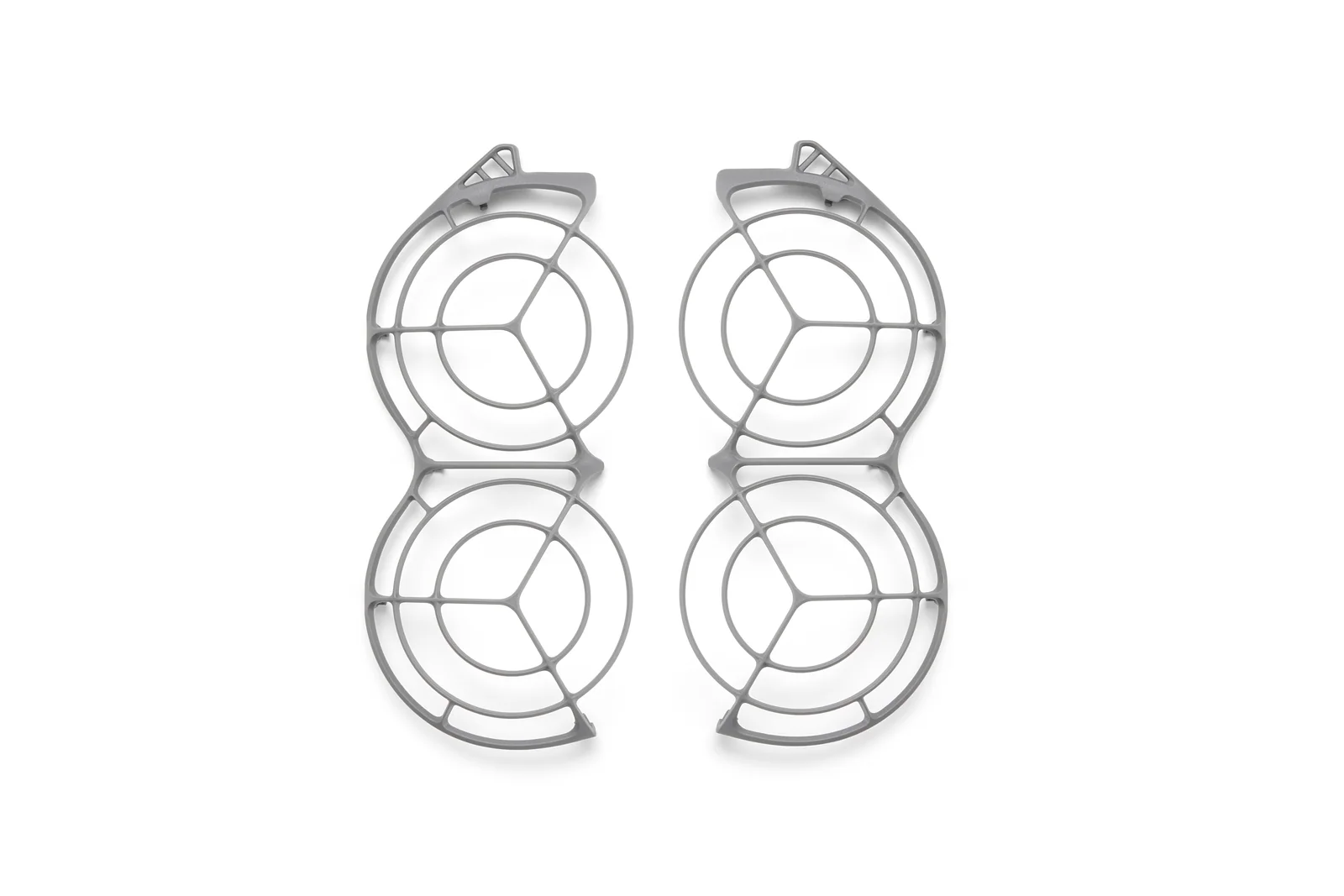
Batteries and charging affect every outing. The Digital Transceiver changes how Neo 2 connects. Guards and propellers are service parts worth having before a trip.
Check the configured weight: Neo 2 is approximately 151 g without the Digital Transceiver and 160 g with it. Neither setup makes every park, waterfront, event, or controlled airspace available.
Keep the route observable: automated tracking still needs the aircraft and surrounding airspace monitored throughout the flight.
Plan goggles flight: maintain the required visual line of sight and use a visual observer where the operation requires one.
Set a useful battery reserve: the rated 19 minutes is not the usable filming time in wind, cold, or a fast follow.
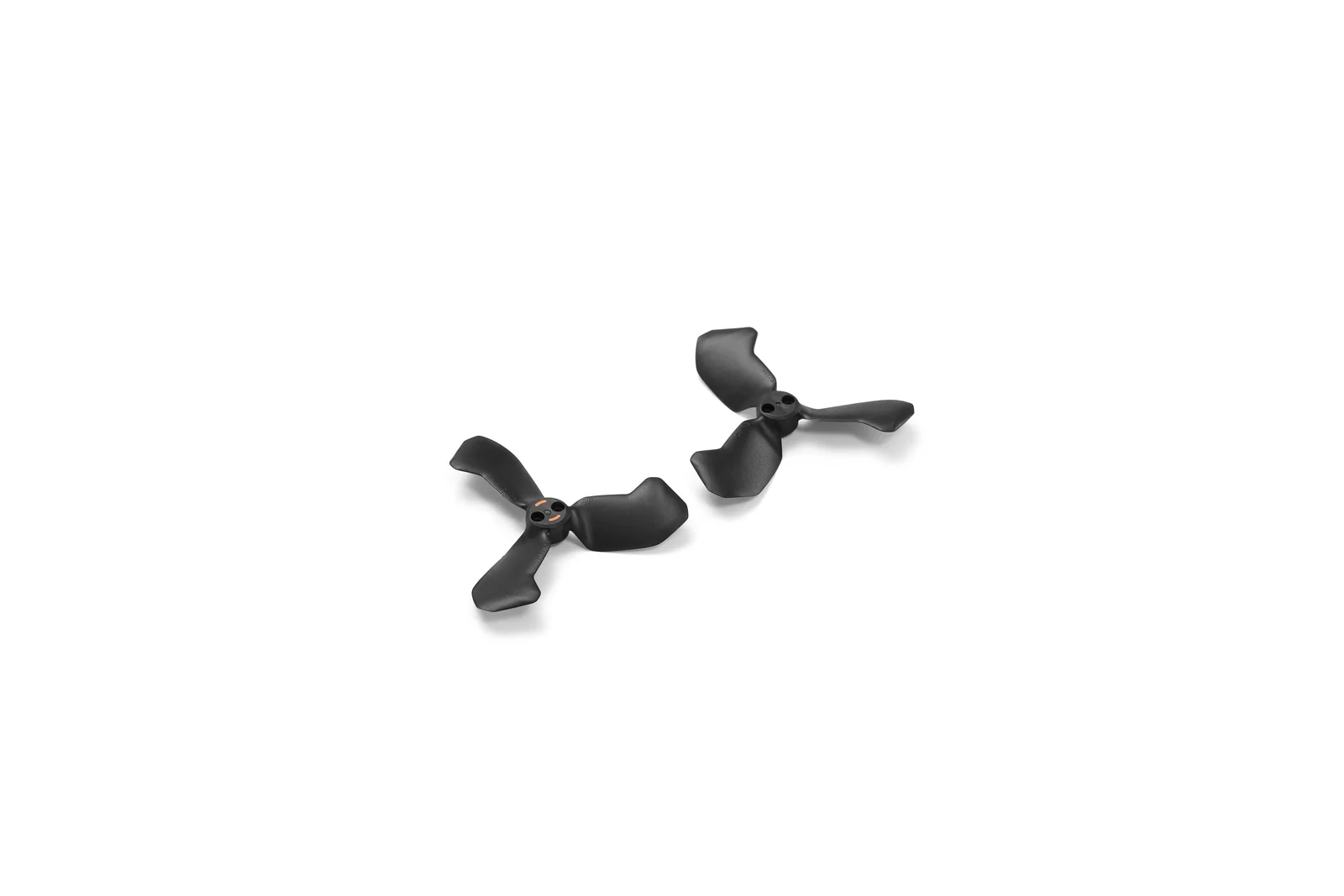
Inspect the protected propellers: check guards, props, screws, sensors, gimbal, storage, and battery condition before takeoff.
The questions that decide the package.
Can Neo 2 really fly without a controller?
Yes. It supports palm takeoff and landing, gesture control, mobile-app control, and voice control through a connected phone. A remote controller adds twin-stick precision, a longer O4 link, more camera control, and access to 4K/100 recording.
Which package should a first-time buyer choose?
Choose Drone Only for the lowest-cost palm and phone workflow. Choose Fly More Drone Only when battery time matters. Choose the RC-N3 package for traditional sticks and precise camera control. Choose Motion Fly More when goggles flight is the reason you are buying it.
Do RC-N3 and RC 2 need the Digital Transceiver?
Yes. Install the DJI Neo 2 Digital Transceiver before powering on the aircraft when flying with a compatible remote controller or goggles. Remove it for the lightest palm-control setup.
Is the camera good enough for paid work?
It works well for web, social, behind-the-scenes, scouting, and bright outdoor delivery. It records JPEG rather than raw photos and Normal colour rather than a log profile, so Mini 5 Pro is the better step when heavy grading, low-light work, or larger-client delivery matters.
How long does one battery last?
DJI rates the aircraft for approximately 19 minutes without the Digital Transceiver and about 17 minutes with the propeller guards under its test conditions. Wind, tracking speed, temperature, recording, the O4 module, and the return reserve reduce usable time.
Can it avoid every obstacle while following me?
No. Vision and LiDAR assist with supported surfaces and obstacles. Thin branches, wires, glass, water, snow, low-texture surfaces, moving objects, poor light, and tight spaces can still defeat sensing. Check the route before using an automated shot.
Does Neo 2 take a microSD card?
No. It records to 49 GB of internal storage. Use QuickTransfer or a USB-C connection to clear the aircraft before a longer shoot.
Can I use goggles in Canada?
Plan the flight so the required visual line of sight is maintained. A visual observer and the right operating setup may be needed when the pilot is wearing goggles and cannot keep an unaided outside view of the aircraft.
Buy the camera with a workable first-flight plan.
Controller-free, RC-N3, RC 2, or goggles setup selection
Activation, firmware, gestures, tracking, return, and storage setup
4K, vertical video, slow motion, QuickTransfer, and editing workflow
Canadian flight reviews and SFOC application support