360 mode
Reframe after landing.
Track the subject, change from forward to backward view, add a pan, or produce 16:9 and 9:16 edits from one take.
Capture every direction in one flight. Choose the final view, camera move and delivery format after you land.
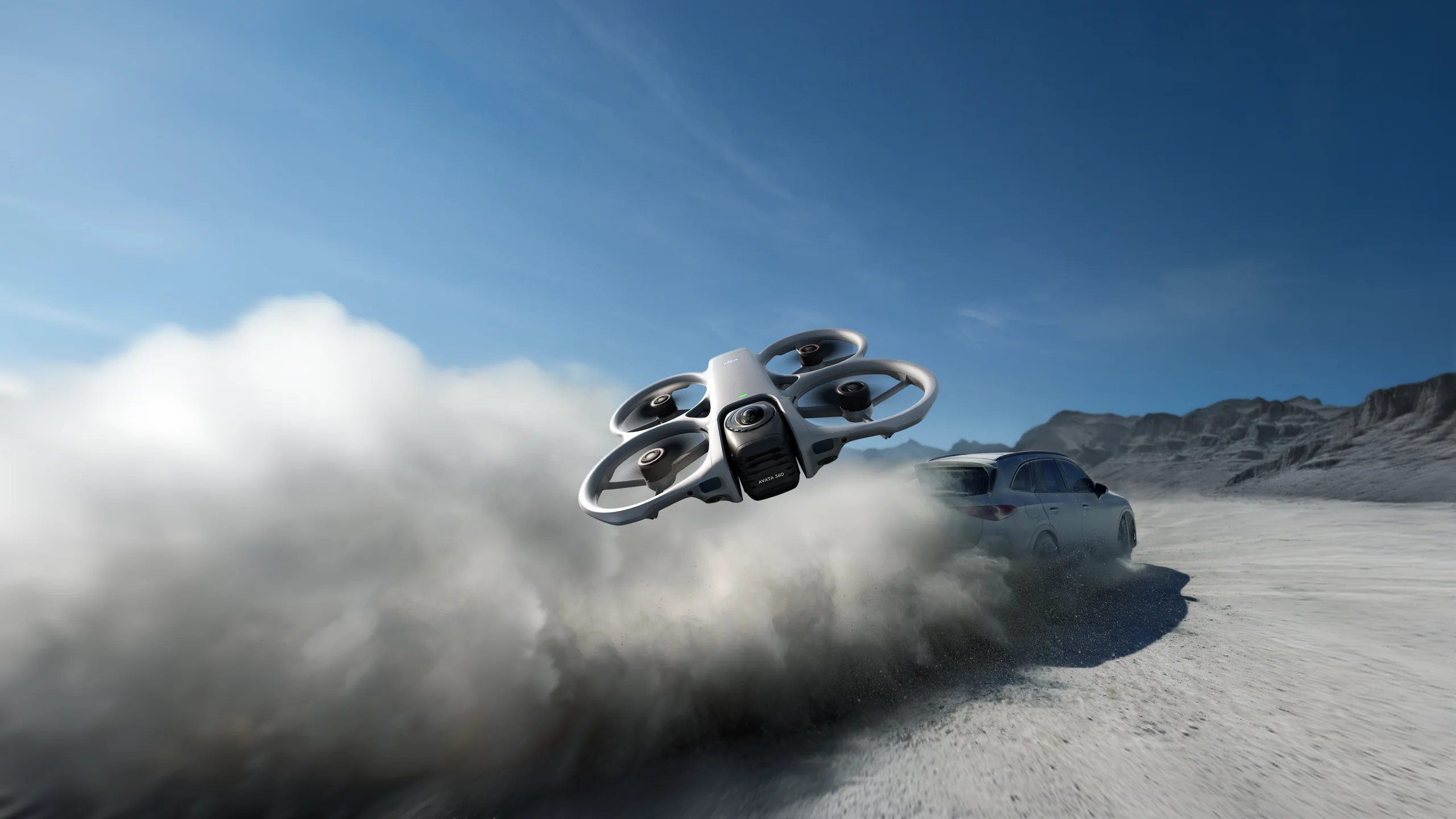
DJI Avata 360 records everything around the aircraft in 8K 360 video. Follow a cyclist, pass a car, or fly through a location without deciding the final frame in the air. In the edit, point the camera anywhere, add smooth virtual moves, and export horizontal, vertical, or square versions from the same flight.
It also works as a conventional single-lens drone. Switch to 4K flat video when you want a ready-to-edit clip, then choose RC 2 for screen-and-stick control or Goggles N3 with RC Motion 3 for immersive flight.
Choose a package with us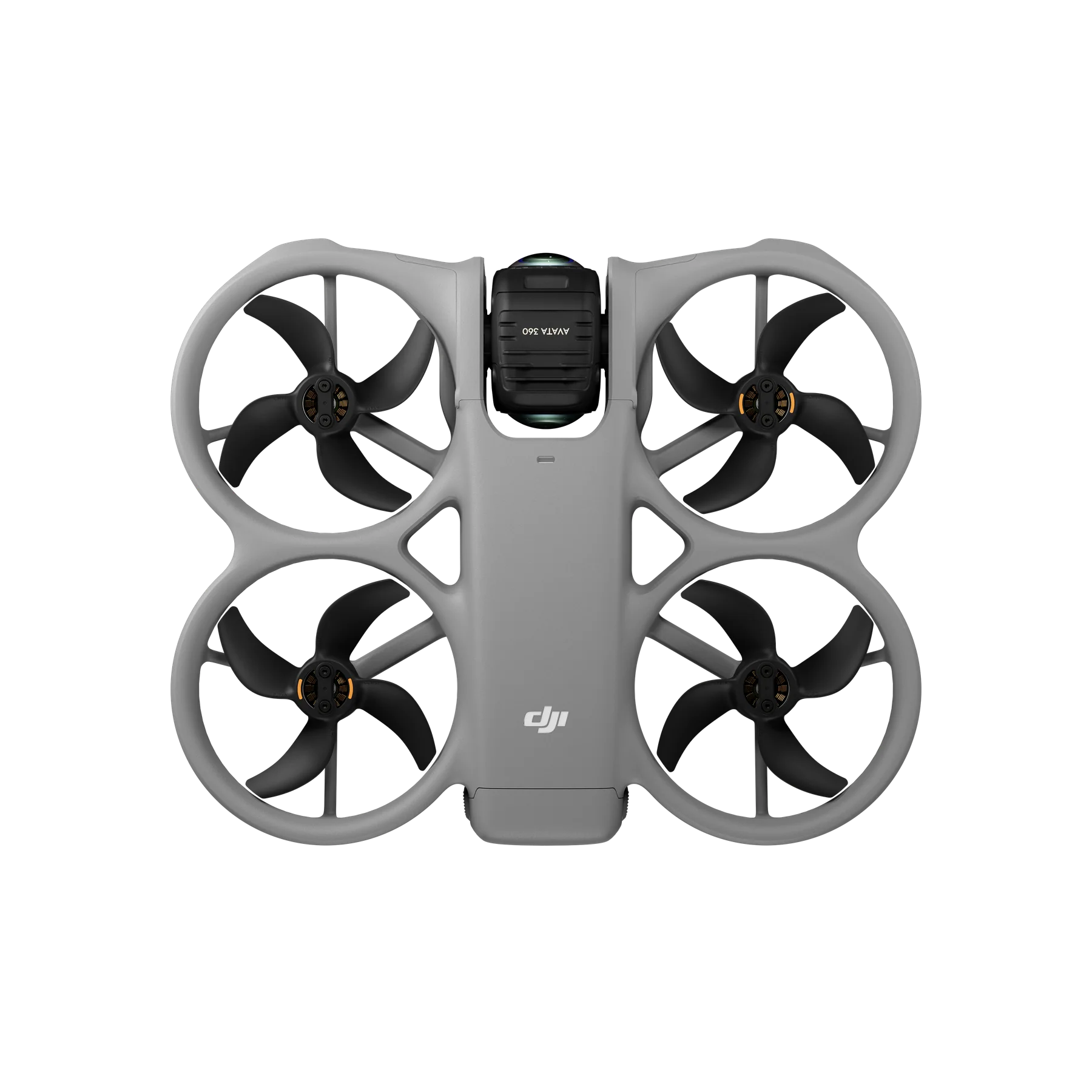
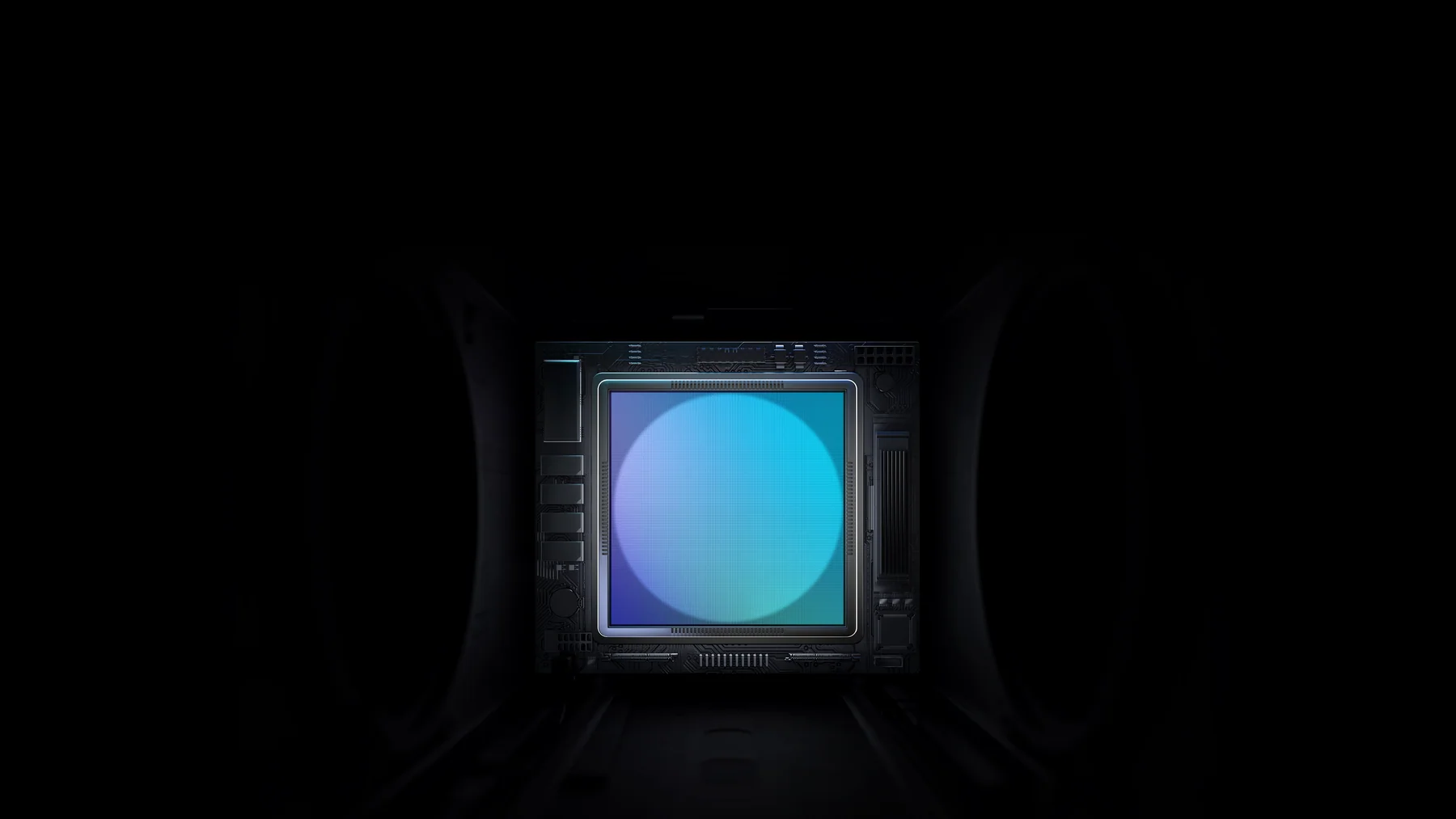
Each 64 MP square sensor uses a 200° f/1.9 lens. Together they create an 8K spherical image with the equivalent imaging area of a 1-inch sensor. Record up to 8K/60 for motion, 120 MP 360 photos for detail, and D-Log M when the footage will be colour graded.
360 mode protects the moment from a missed composition. Single-lens mode shortens the path from flight to finished clip.
Track the subject, change from forward to backward view, add a pan, or produce 16:9 and 9:16 edits from one take.
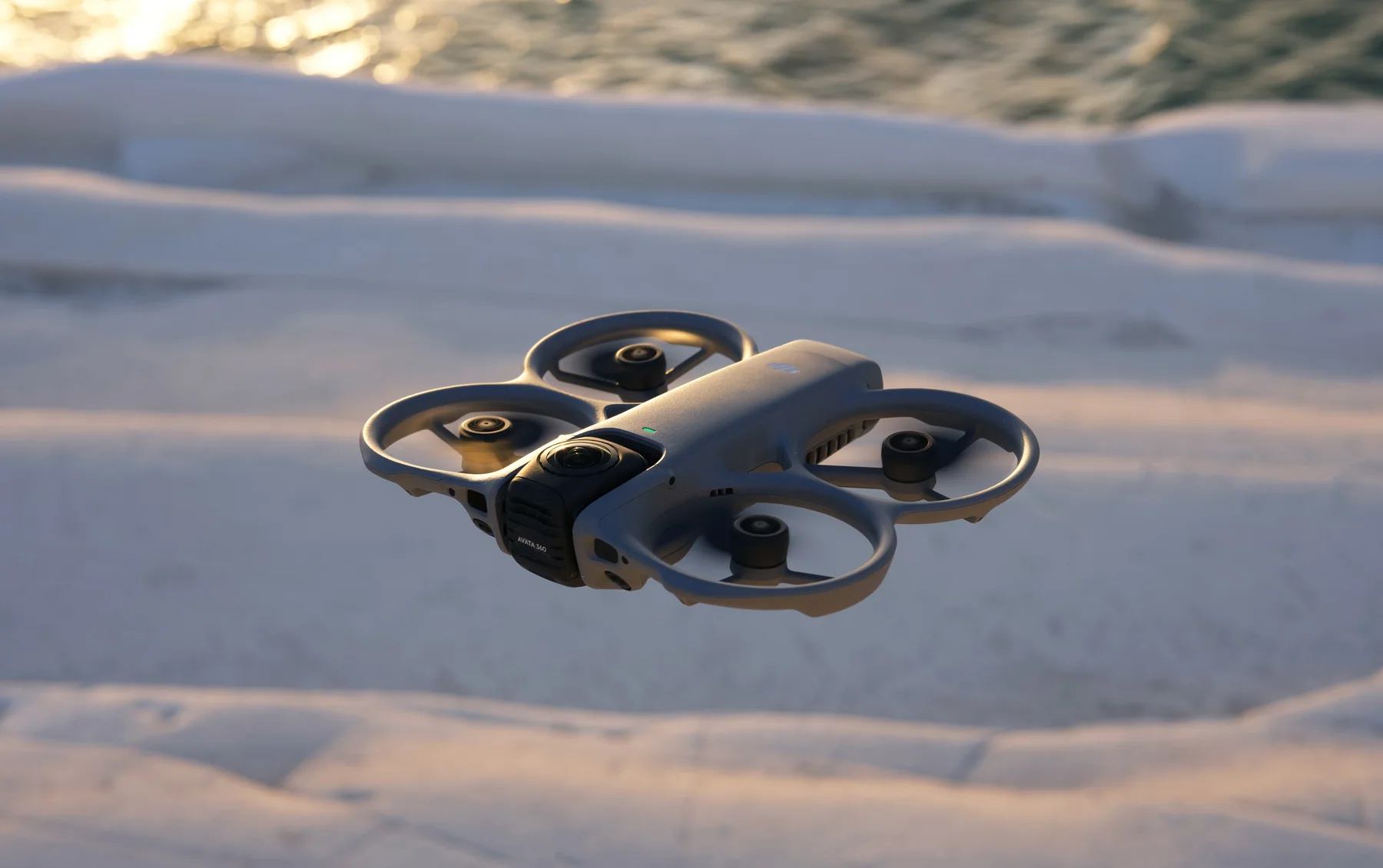
Shoot conventional 4K video with less stitching and reframing work. It is the quicker path for simple delivery.
The aircraft supports two distinct ways to work. Buy around the control experience you will actually use.
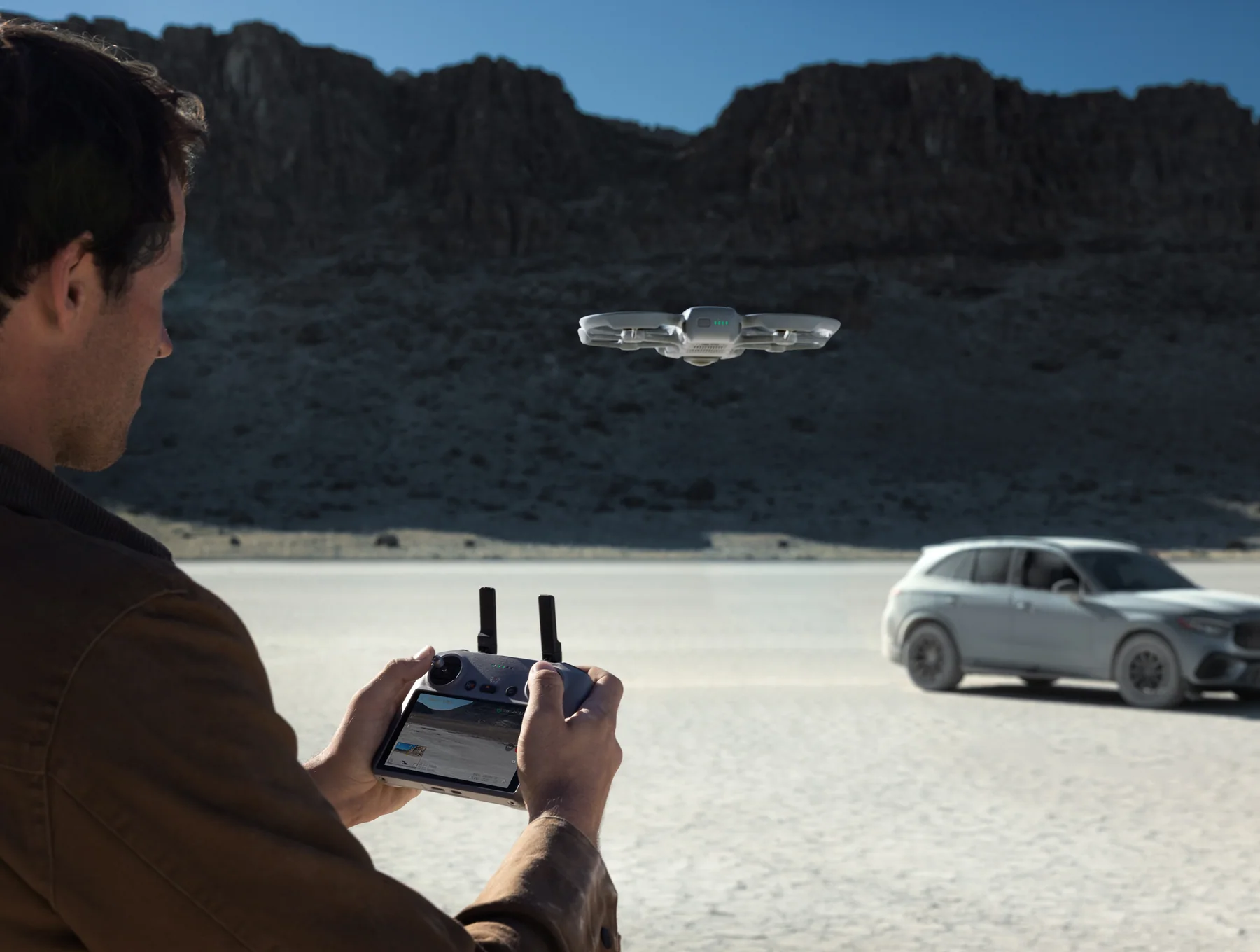
Use twin sticks and a built-in screen. This is the better fit for planned tracking, repeatable camera moves, QuickShots and a familiar camera-drone workflow.
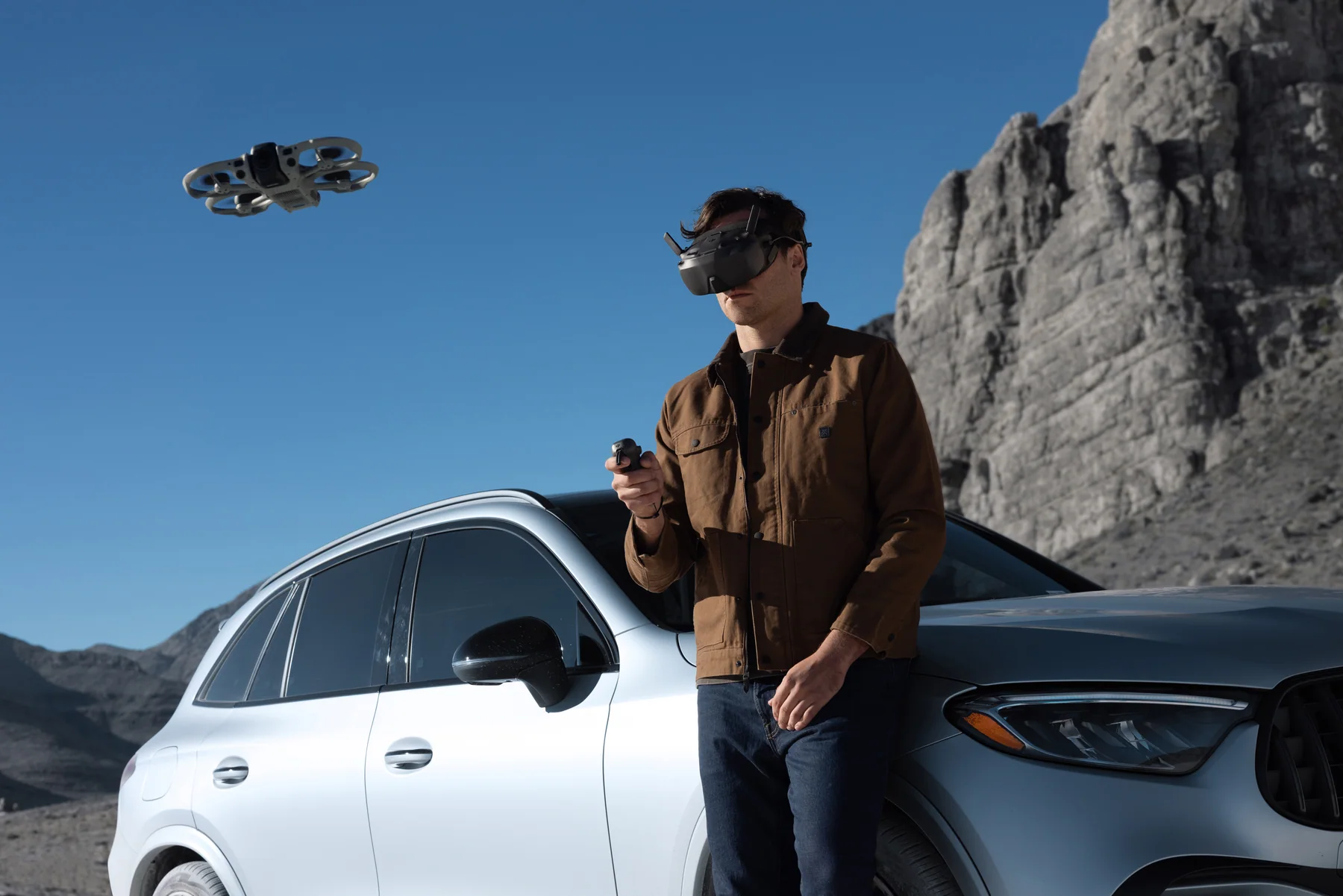
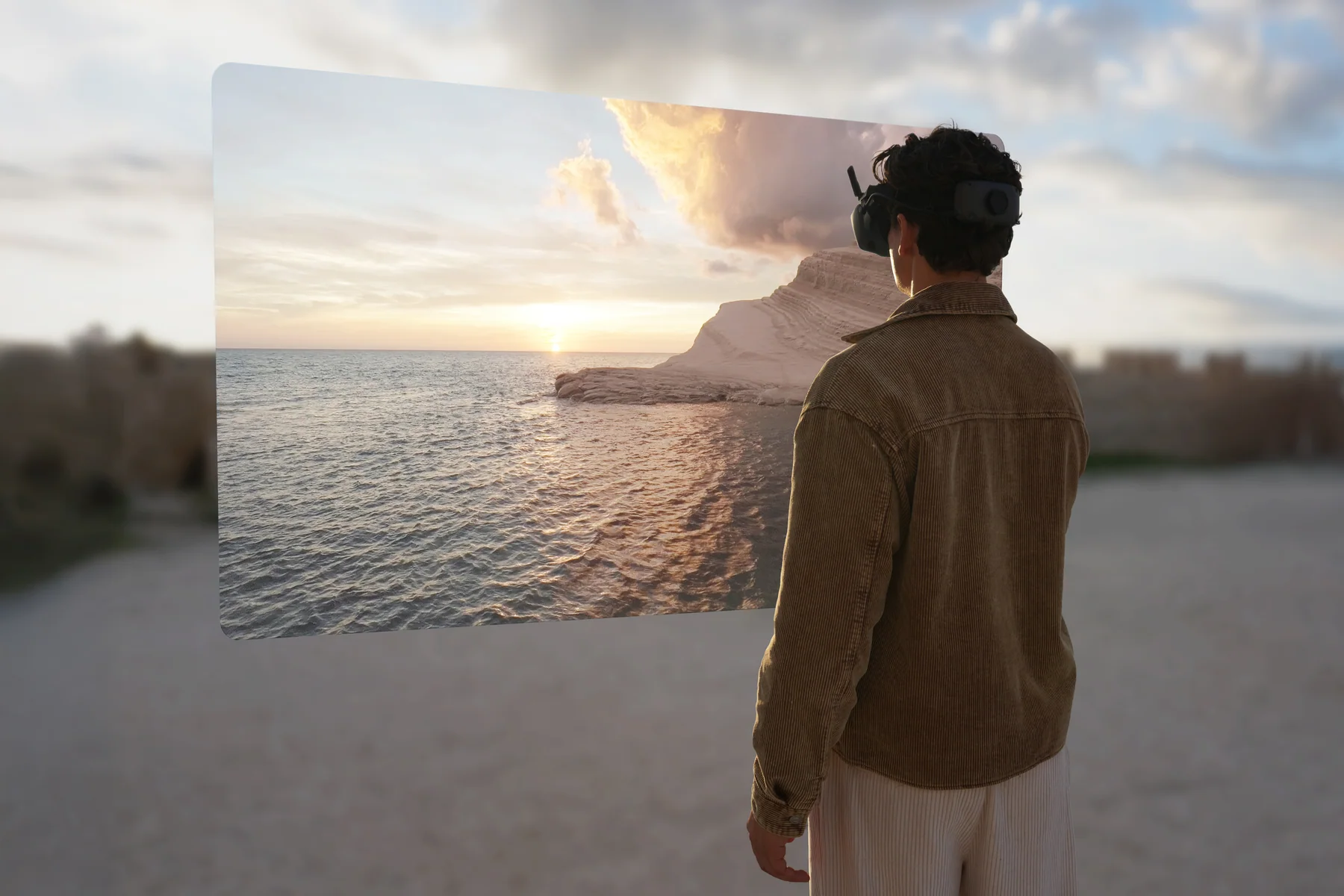
See the live view in the goggles and steer with one hand. Head tracking and motion control suit close, flowing lines and an FPV-style experience.
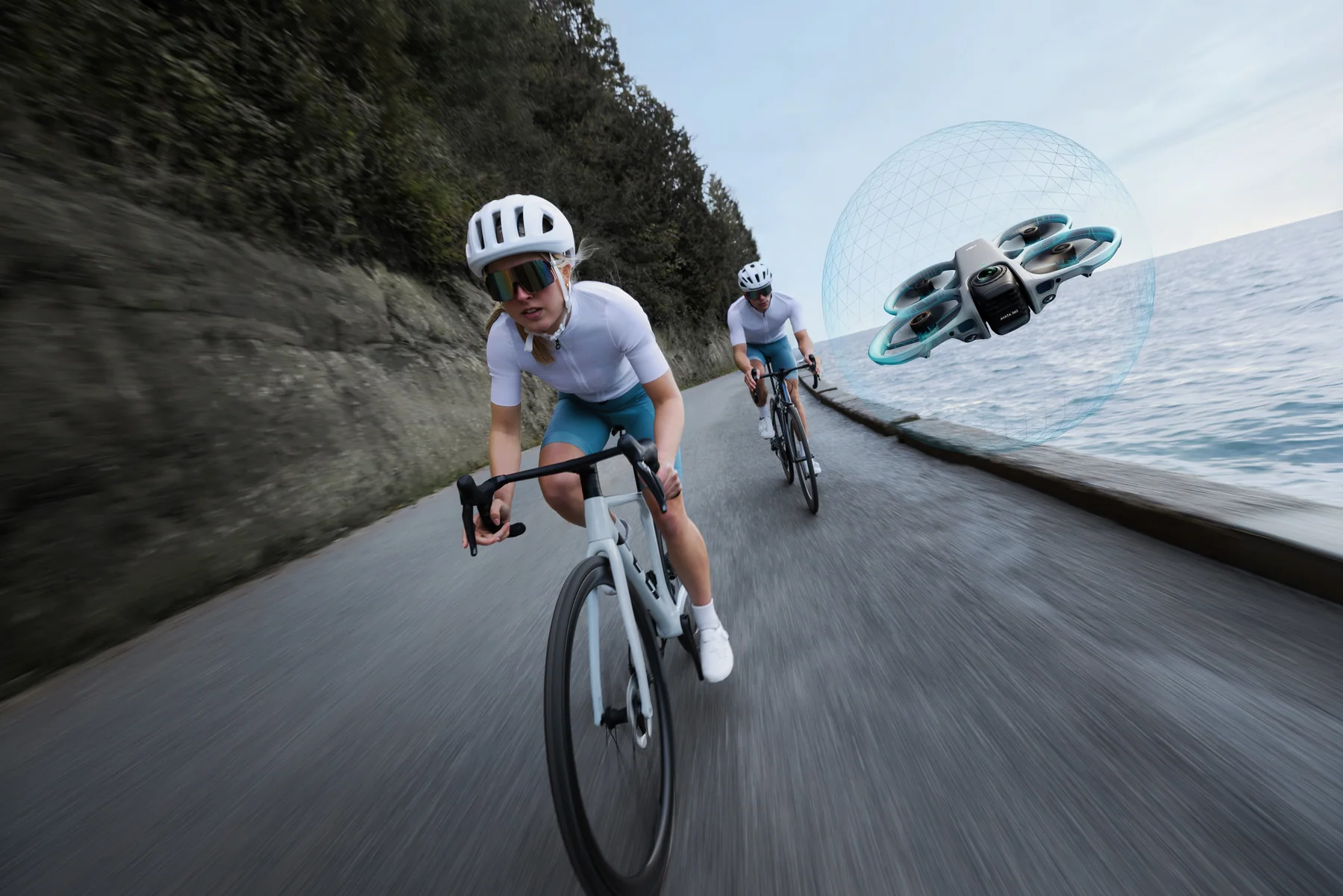
Integrated propeller guards reduce the consequence of light contact. In 360 mode, omnidirectional vision, forward LiDAR and bottom infrared sensing help the aircraft detect obstacles around it. In single-lens mode, sensing is forward-facing, so the pilot still has to manage the full flight path.
Offload clips through DJI Fly for quick phone edits or use DJI Studio on a computer for precise keyframes, horizon changes and higher-quality exports. A reframed clip uses only part of the 8K sphere, so leave room around the subject and expect the final flat export to have less detail than the full spherical source.
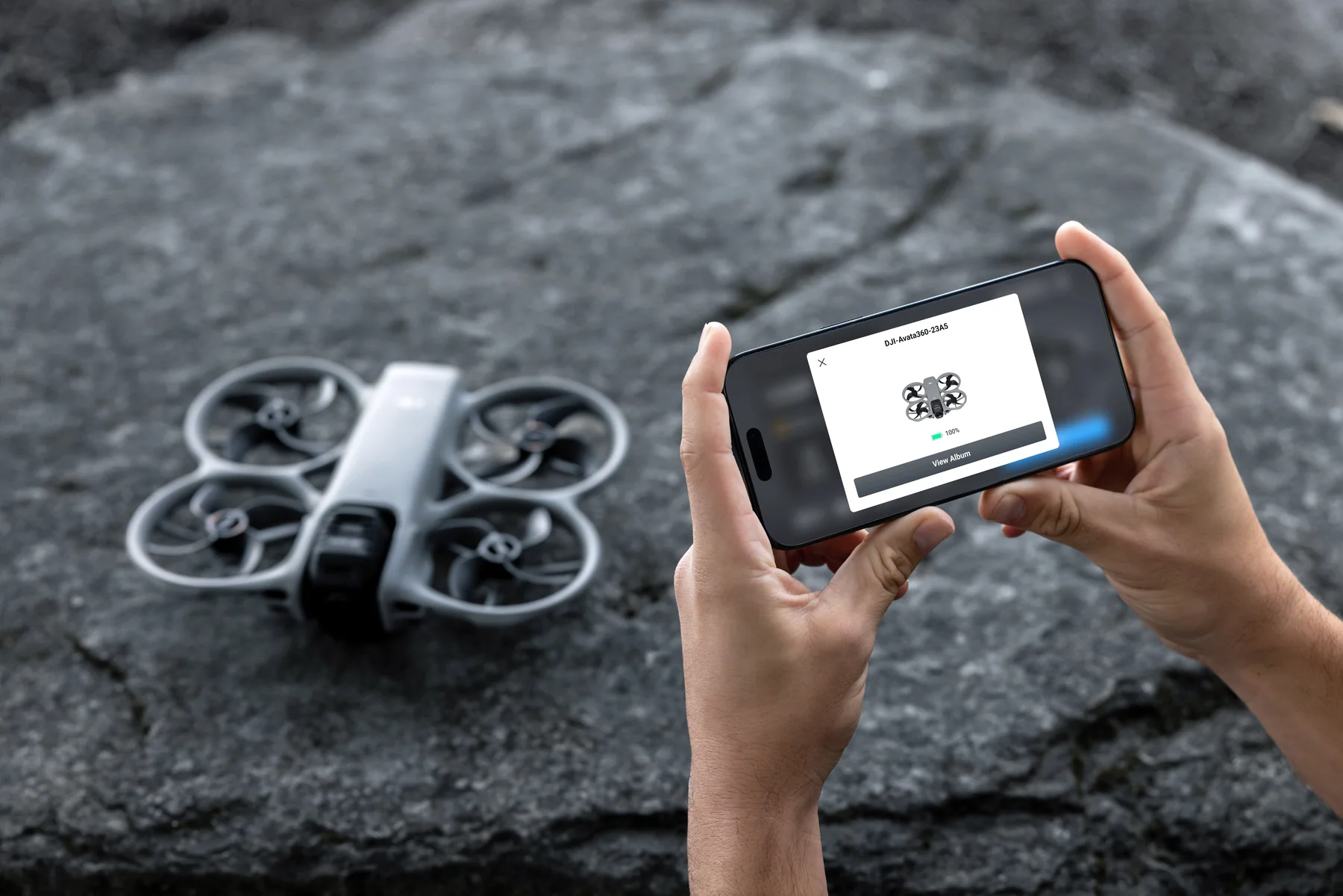
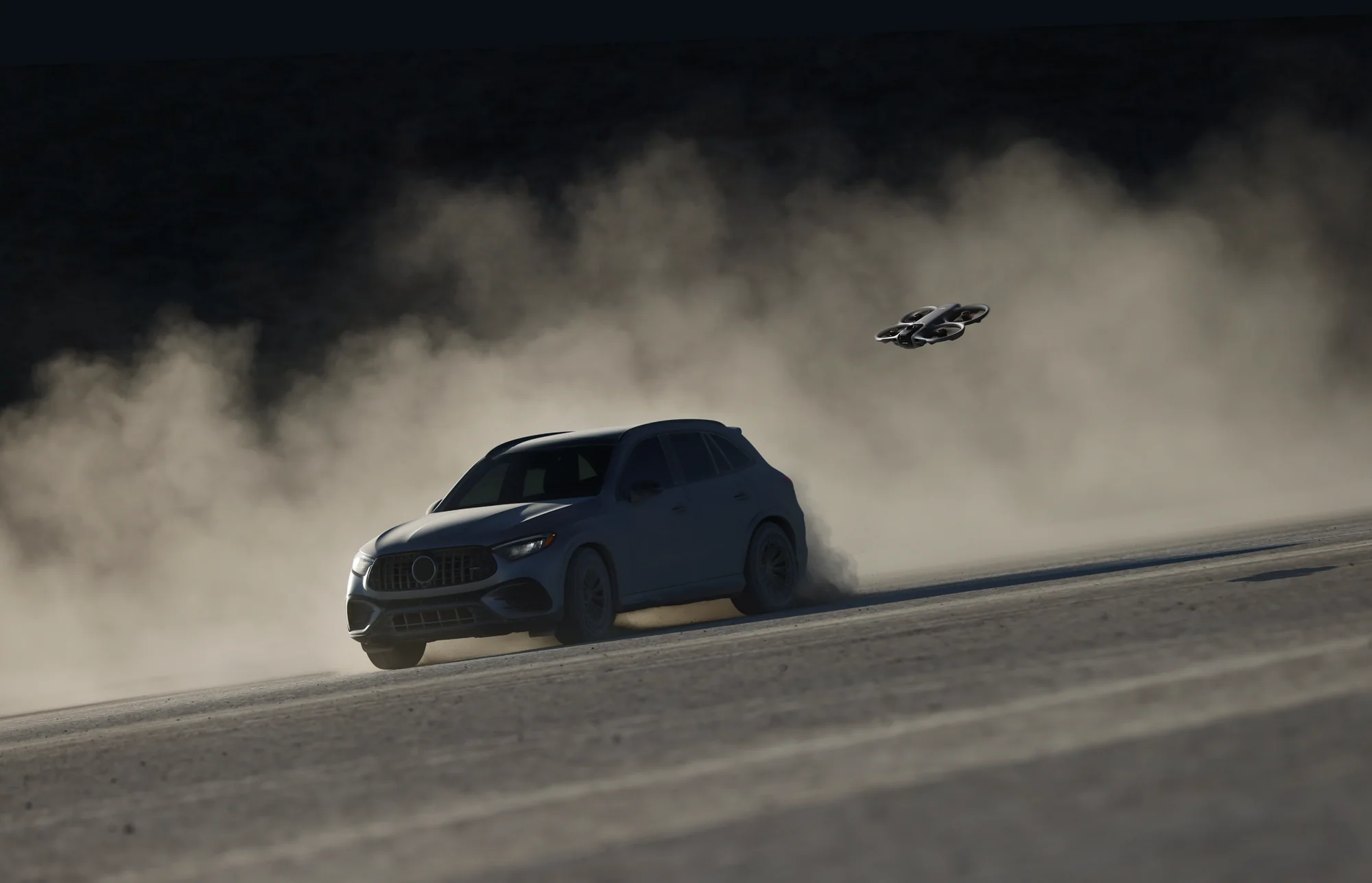
Avata 360 can hold a moving subject, skim a low line, or turn the same spherical capture into a new viewing direction after landing. These DJI capture scenes are shown at web resolution.
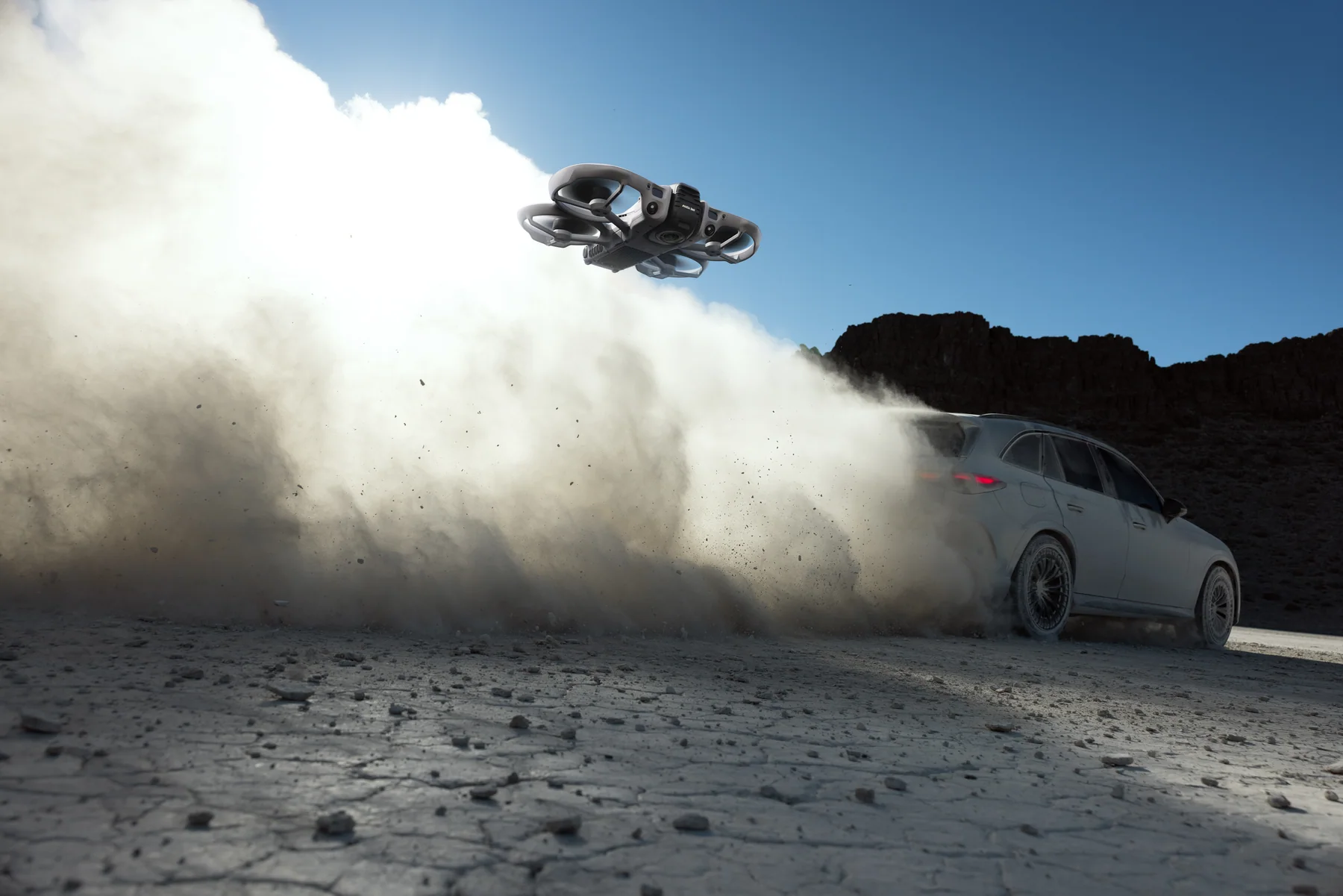
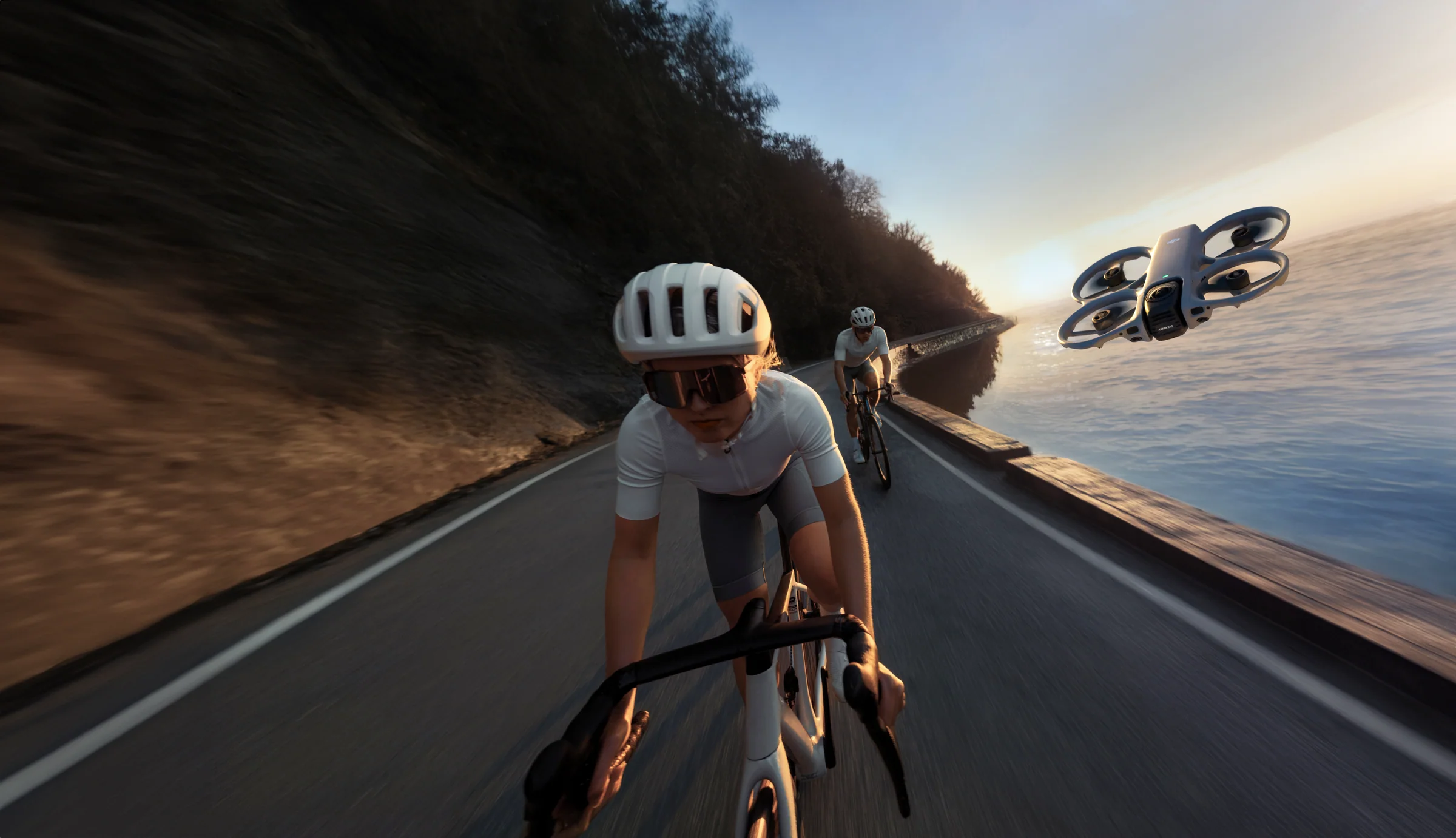
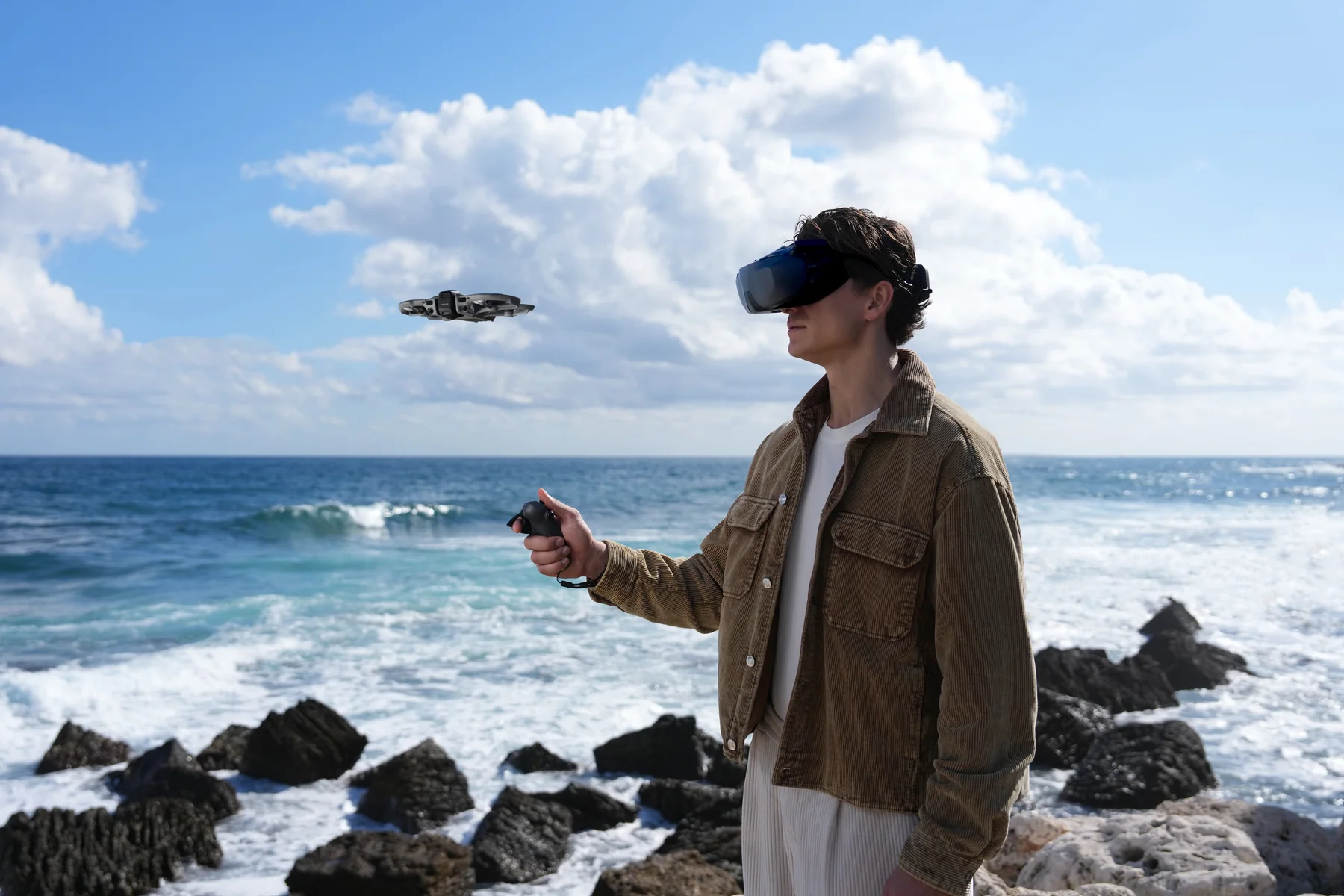
The $899 package is ready to fly with RC 2 and one battery. Both $1,269 Fly More packages add two batteries, the parallel charging hub and sling bag; the difference is the controller.
| Package | Price | Controller | Power | Best for |
|---|---|---|---|---|
| Avata 360 (DJI RC 2) | $899 | DJI RC 2 | 1 batteryAircraft, RC 2, landing pad and essentials | Creators who want familiar twin-stick flying at the lowest complete-kit price |
| Fly More Combo (DJI RC 2) | $1,269 | DJI RC 2 | 3 batteries + charging hubAdds the charging hub and sling bag | Longer shoots, tracking work and conventional camera-drone control |
| Motion Fly More Combo | $1,269 | DJI Goggles N3 + RC Motion 3 | 3 batteries + charging hubAdds goggles, motion controller, hub and sling bag | Immersive FPV flight, head tracking and one-handed motion control |
The product page keeps every related box item visible. Quantities update to 0, 1 or 3 when you switch packages.
It delivers stronger recording options and two control paths, but it is heavier than the sub-250 g Antigravity A1 and creates larger files than a conventional camera drone.
Start with power and storage. Keep props and a lens service option available when the aircraft will fly close to terrain or moving subjects.
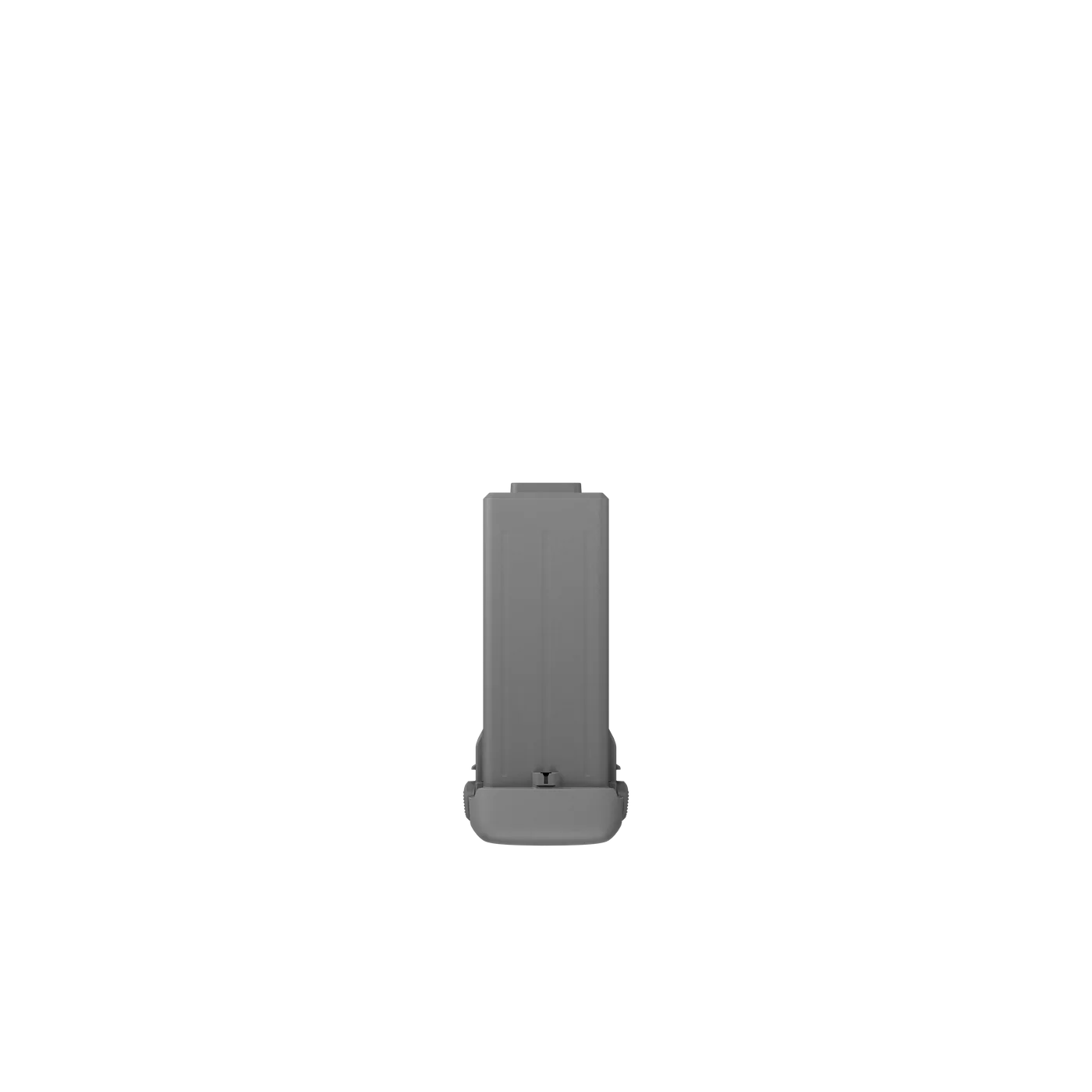
Up to 23 minutes per battery.
View battery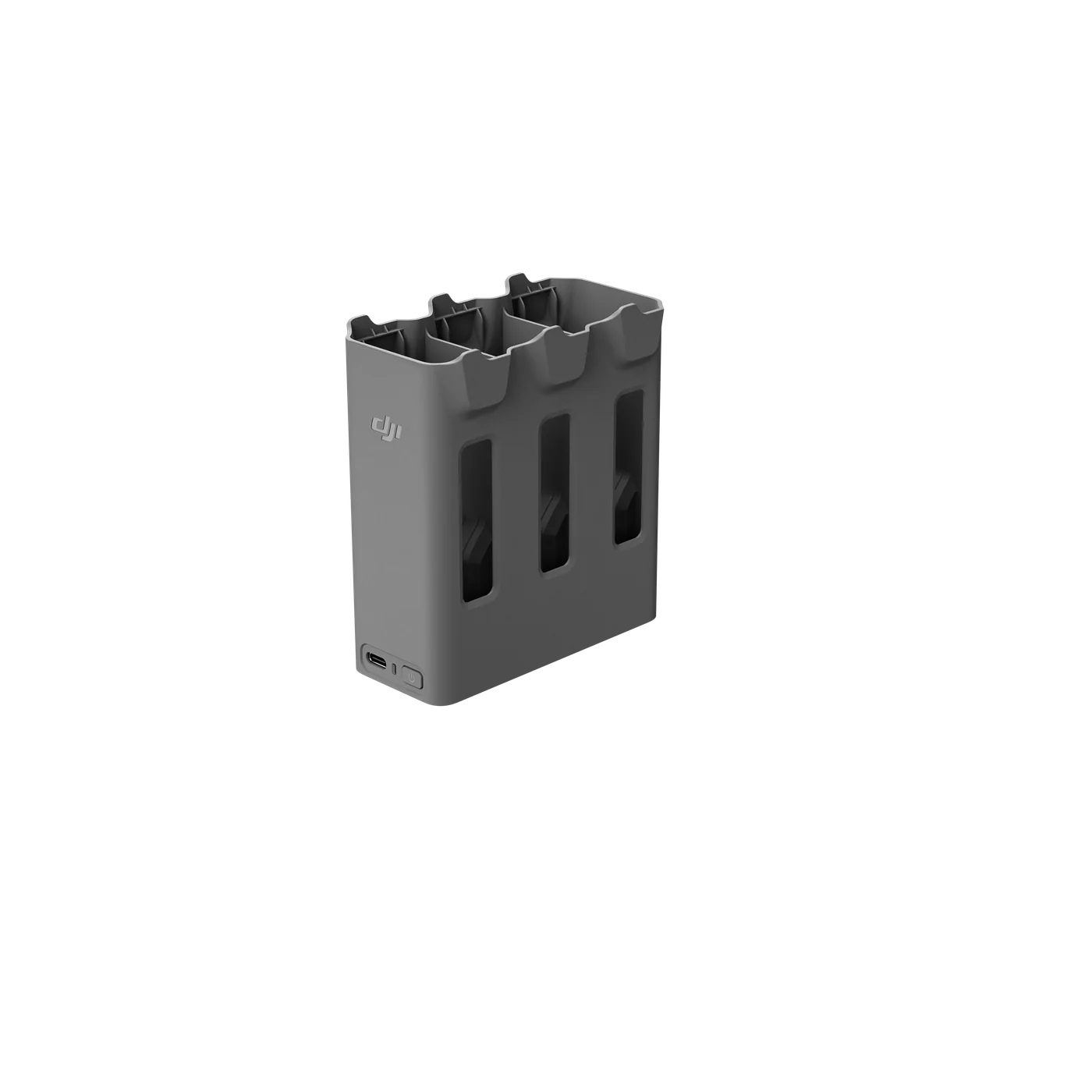
Charge three batteries in parallel with a 65W or stronger USB-C source.
View charging hub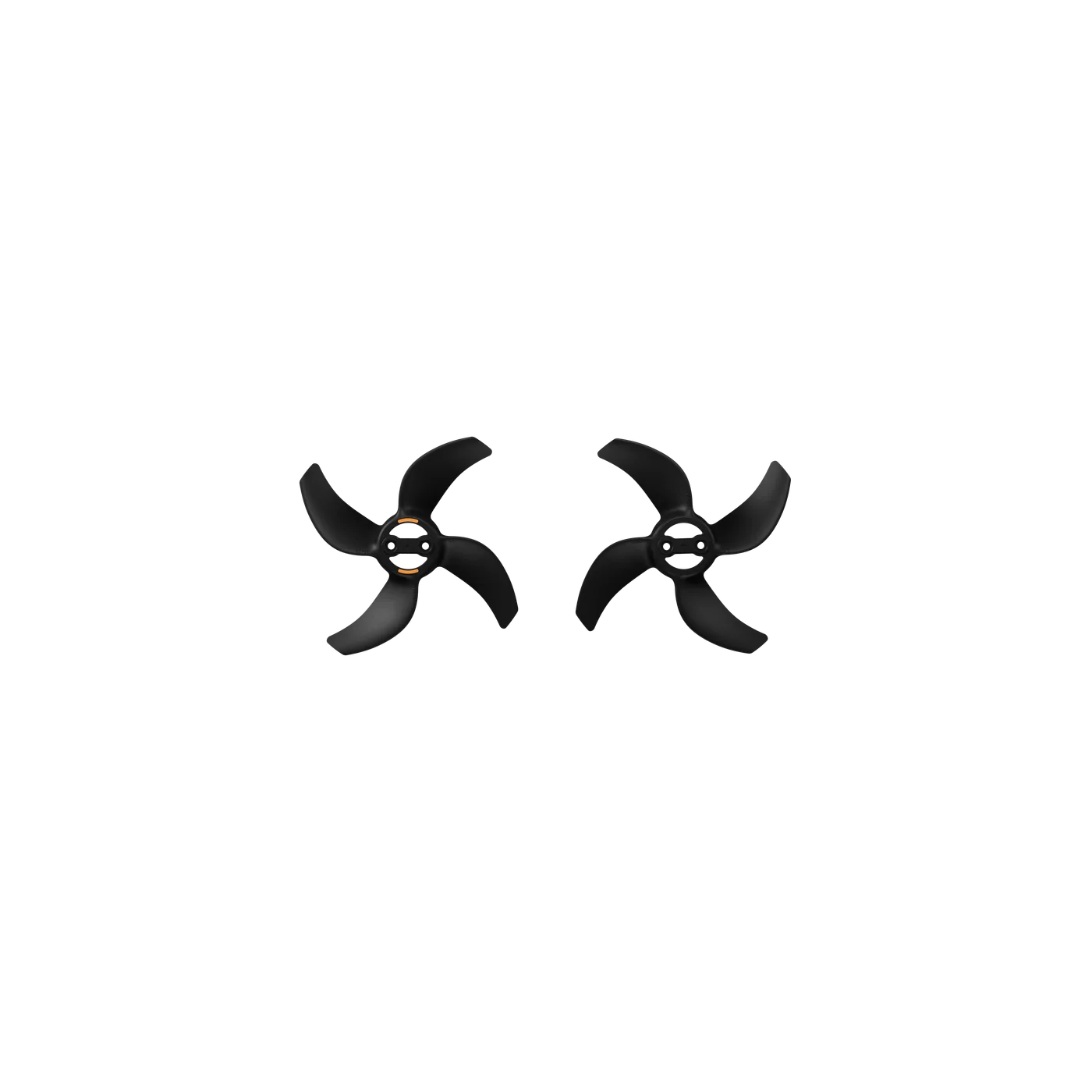
A matched pair for field replacement.
View propellers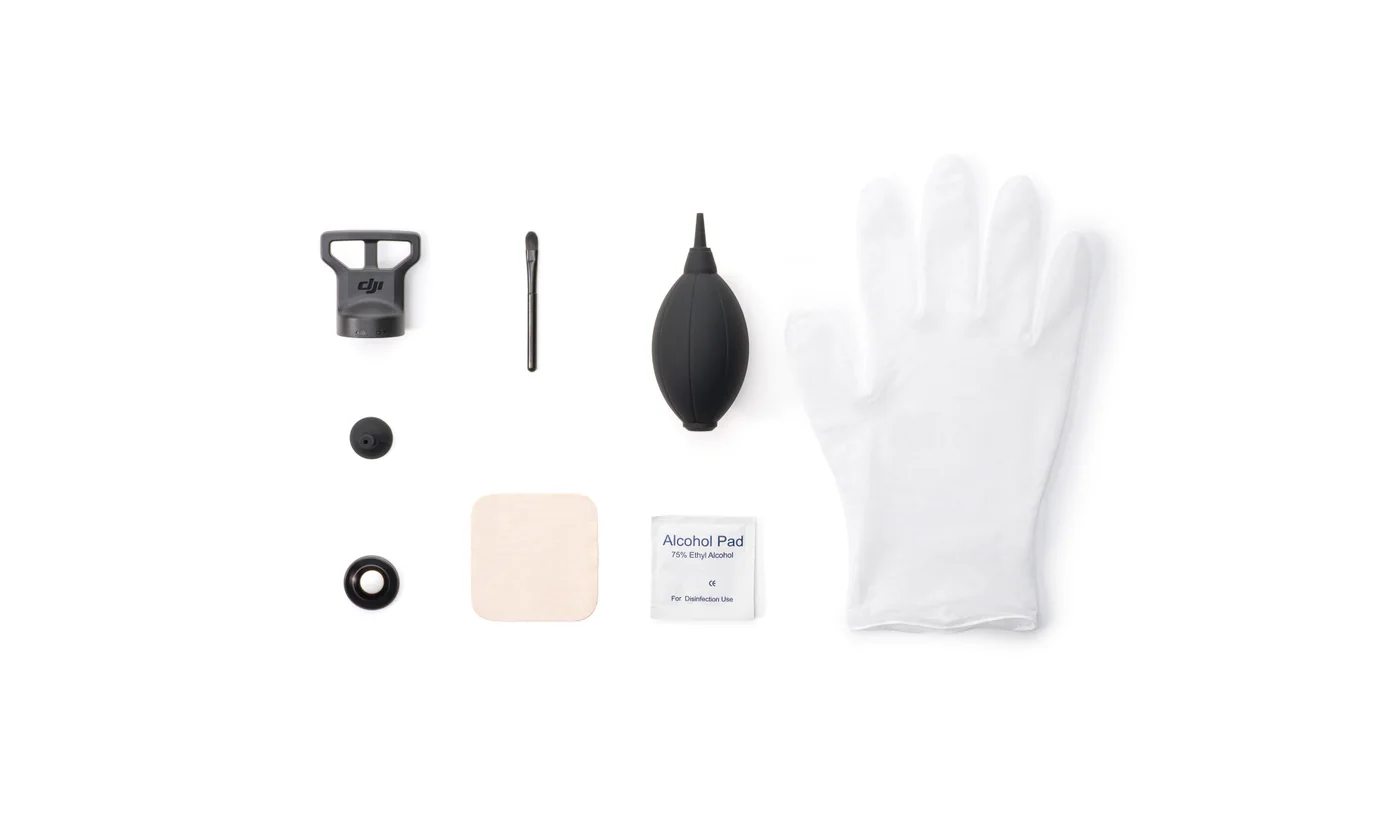
Outer lens and the tools needed for replacement.
Ask about lens serviceTwo lenses record the full sphere around the aircraft. You choose the final angle, camera move and aspect ratio after the flight instead of locking the composition in the air.
Yes. Single-lens mode records a conventional flat image up to 4K/60, with 2.7K slow motion up to 120 fps. Use 360 mode when you want to reframe later and single-lens mode when you want a faster edit.
Choose RC 2 for a familiar screen-and-sticks workflow, ActiveTrack and automated camera moves. Choose the Motion Fly More Combo for immersive goggles flight, head tracking and RC Motion 3 control. Both Fly More packages include three batteries, the hub and sling bag.
The aircraft includes 42 GB of internal storage and accepts a V30 microSD card up to 1 TB. 8K 360 footage is storage-heavy, so a fast card and an organized offload routine are worth planning before a full shoot day.
The rated maximum is 23 minutes, with about 22 minutes of hovering. Wind, speed, temperature, repeated acceleration and the return reserve shorten real flight time. The Fly More packages include three batteries.
Yes. DJI sells replacement lens kits, including a version with the removal tools. The camera rotates into a protected position for landing, but the exposed 360 lenses still deserve careful handling and a clean landing area.
Yes. At approximately 455 g, it is above the 250 g threshold. Register the aircraft and hold the pilot certificate required for the operation you plan. Controlled airspace and operations beyond basic limits have additional requirements.
Plan goggles flights around the Canadian visual-line-of-sight rules. A visual observer and the correct operating setup may be needed because the pilot cannot maintain an unaided outside view while wearing goggles.
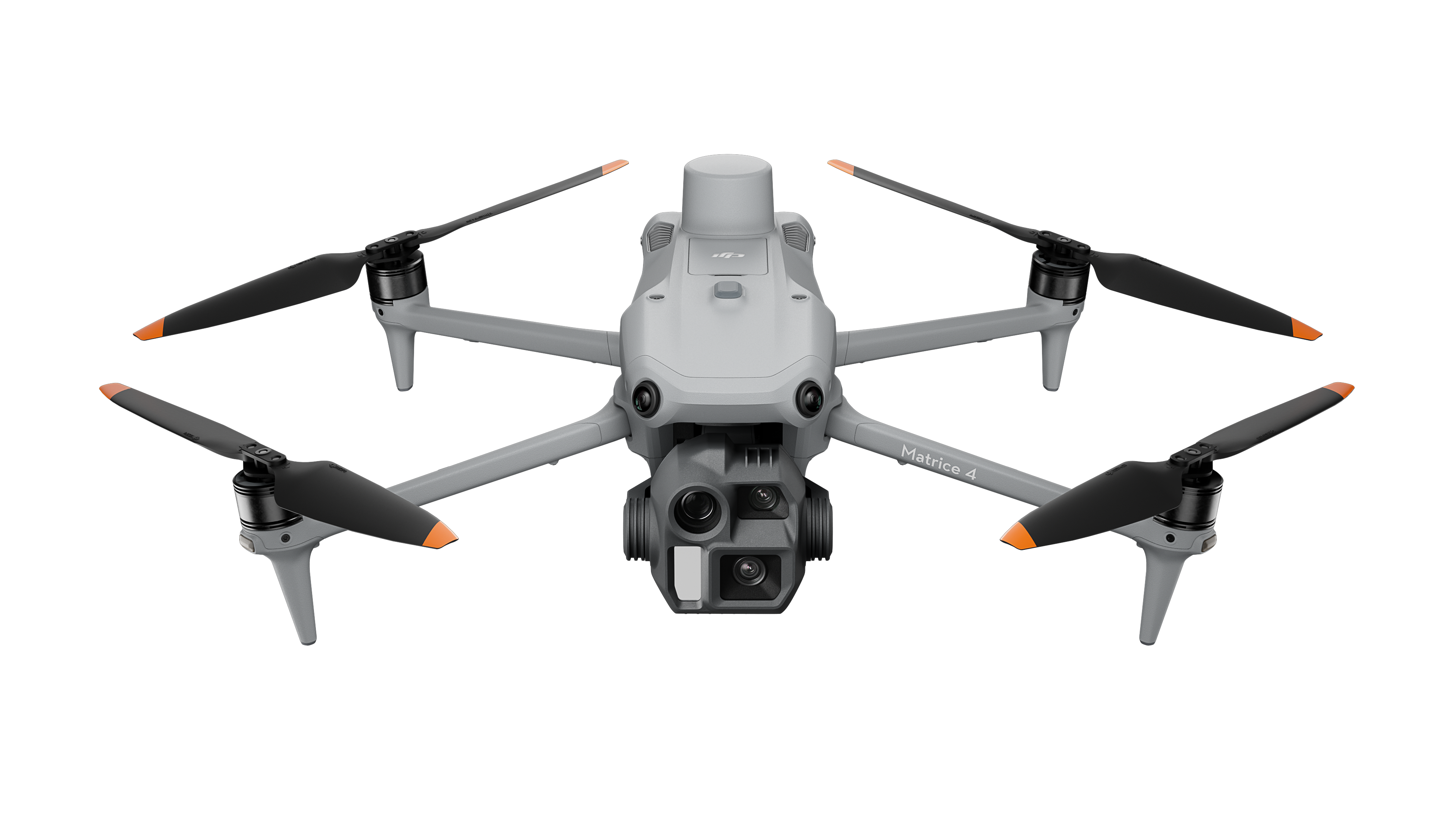
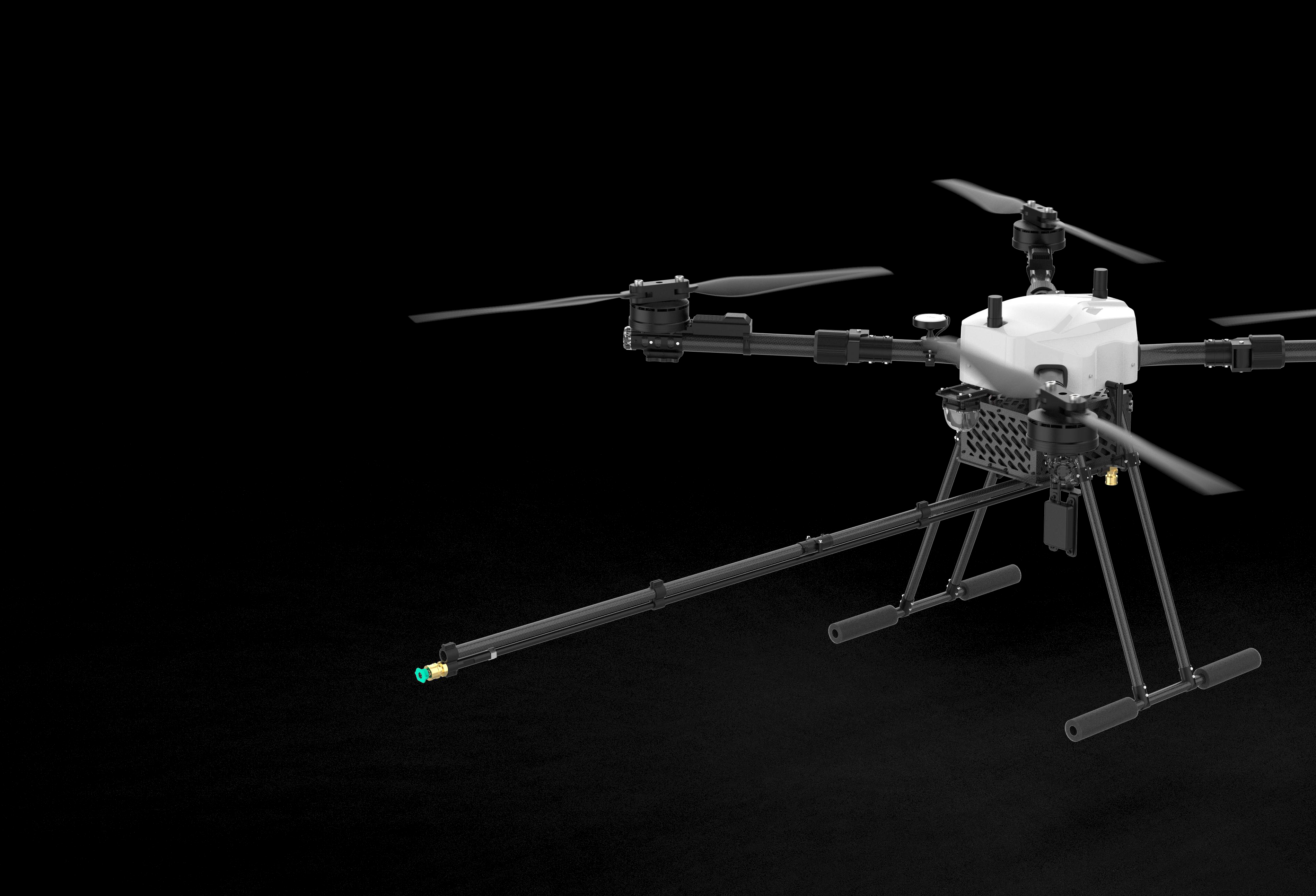
Creator Armoury covers consumer imaging gear. SkyFlow's specialist stores handle larger aircraft, commercial payloads, and field deployments.
Matrice platforms, facade-washing drones, professional survey systems, payloads, training, and deployment support.
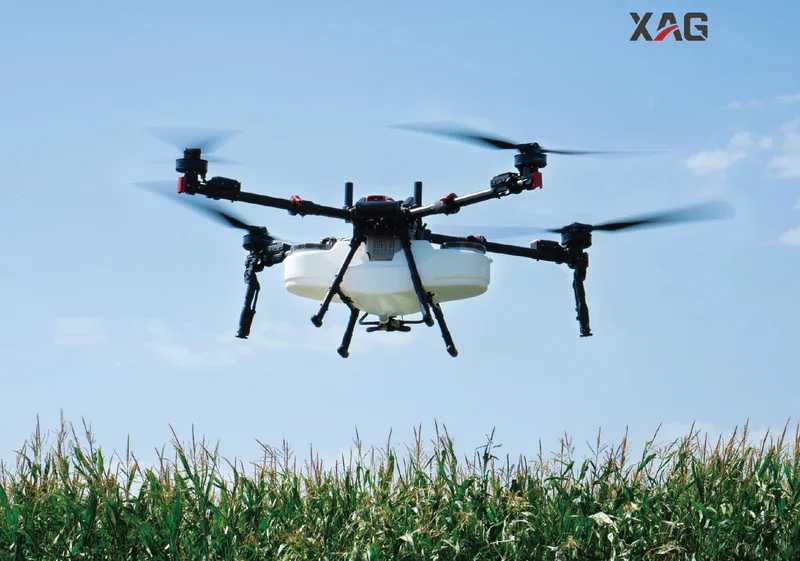
Visit the enterprise shopXAG aerial and ground platforms, Canadian parts, training, repairs, and seasonal support.
Visit the agriculture store