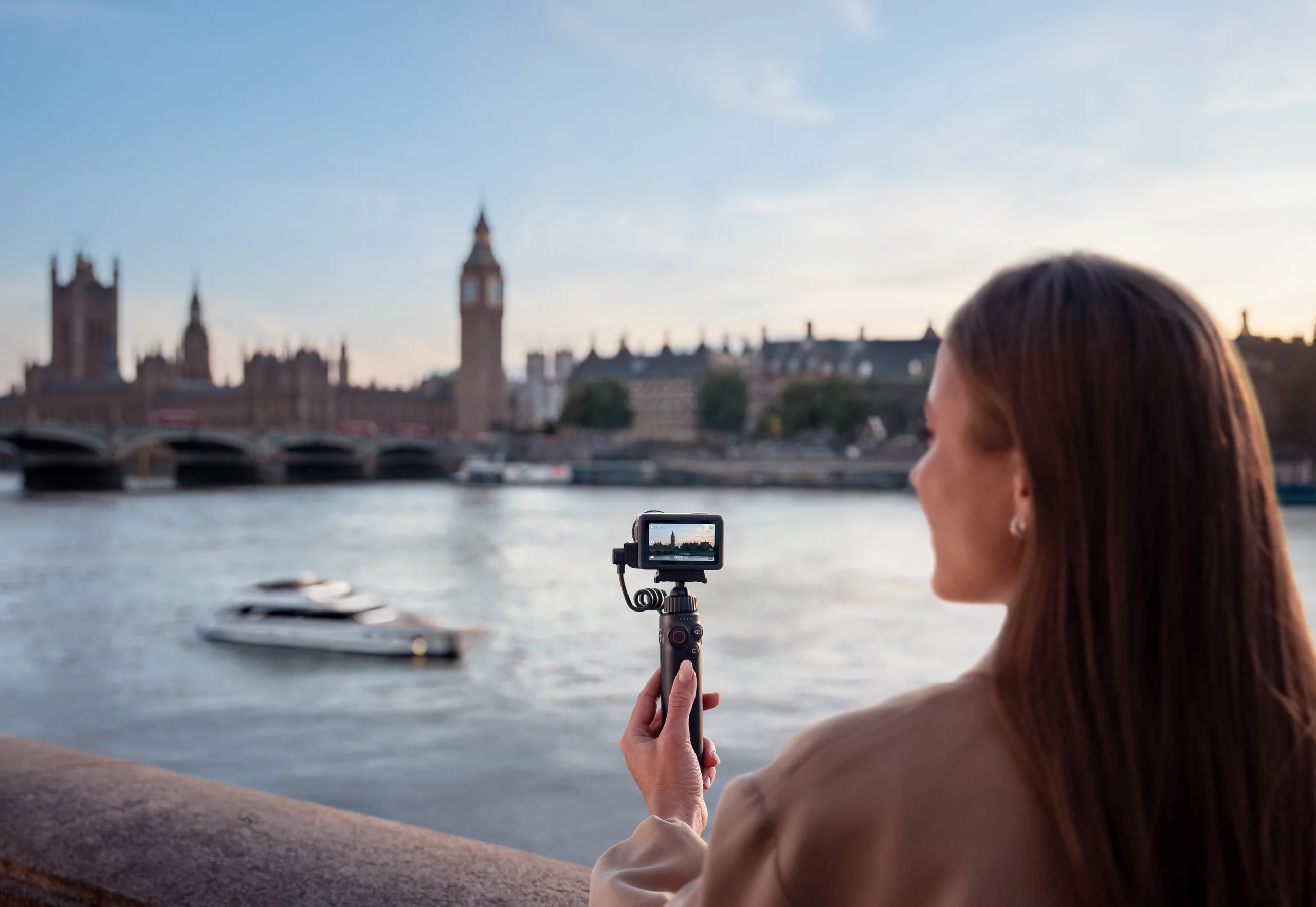
A coherent travel film needs fewer shots than most creators think: one aerial establishing view, one reveal, one subject move, one eye-level sequence, close details, ambient sound, and a short voice segment. Plan those jobs before choosing accessories.
Give each tool one story job.
Drone: geography
Use the Mini 5 Pro for a small number of wide views, reveals, parallel tracks, and retreat shots that explain where the subject is. It should add scale or direction—not repeat the ground camera from higher up.
Ground camera: presence
Use the Action 6 for walking movement, vehicle interiors, trail details, weather, water, hands, food, gear, and the moments when flying is prohibited or unwise.
Audio: meaning
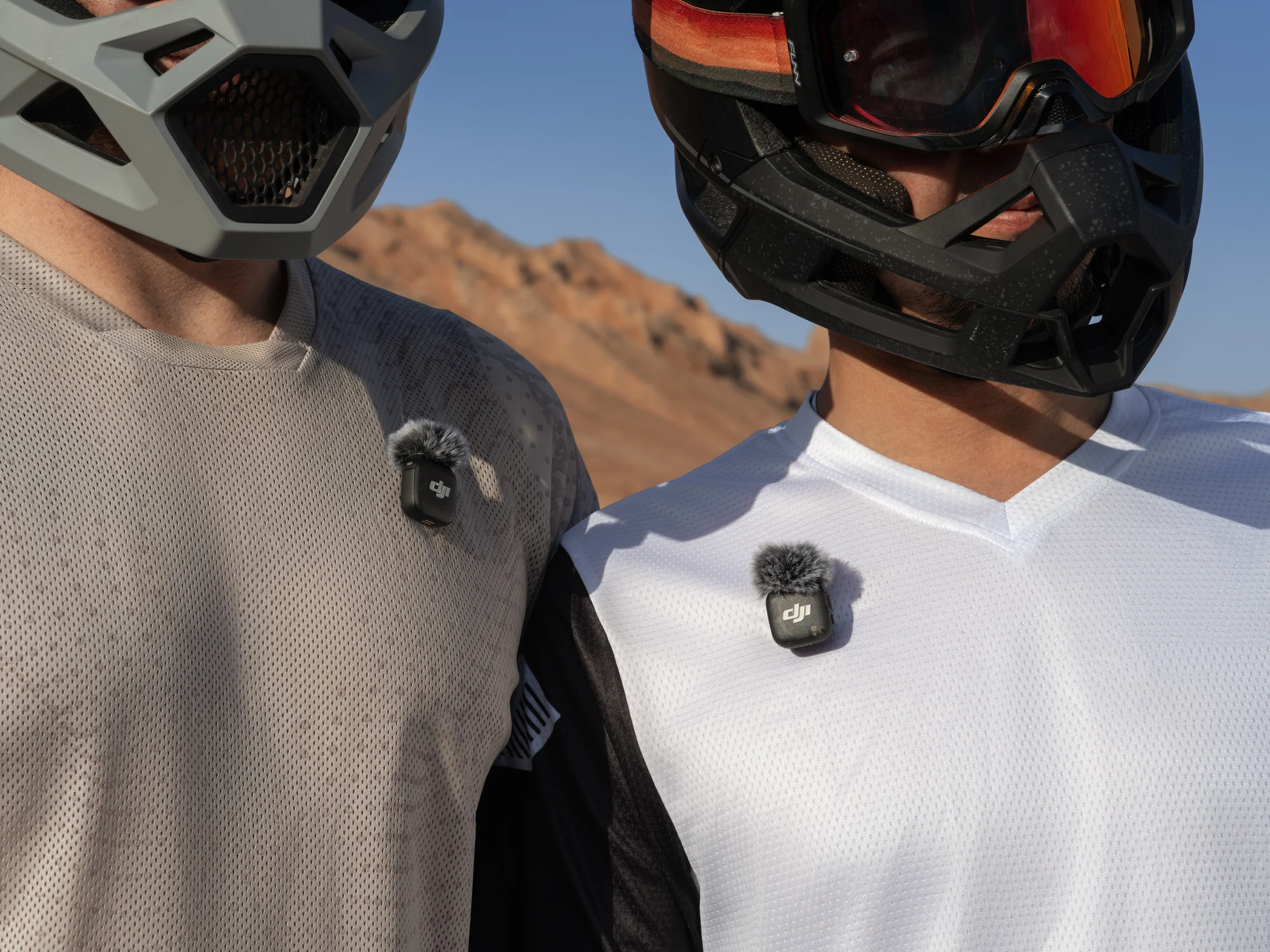
Record clean ambient sound and a short voice segment. Creator Armoury does not currently list a standalone wireless microphone SKU, so use a recorder you trust or ask us to check microphone availability and compatibility.
Power: duration
Carry standard spare flight batteries for a walking day. Add a hub for organized charging. Add Power 1000 Mini only when vehicle/basecamp logistics justify its size.
A seven-shot travel sequence.
- Arrival: a road, sign, train, trailhead, harbour, or doorway that starts the journey.
- Geography: one wide aerial view that establishes the place and travel direction.
- Discovery: a reveal, retreat, or foreground slide that creates depth.
- Human scale: a safe lateral track or ground follow beside the traveller.
- Texture: hands, boots, water, food, maps, weather, gear, plants, or architecture.
- Voice and sound: a clear explanation plus a clean bed of the location itself.
- Departure: reverse the arrival language or hold a final wide view long enough to breathe.
This sequence borrows the useful principle behind DJI’s published movement examples—clear geography, motion, and sweeping context—then turns it into an edit-ready travel structure.
A field-day rhythm that protects the edit.
Before leaving
Charge, update early, format verified media, pack standard batteries, confirm the aircraft weight/configuration, download offline maps where appropriate, save permissions, and write the two shot lists.
At the first location
Walk the site before opening the aircraft. Record a ground wide, detail, and ambient sound while checking wind, people, light, and launch authority.
During each flight
Capture the priority shot first, then one variation. Stop before fatigue, changing access, crowds, weather, or battery margin turns a creative flight into a recovery problem.
At every move
Confirm files exist, protect full media, separate charged from depleted batteries, and make a quick note about the best take and any colour/audio issue.
At basecamp
Copy to two destinations, do not erase the field media until verification, label by date/location/camera, and apply the correct technical colour transform before judging log footage.
The Creator Armoury travel shopping list.
The current catalog supports the aerial, ground-camera, battery, filter, charging, and basecamp-power parts of this workflow. Pocket-camera and wireless-microphone needs remain consultation-led until corresponding SKUs are available.
Core
DJI Mini 5 Pro · DJI Osmo Action 6
Longer field day
Standard flight battery · Two-way charging hub · ND filter set
Vehicle-supported basecamp
Check compatibility and missing audioFive workflow problems worth solving early.
Too much aerial footage
Limit the drone to geography and movement jobs. If a clip does not explain place, direction, or scale, capture the moment from the ground.
No usable voice
Monitor a short test, shield wind, reduce background noise at the source, and record a second safety take. A mic purchase cannot fix an unchecked recording.
Mixed frame rates
Decide delivery rate and slow-motion intent before the trip. Document which modes are intended for normal speed and which are intended to conform.
Dead batteries at the best light
Schedule charging around sunrise/sunset priorities, separate depleted packs, and do not spend every battery on scouting flights.
One copy of the trip
Keep the original cards until at least two verified copies exist. A power station adds runtime, not data redundancy.
Primary and published sources
Rules and product guidance can change. These links were reviewed on August 16, 2026; re-check them before relying on the information for a trip or purchase.
DJI — Three landscape camera-movement ideasDJI — How ND filters work and when to use themDJI Support — D-Log modes and official LUT availabilityNAV CANADA — NAV Drone support and viewer