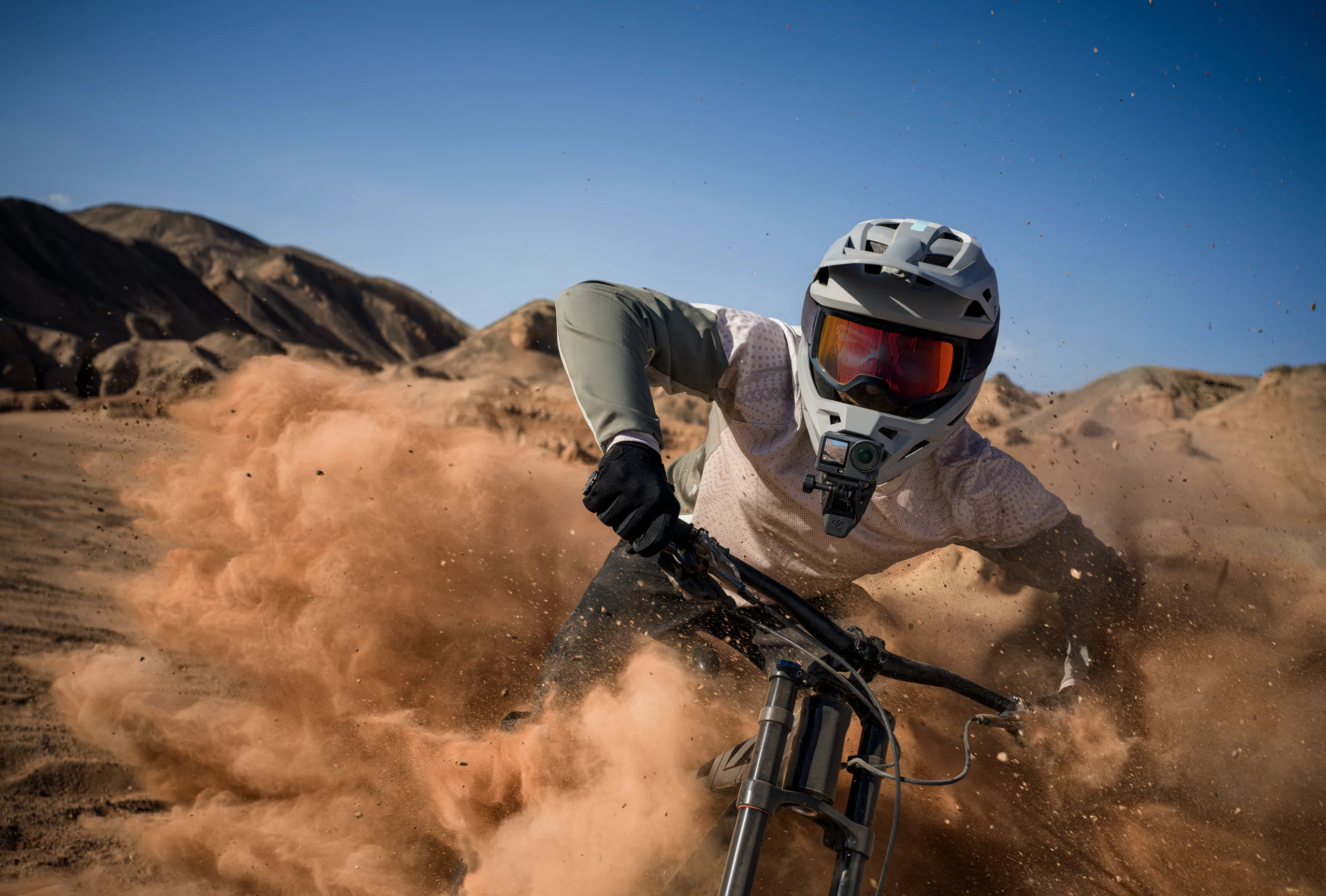
Pick settings from the delivery and the movement.
- General action: 4K/60, locked white balance, standard stabilization, shutter chosen from the live motion.
- Planned slow motion: 4K/120 in a supported aspect ratio, bright light, short clips, and an edit that actually uses the extra frames.
- Vertical delivery: shoot native 9:16 when the composition is known, or use 4K Custom square capture for flexible reframing.
- POV with heavy roll: test HorizonSteady limits before the real run; do not assume every movement can be levelled.
- Snow or water: watch highlights, clean the cover often, and check for droplets between takes.
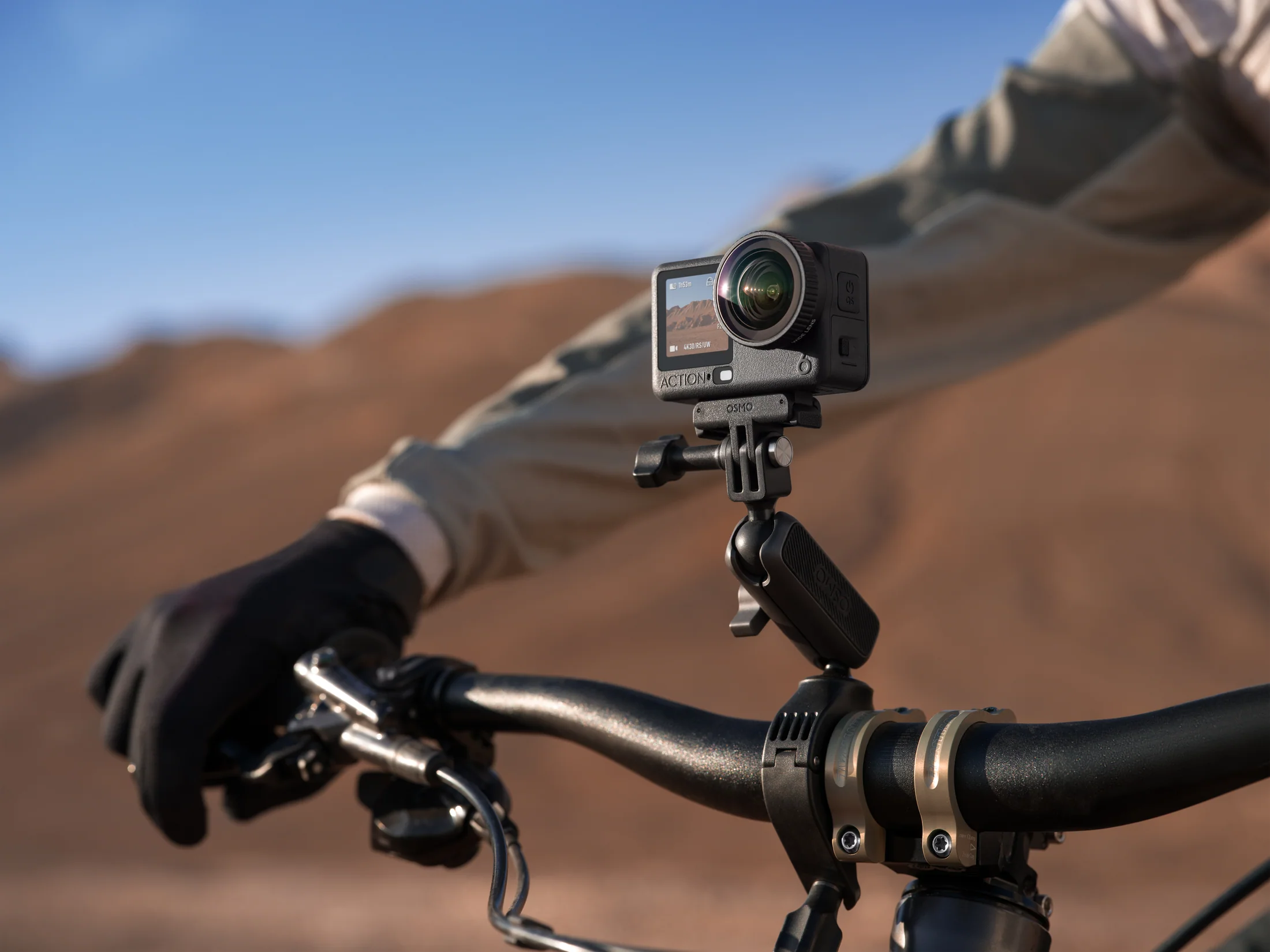
A mount is part of the camera system.
Place the camera where the movement reads and the mount cannot interfere with steering, braking, safety equipment, visibility, or the subject. Use a tether where appropriate, torque and inspect every connection, then record a short vibration test.
The frame vibrates at one speed.
Change the mount position or shorten the lever arm; tightening software stabilization cannot fix a resonant physical setup.
The horizon swims.
Reduce extreme roll, choose a less aggressive horizon mode, and give the camera a clearer reference.
Wind destroys the audio.
Use protected placement, capture a separate voice segment, and record clean ambient sound away from the slipstream.
Weather resistance still needs a field routine.
DJI lists Action 6 as waterproof to 20 m without a case and 60 m with the waterproof case under stated conditions. Check covers and seals, rinse after salt water, dry before opening, and do not treat an impact-damaged door or cover as trustworthy.
- Inspect lens cover, doors, seals, mount, and tether.
- Warm batteries gradually in deep cold and carry dry spares.
- Use anti-fog practices when moving between temperature zones.
- Stop to clear droplets; one smear can ruin an entire descent.
Sources and verification.
This guide summarizes published manufacturer capabilities and Canadian aviation or privacy context, then adapts them into a practical production method. It does not reproduce the source articles and is not legal advice.
Verify before the take
- Current product compatibility, included items, firmware, and availability.
- Exact location, land or venue permission, people, privacy, weather, and operational rules.
- A recorded camera and sound test under the real conditions.