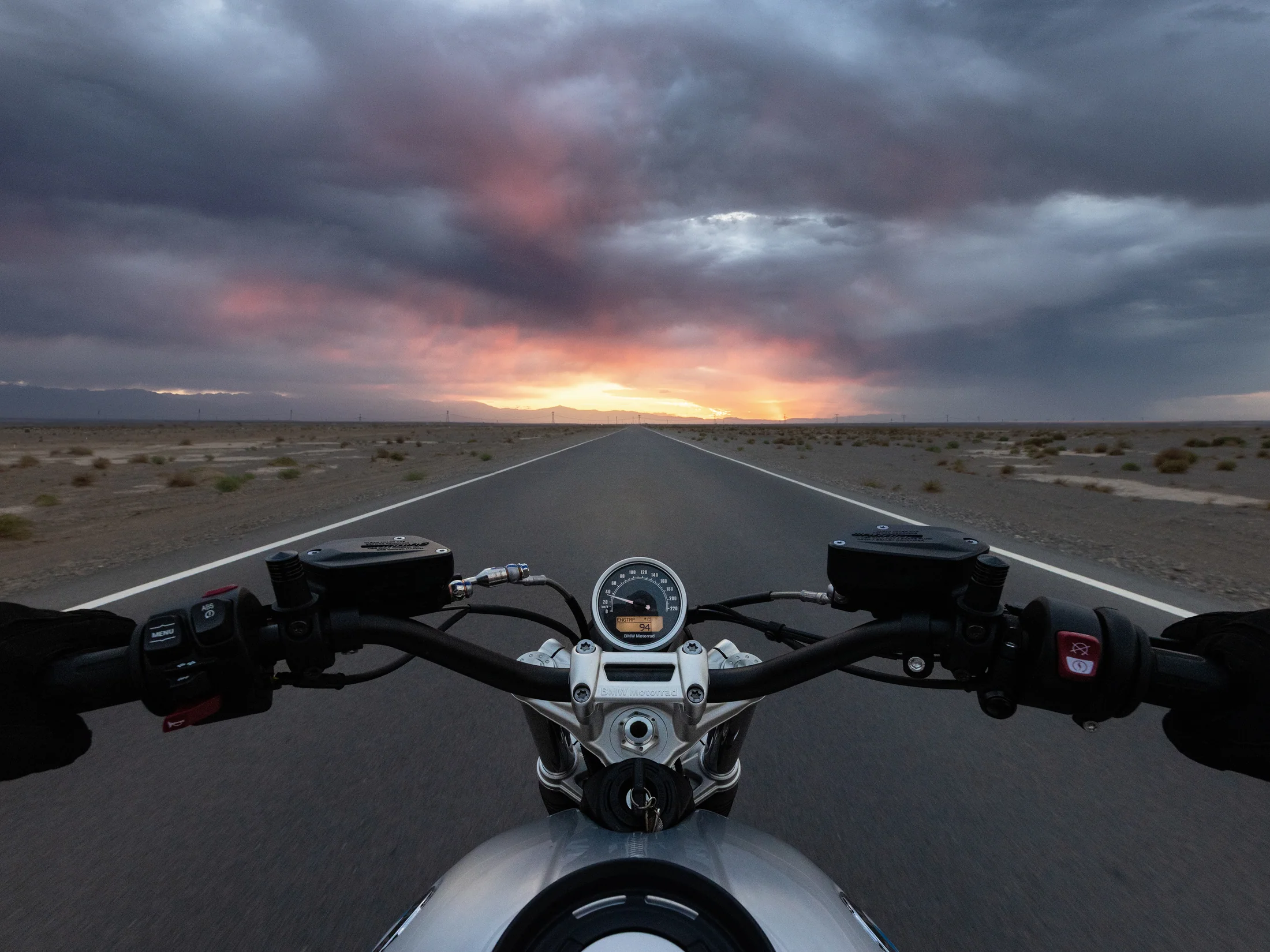
Choose the master format before the performance.
Native 9:16 gives the operator the clearest vertical composition. A square master can preserve flexibility, but it does not guarantee that every wide gesture, product, or second person will survive every crop. Decide which delivery is primary and frame for it.
- Mark a vertical-safe performance zone on the monitor.
- Reserve lower-frame space for captions and platform controls.
- Keep important props away from the far edges.
- Record a clean opening and closing with no movement through the crop boundary.
- Review one vertical export before striking the set.
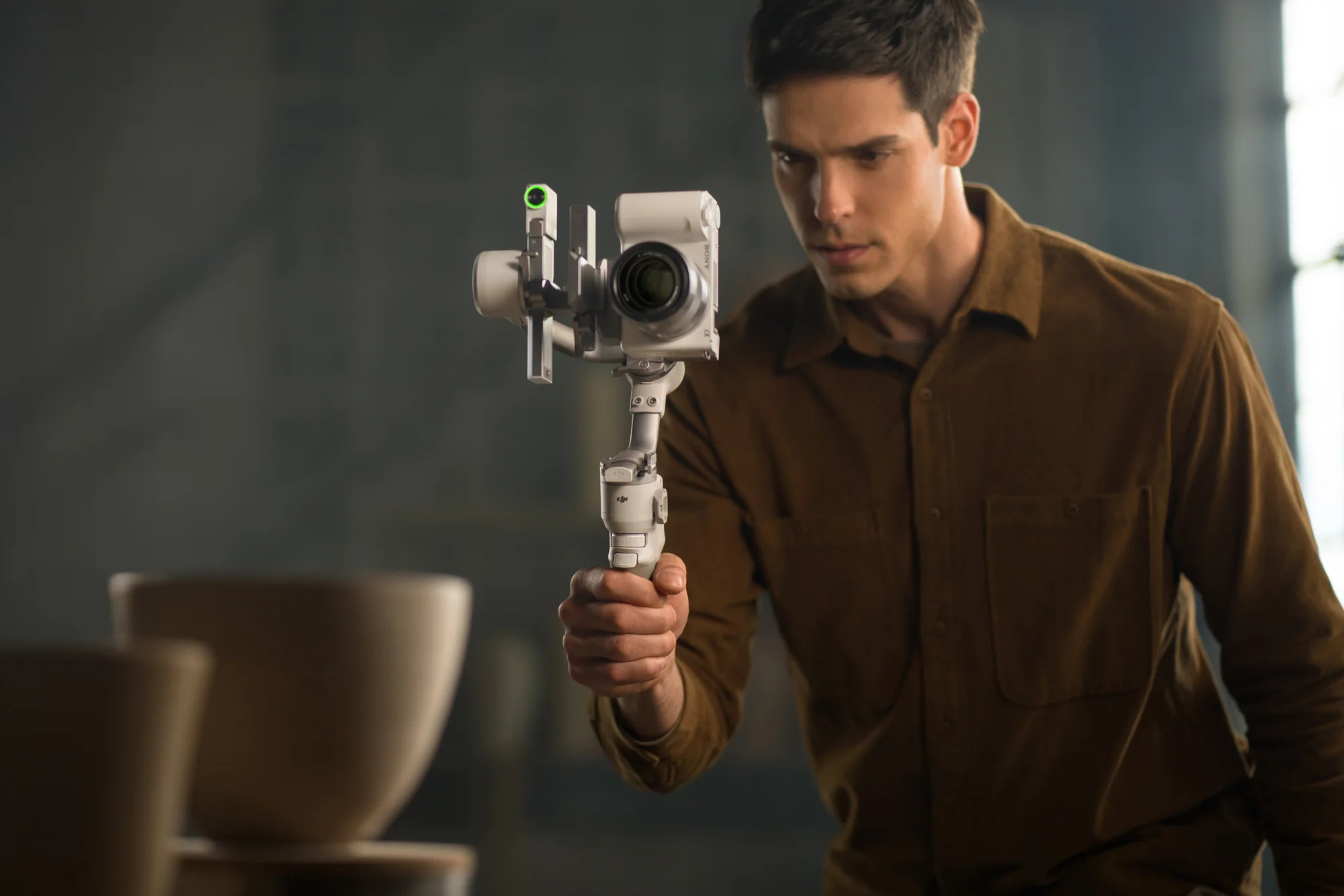
Give the edit a hook, proof, and action.
- Hook: state the problem or show the result in the first useful beat.
- Proof: demonstrate one visible process, comparison, or outcome.
- Context: explain only what the viewer needs to understand the proof.
- Action: name the next step clearly and record it as a clean pickup.
- B-roll: capture hands, product, screen, environment, and reaction for every edit point.
Captions cover the product.
Move the product or subject into a known safe zone; do not solve every collision by shrinking the frame.
Tracking follows a gesture out of crop.
Tighten the marked performance zone and rehearse the widest gesture before recording.
Use settings that match the delivery job.
- Talking segment: 4K at 24 or 30 fps, locked white balance, stable exposure, and a natural shutter target.
- Demonstration or movement: 4K/60 when the edit needs slow-down or clearer action.
- Flexible Action 6 master: 4K Custom square up to 60 fps where supported.
- Colour: use a standard profile for fast delivery; use D-Log M only with a planned transform and grade.
Sources and verification.
This guide summarizes published manufacturer capabilities and Canadian aviation or privacy context, then adapts them into a practical production method. It does not reproduce the source articles and is not legal advice.
Verify before the take
- Current product compatibility, included items, firmware, and availability.
- Exact location, land or venue permission, people, privacy, weather, and operational rules.
- A recorded camera and sound test under the real conditions.