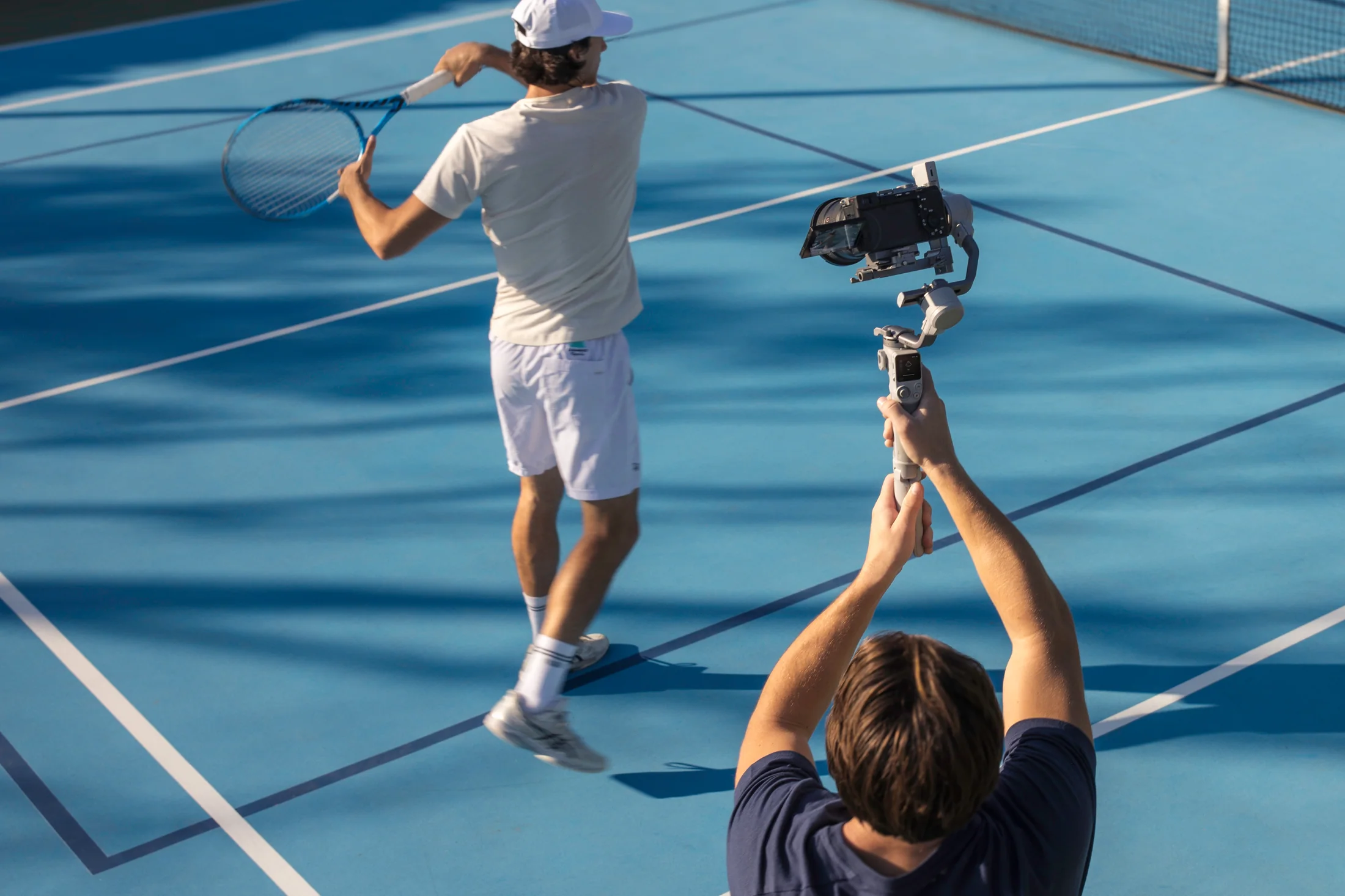
Build the frame before turning tracking on.
- Choose the delivery crop and leave safe room around the subject.
- Separate the subject from the background with distance, contrast, and controlled light.
- Mark the nearest, farthest, left, and right performance positions.
- Remove mirrors, moving screens, bright windows, and crossing traffic from the tracking field.
- Record a static master frame before adding automated movement.
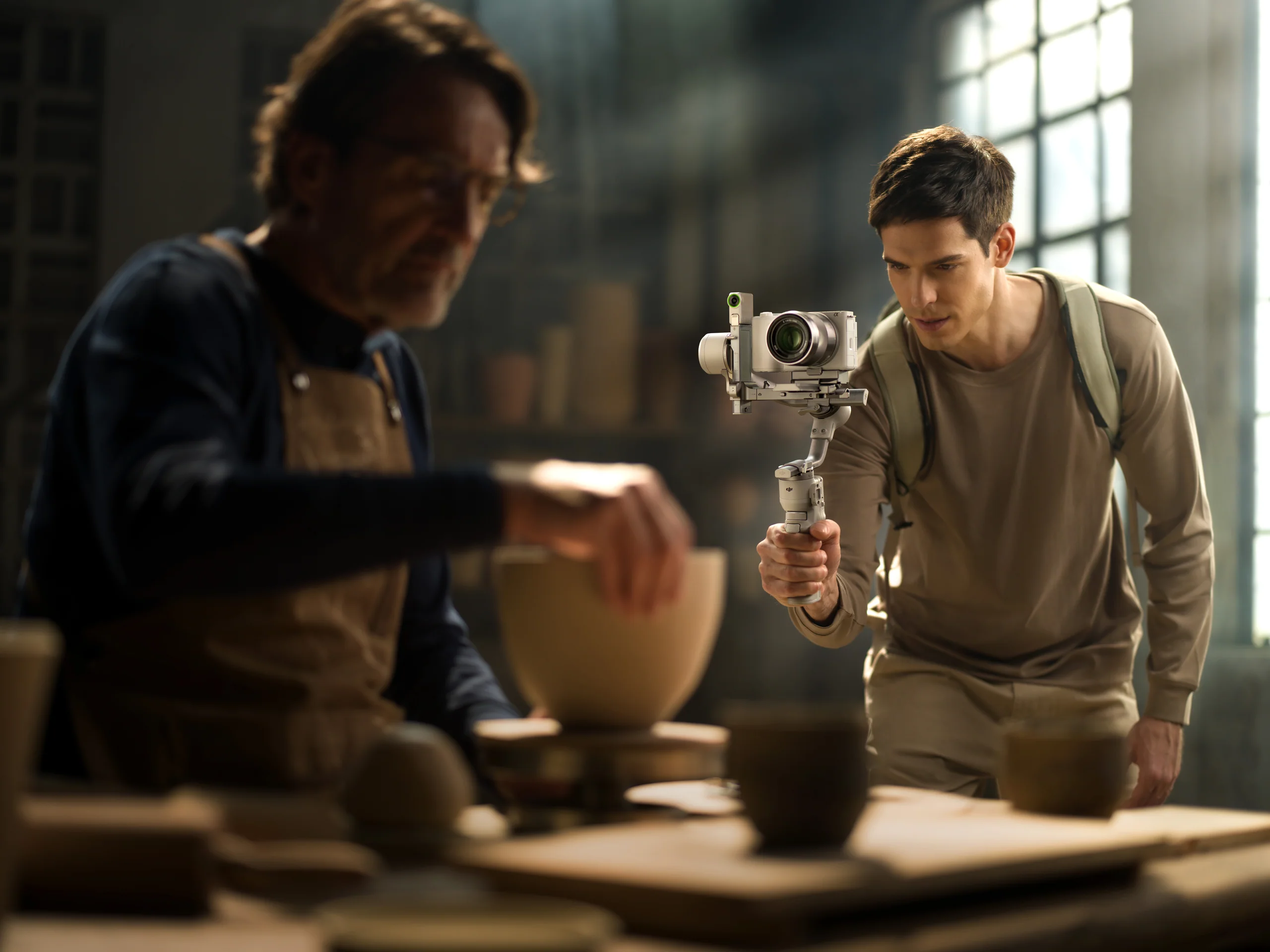
Use the tracking module inside its published envelope.
DJI describes the RS Intelligent Tracking Module as supporting human tracking from about 0.5 to 10 metres in environments above 20 lux. Gesture controls can start or stop tracking and recording on compatible setups. Rehearse those gestures and keep a direct way to stop the camera.
The frame hunts.
Increase subject/background separation, reduce competing faces or screens, and slow the move.
The camera loses the subject at the edge.
Move the performance marks inward or widen the lens; do not rely on a last-second pan.
The vertical setup is unbalanced.
Rebalance after changing orientation, lens, phone, cable, filter, or accessory.
Record the performance in recoverable layers.
- Ten seconds of room tone and a clean empty frame.
- One complete static or lightly tracked master take.
- A second take with the planned movement marks.
- Close-ups of hands, product, screen, or process.
- A clean pickup of the opening, CTA, and any line that carries a cut.
Sources and verification.
This guide summarizes published manufacturer capabilities and Canadian aviation or privacy context, then adapts them into a practical production method. It does not reproduce the source articles and is not legal advice.
Verify before the take
- Current product compatibility, included items, firmware, and availability.
- Exact location, land or venue permission, people, privacy, weather, and operational rules.
- A recorded camera and sound test under the real conditions.